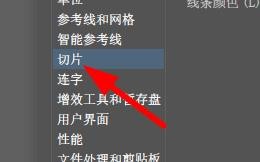
1、首先,我们在Illustrator软件中找到切片选项。
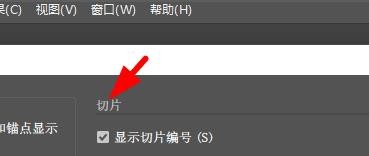
2、然后,我们就能在这里切片属性。
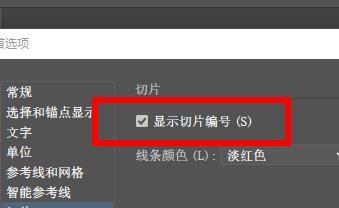
3、此时,我们就能在这里显示切片编号。
4、因此,我们就能在这里设置他的线条颜色的属性。
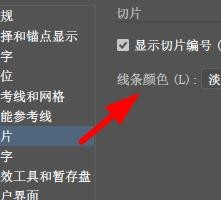
5、这个时候,我们就能看到默认为淡红色。
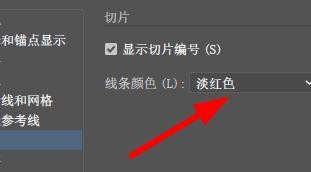
6、于是我们也能够在这里设置为其他的颜色。

时间:2026-04-23 12:30:44
1、首先,我们在Illustrator软件中找到切片选项。
2、然后,我们就能在这里切片属性。
3、此时,我们就能在这里显示切片编号。
4、因此,我们就能在这里设置他的线条颜色的属性。
5、这个时候,我们就能看到默认为淡红色。
6、于是我们也能够在这里设置为其他的颜色。
