1、首先,我们找到软件的基本单位选项。

2、然后,我们就能在这里设置他的单位。

3、此时,我们就能在这里设置他的常规选项。
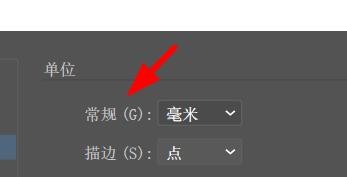
4、因此,我们就能在这里看到默认为毫米。

5、这时候,我们就能在这里点击下拉更改。
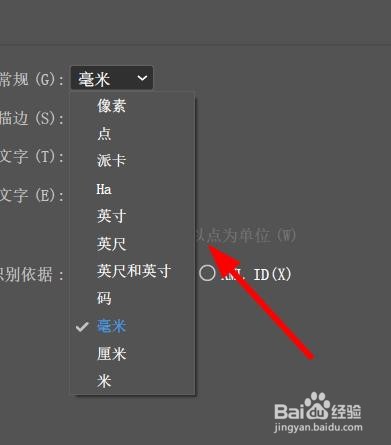
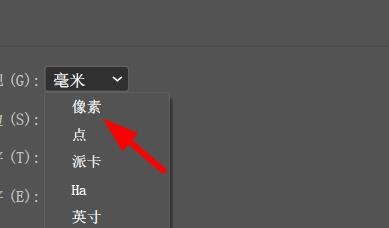
6、例如,我们做网页的时候就可以选择像素属性。
时间:2026-04-22 11:29:25
1、首先,我们找到软件的基本单位选项。
2、然后,我们就能在这里设置他的单位。
3、此时,我们就能在这里设置他的常规选项。
4、因此,我们就能在这里看到默认为毫米。
5、这时候,我们就能在这里点击下拉更改。
6、例如,我们做网页的时候就可以选择像素属性。
