1、新建一个 RGB 文档,选择黑色为底色,打上一层黄色的文字,然后 Flatte Image

2、选择Filter-Destort-polar coordinates,选择 Polar to Rectangular --看上去有点怪怪的
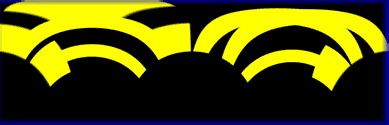
3、使用 Image-Rotate Canvas-90°CW,图像被顺时针旋转90°然后使用 Filter - Stylize - Wind,置Method为Wind,Direction 为 From the left。完成后按 Ctrl+F 重做一次 Wind 操作。
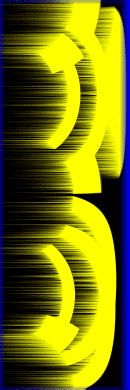
4、再次选择Filter-Destort-polar coordinates,这次将使用 Rectangular to Polar 。如果没什么差错,应该看起来像这样