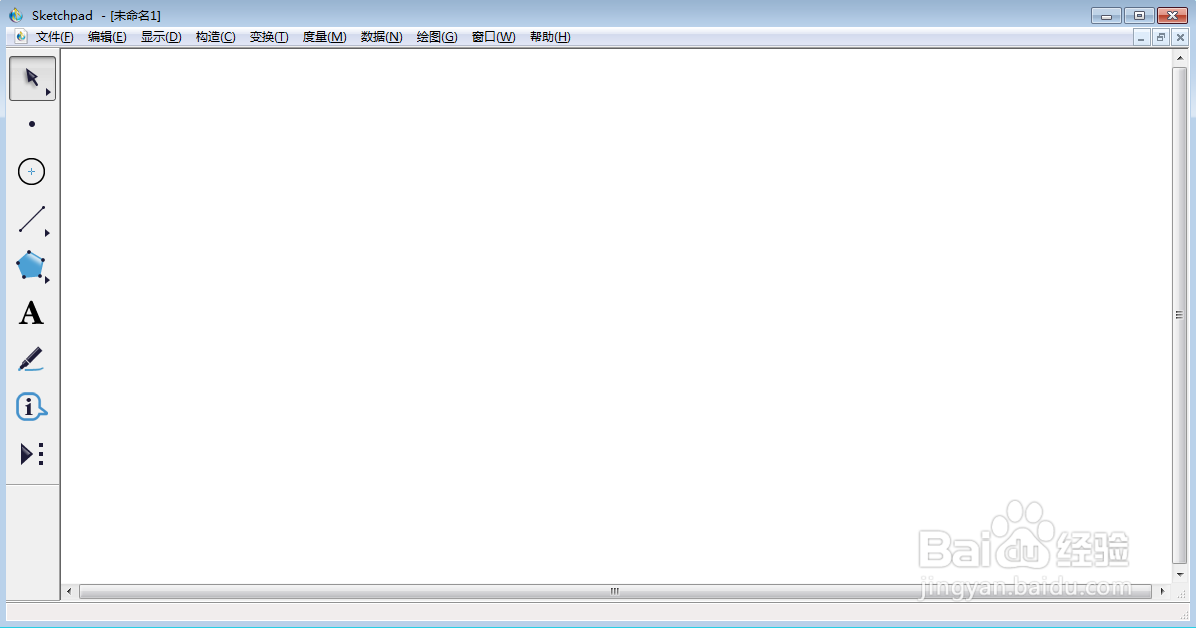
1、打开sketchpad,进入其主界面;
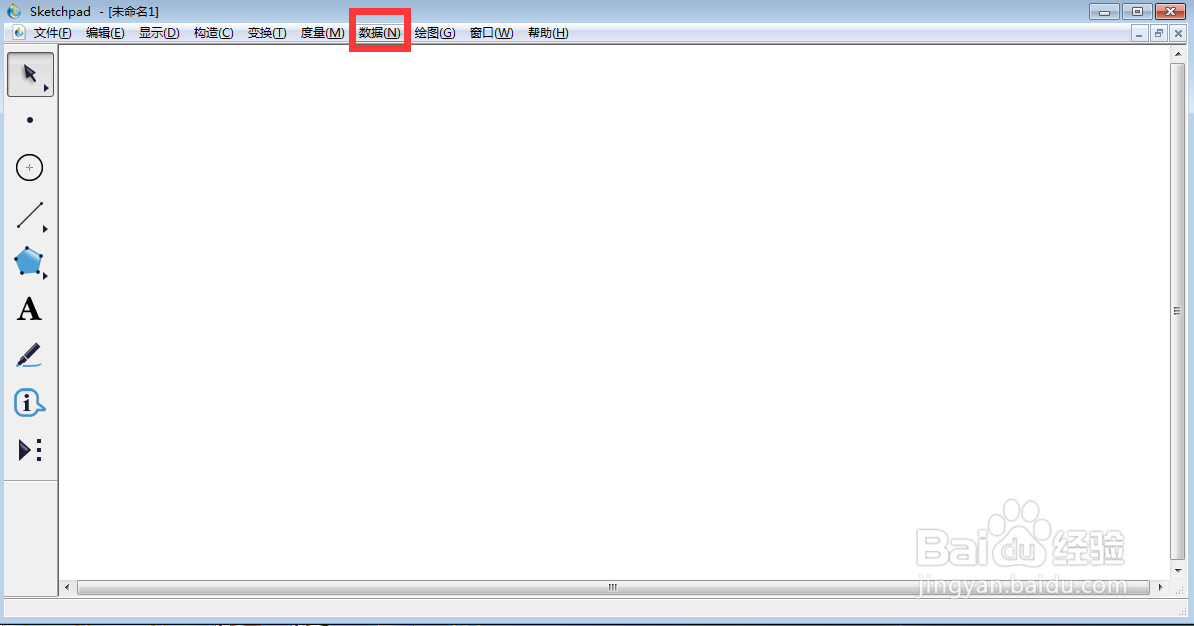
2、点击数据菜单;
3、选择新建函数;

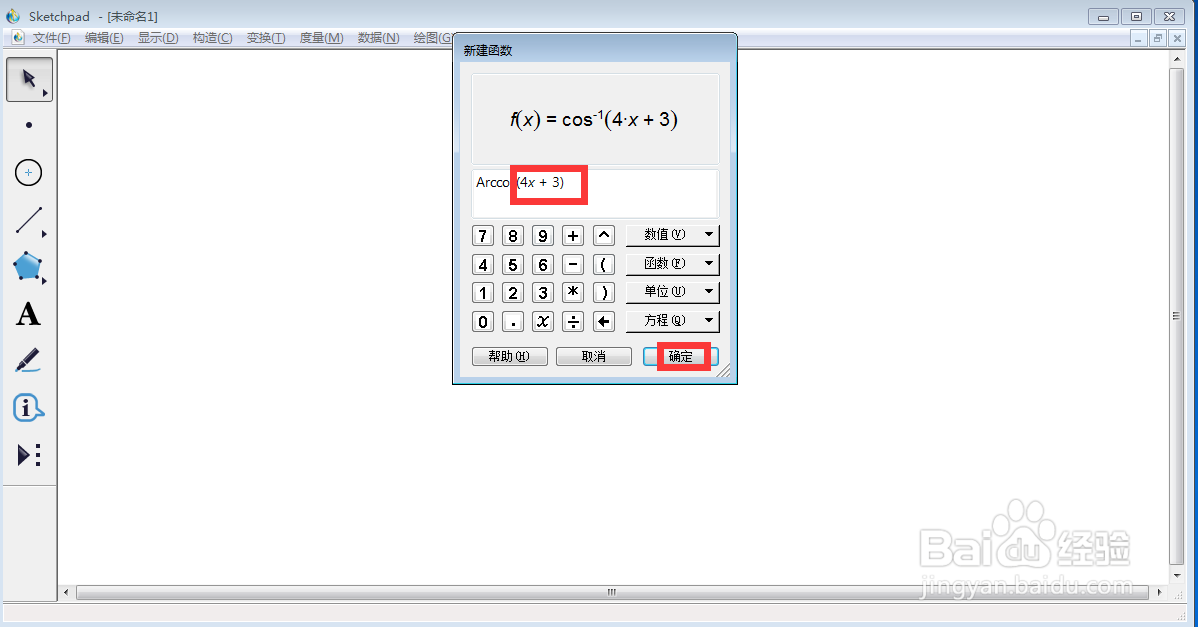
4、点击函数下面的反余函数arccos;

5、输入4x+3,按确定;
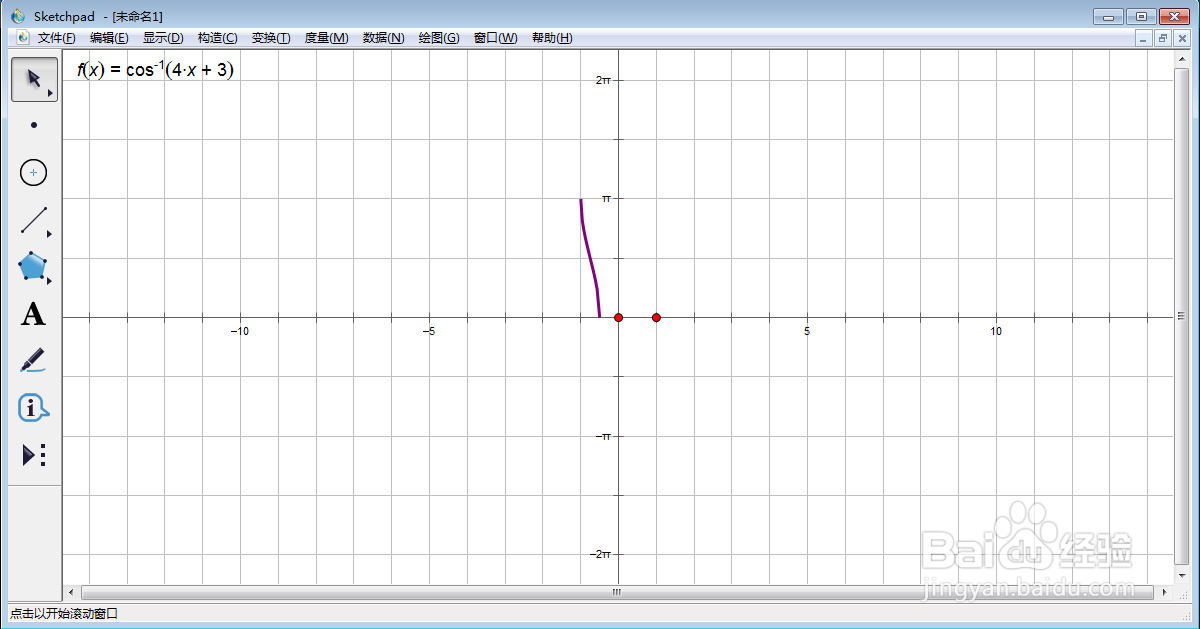
6、创建好了f(x)=arccos(4x+3)函数,点击绘图,选择绘制新函数;
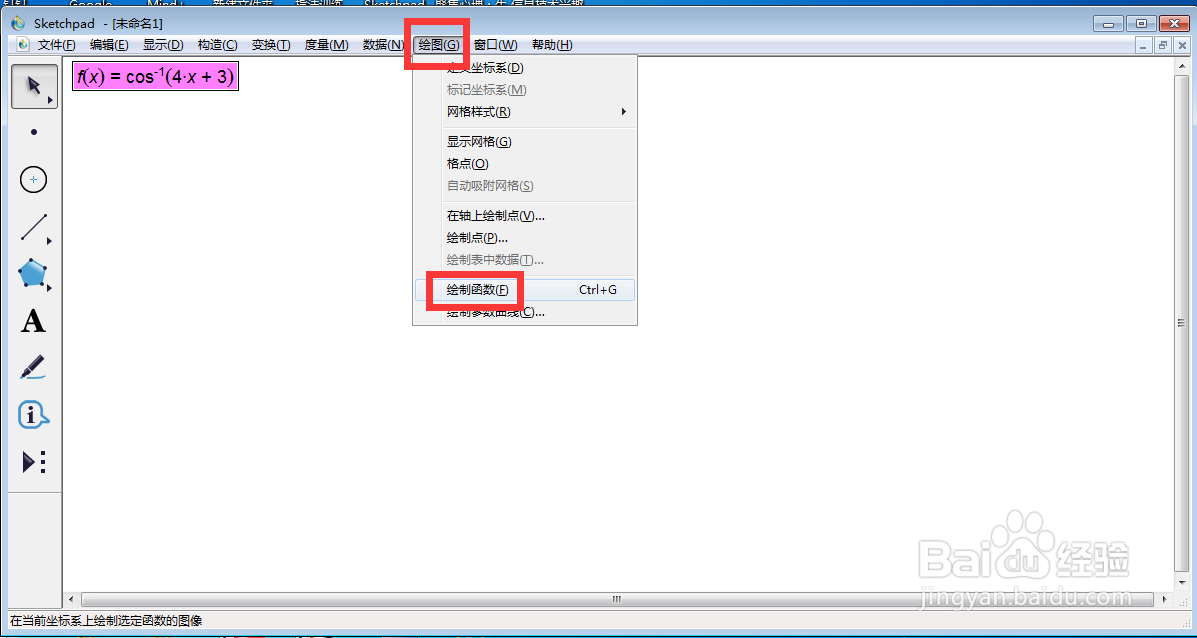
7、我们就创建好了f(x)=arccos(4x+3)函数及其图像。
时间:2026-05-03 02:02:09
1、打开sketchpad,进入其主界面;
2、点击数据菜单;
3、选择新建函数;
4、点击函数下面的反余函数arccos;
5、输入4x+3,按确定;
6、创建好了f(x)=arccos(4x+3)函数,点击绘图,选择绘制新函数;
7、我们就创建好了f(x)=arccos(4x+3)函数及其图像。
