【Mathematica】Graphics和Image的一些区别

 时间:2026-02-15 15:54:39

1、先画图:

a={0., 0.0833333, 0.166667, 0.333333, 0.5, 0.666667, 0.833333, 1};
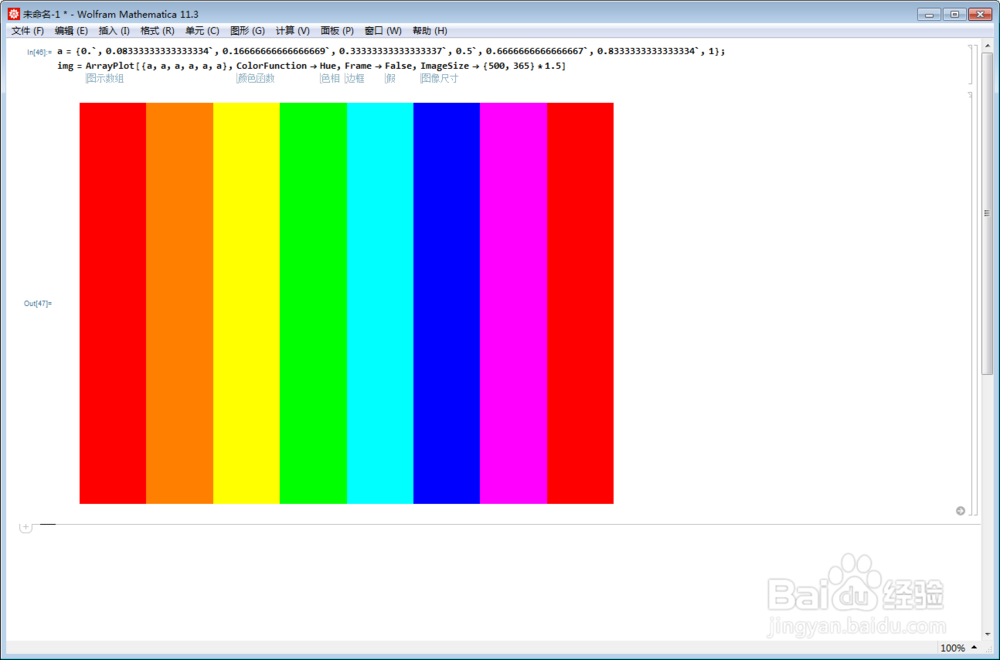
【Mathematica】Graphics和Image的一些区别

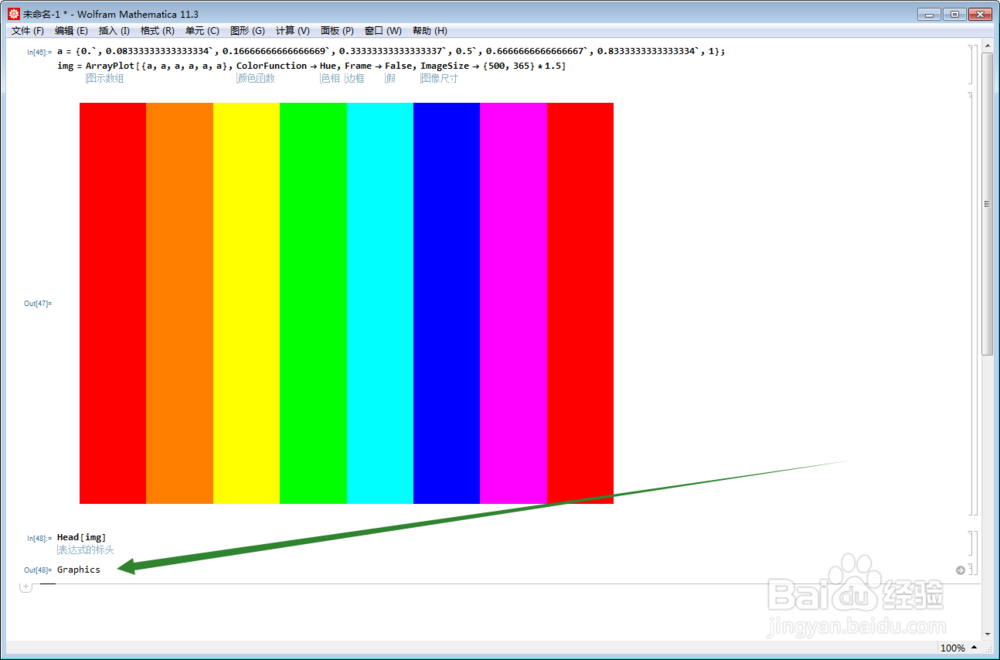
2、看看img是什么:

Head[img]

发现img是Graphics。
【Mathematica】Graphics和Image的一些区别

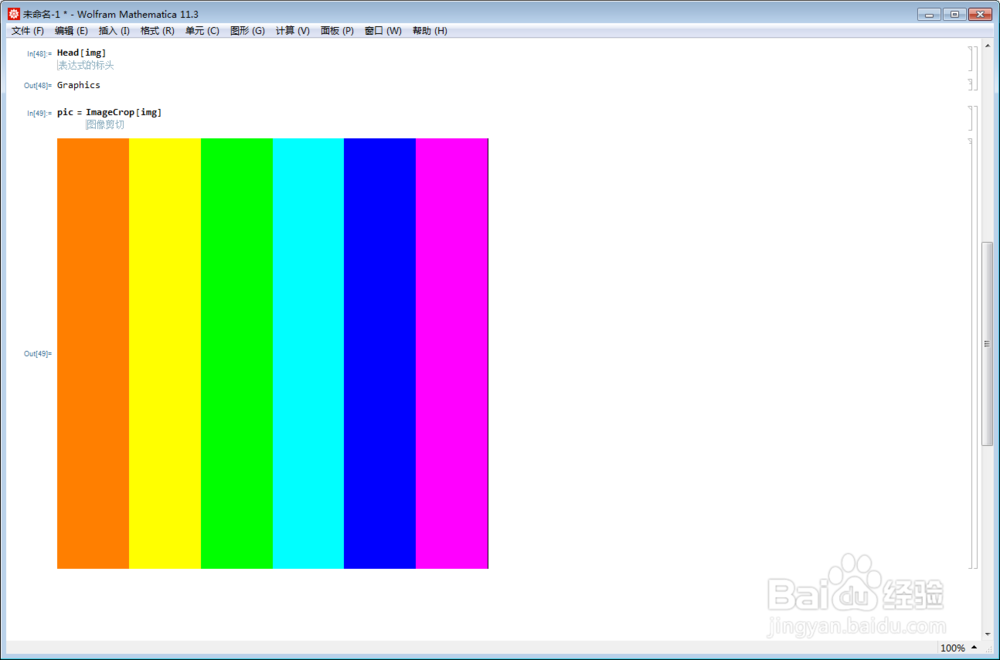
3、再操作一下:

pic = ImageCrop[img]

【Mathematica】Graphics和Image的一些区别

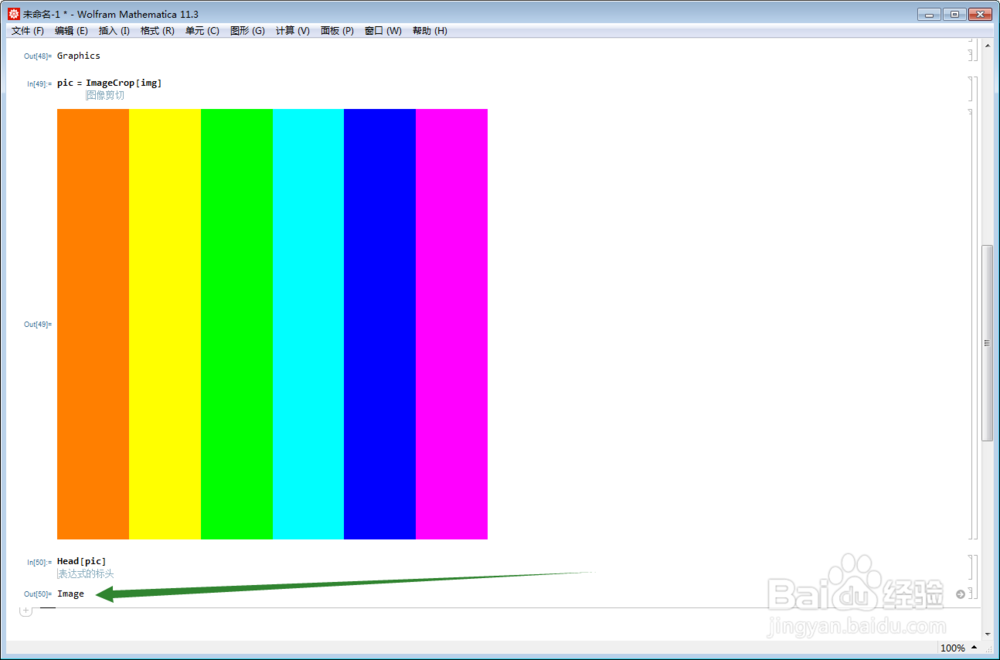
4、pic是什么?

Head[pic]

pic是Image。

【Mathematica】Graphics和Image的一些区别

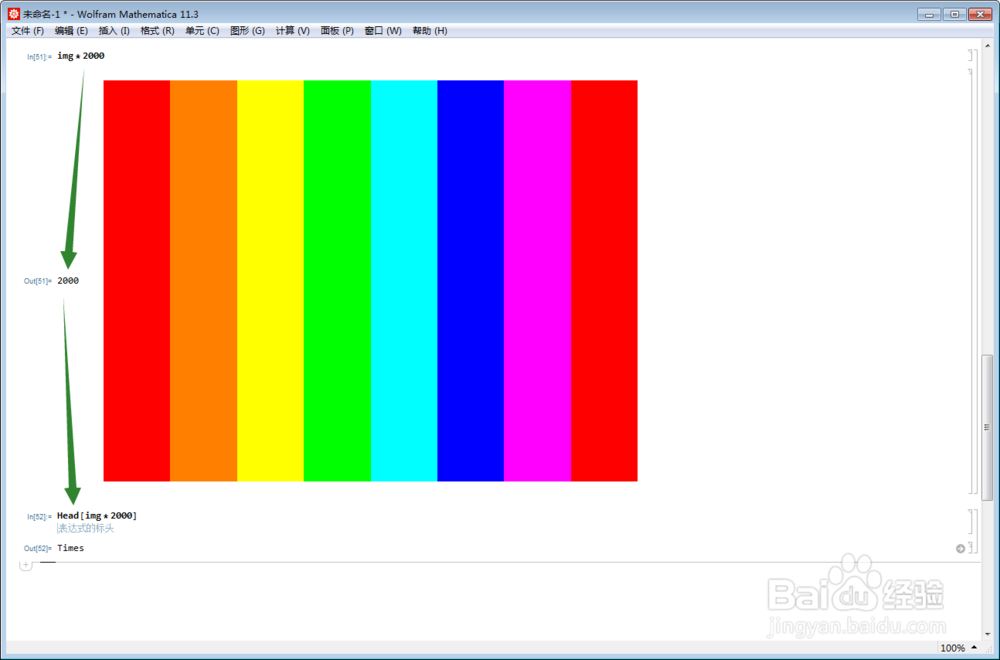
5、img是Graphics,那么,img乘以一个正整数,效果如下:

img*2000
【Mathematica】Graphics和Image的一些区别

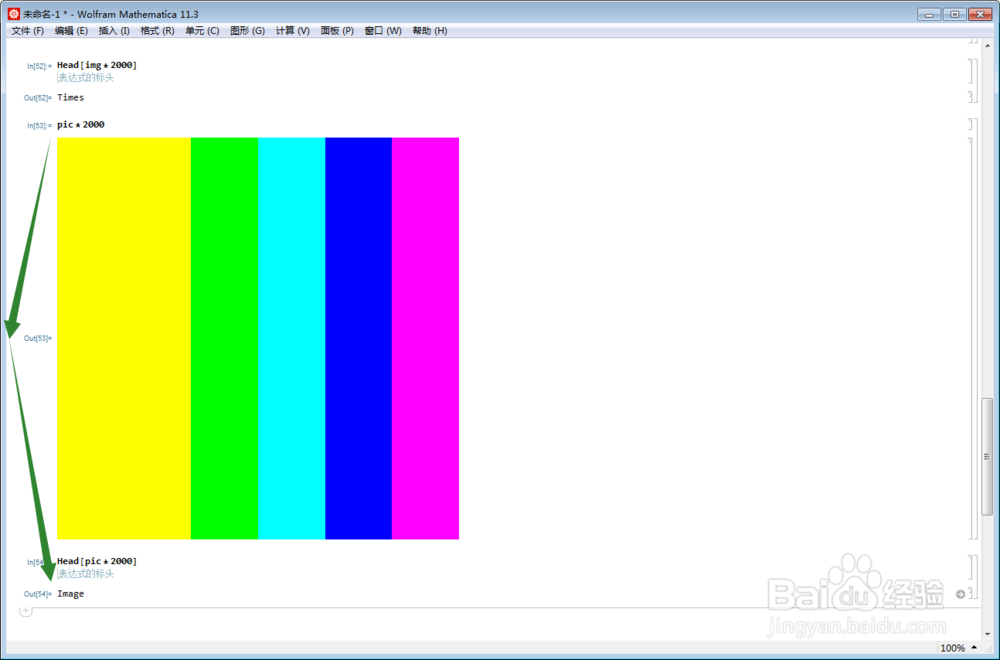
6、pic是Image,它乘以一个正整数,会怎么样呢?

pic*2000

【Mathematica】Graphics和Image的一些区别

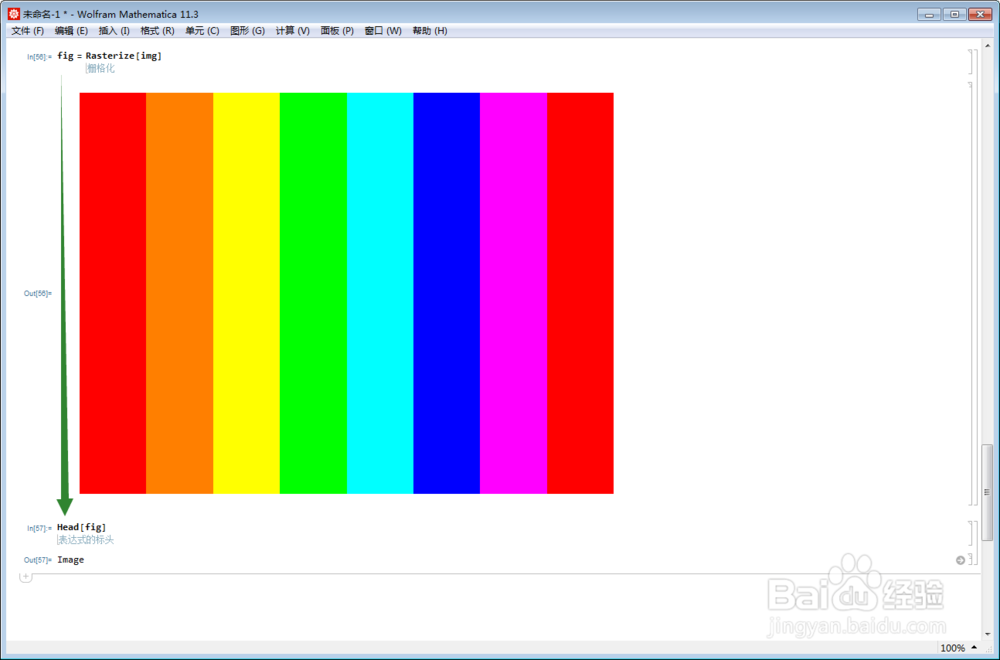
7、Graphics经过栅格化,可以变成Image:

【Mathematica】Graphics和Image的一些区别

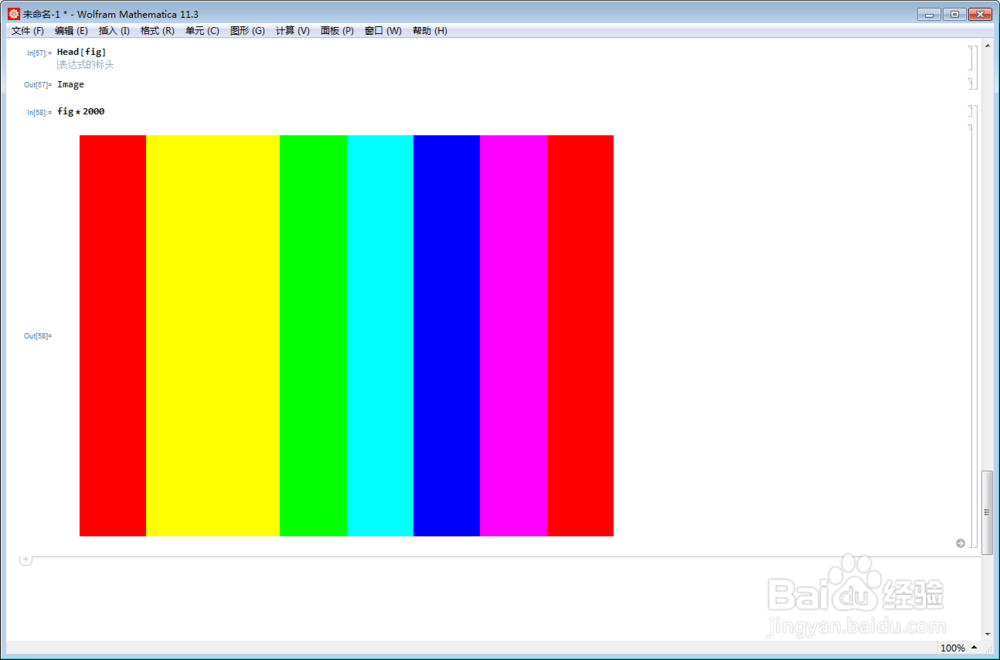
8、对fig进行倍数运算:

fig*2000

【Mathematica】Graphics和Image的一些区别

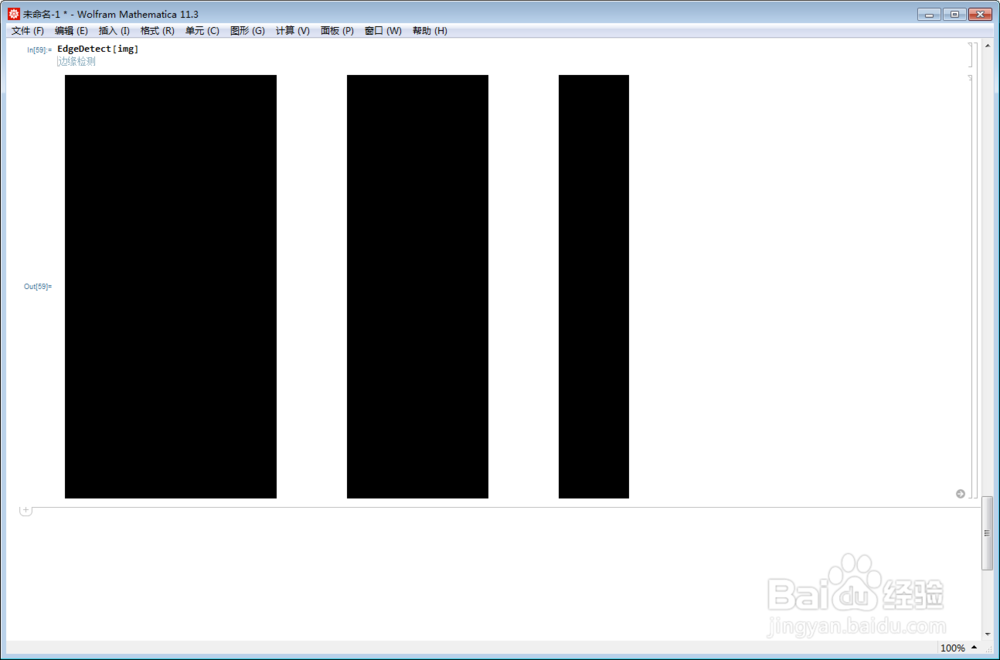
9、检测img的边界:

【Mathematica】Graphics和Image的一些区别

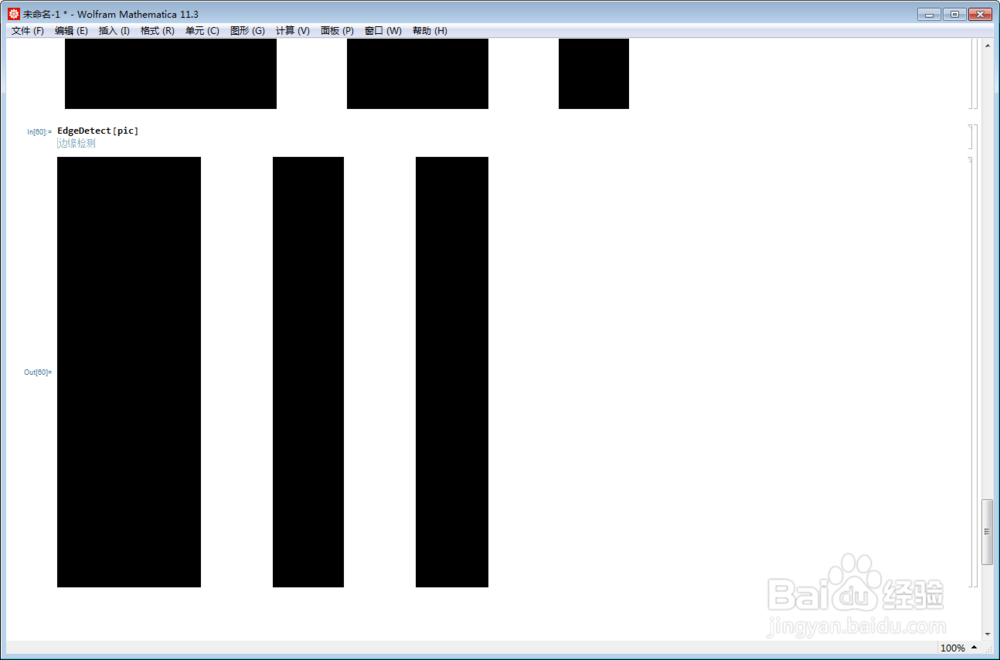
10、检测pic的边界:

EdgeDetect[pic]

【Mathematica】Graphics和Image的一些区别

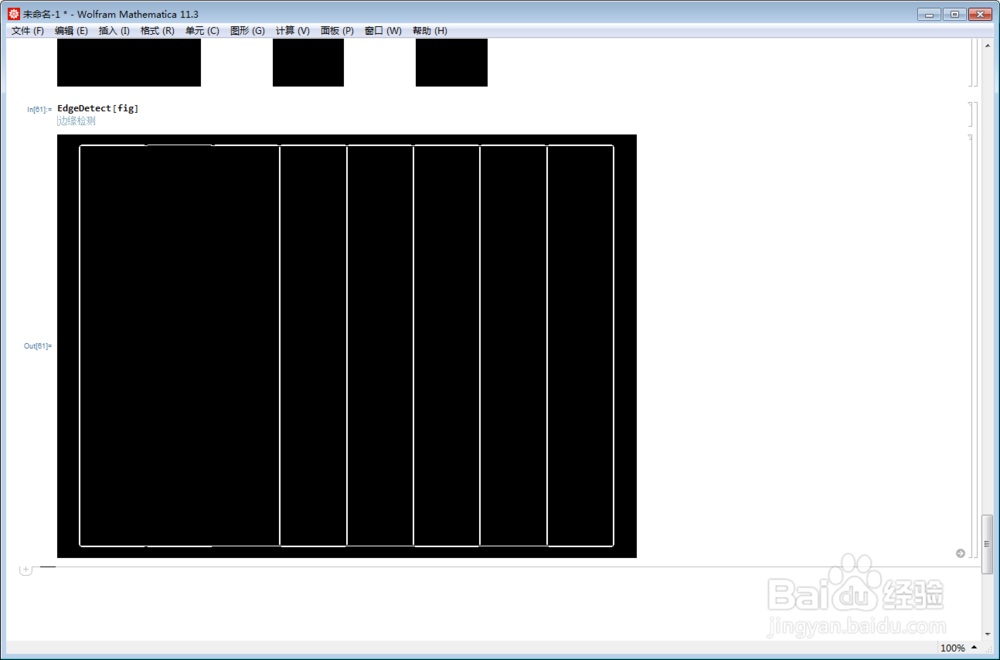
11、与fig的边界图对比一下:

EdgeDetect[fig]

【Mathematica】Graphics和Image的一些区别

  • PS CameraRaw滤镜污点修复画笔保护纹理更加自然
  • Photoshop怎么关闭使用旧版新建文档界面
  • 用photoshop怎么制作星空图像?
  • PS如何使人物匹配更换后的背景颜色?
  • PS中滤镜模糊“径向模糊”怎么用?
  • 热门搜索
    如何上好一节课 pp租车怎么样 图层混合模式在哪里 如何瘦小腹 路由器连接方法 广州市旅游局 word如何制作目录 刚才哪里地震了 win7怎么打开运行 港澳台通行证怎么办