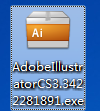
1、双击运行adobeillustratorcs3安装包
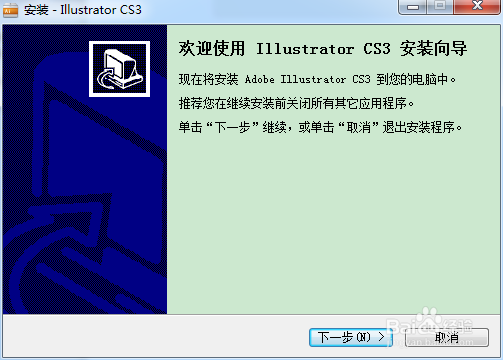
2、选择“下一步”
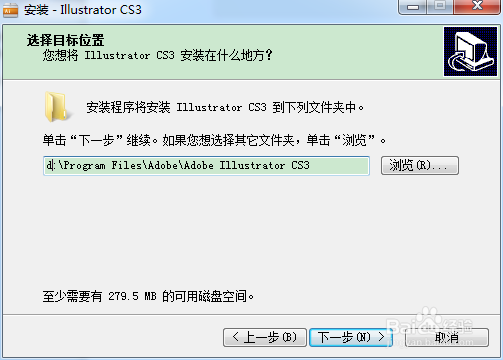
3、选择安装路径后选择“下一步”
4、选择是否创建开始菜单,选择“下一步”

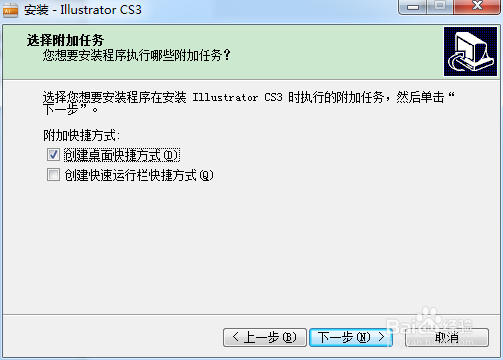
5、选择是否创建桌面快捷方式,选择“下一步”
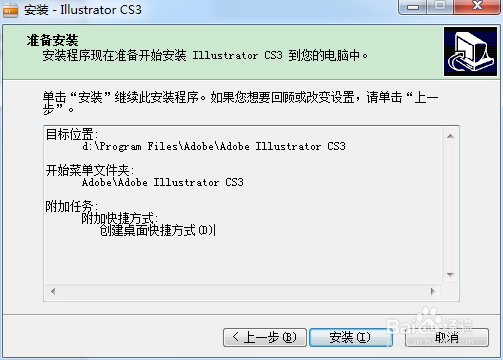
6、准备安装确认,选择“安装”
7、软件开始安装,稍等片刻

8、最后安装完成了,直接点“完成”就好了

时间:2026-04-23 06:42:07
1、双击运行adobeillustratorcs3安装包
2、选择“下一步”
3、选择安装路径后选择“下一步”
4、选择是否创建开始菜单,选择“下一步”
5、选择是否创建桌面快捷方式,选择“下一步”
6、准备安装确认,选择“安装”
7、软件开始安装,稍等片刻
8、最后安装完成了,直接点“完成”就好了
