PowerPoint2007如何插入八边形

 时间:2024-10-31 01:55:34

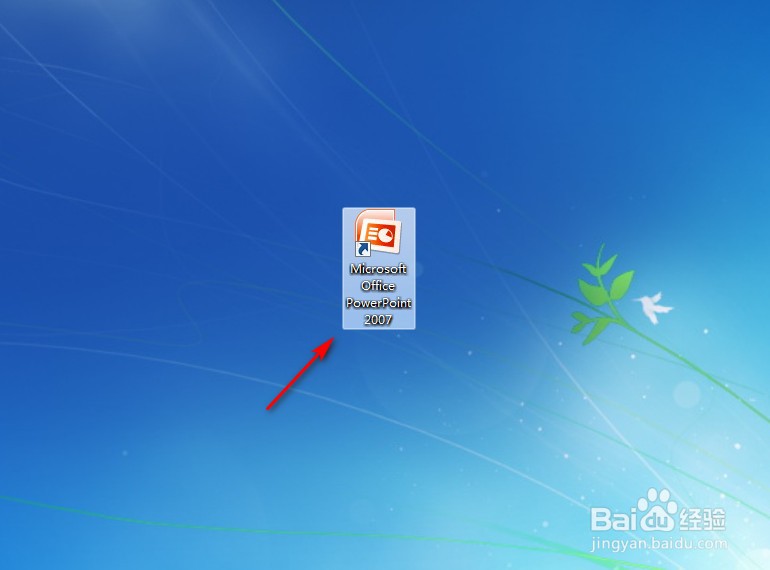
1、点击打开PowerPoint2007。

PowerPoint2007如何插入八边形

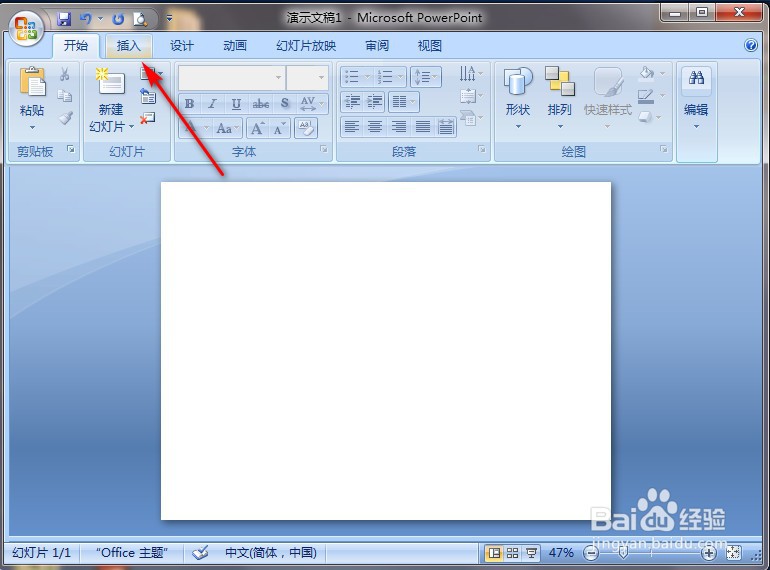
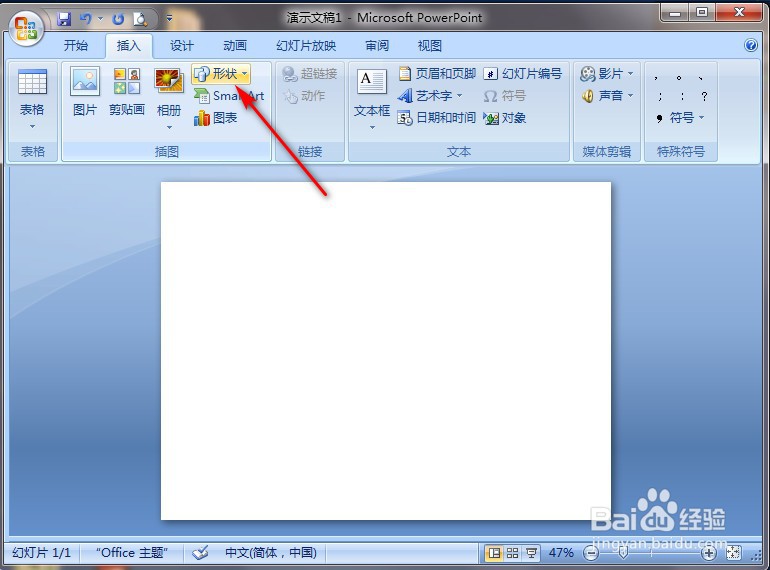
2、点击PowerPoint2007左上角“插入”。

PowerPoint2007如何插入八边形

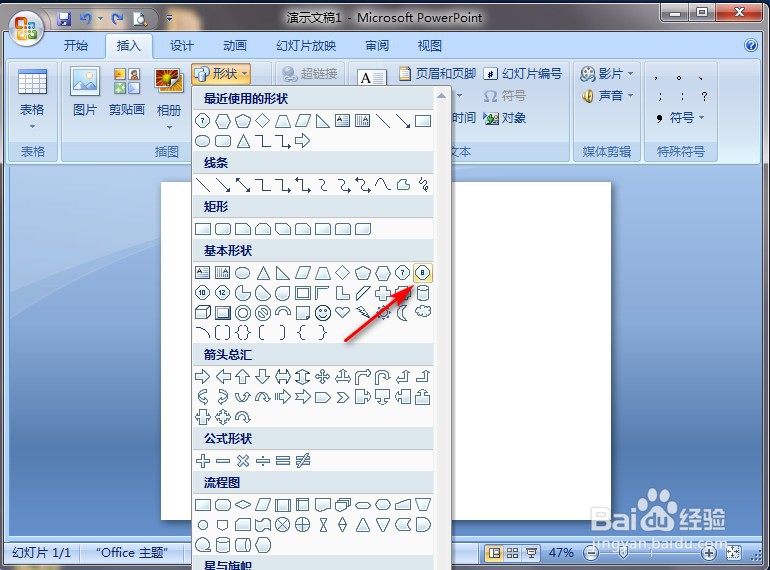
3、点击“形状”。

PowerPoint2007如何插入八边形

4、点击“八边形”图案。

PowerPoint2007如何插入八边形

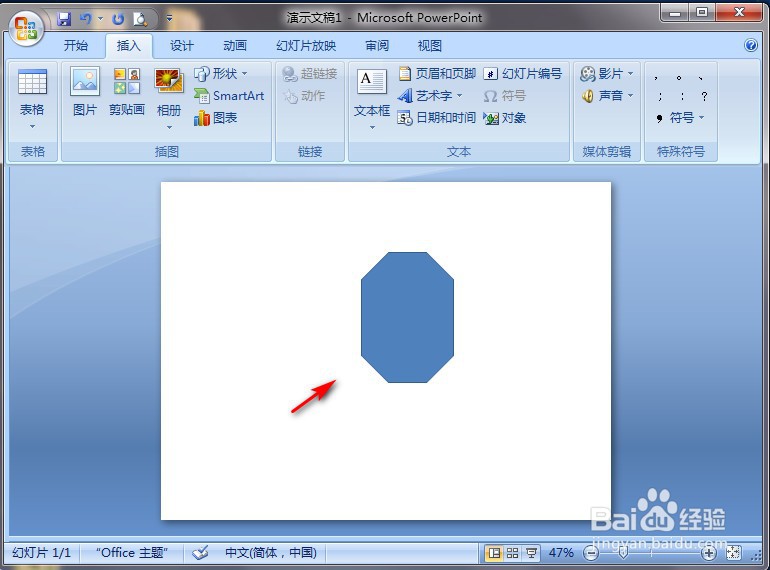
5、在PowerPoint2007空白处长按鼠标左键进行划拉,就完成了。
PowerPoint2007如何插入八边形
  • PowerPoint2007如何插入半闭框图案
  • PowerPoint2007如何插入对角圆角矩形
  • PowerPoint2007如何插入圆角矩形
  • PowerPoint2007如何插入同侧圆角矩形
  • PowerPoint2007如何插入帮助动作按钮图案
  • 热门搜索
    丰胸的最快方法 balloon怎么读音 猎聘网怎么样 手蜕皮怎么回事 提高记忆力的方法 健身用英语怎么说 笑话用英语怎么说 豆腐汤的做法大全家常 快速壮阳方法 去黑头最有效的方法