Excel中怎么插入护照3D模型

 时间:2026-02-17 01:06:11

1、打开Excel文档,点击【插入】,选择【3D模型】

Excel中怎么插入护照3D模型

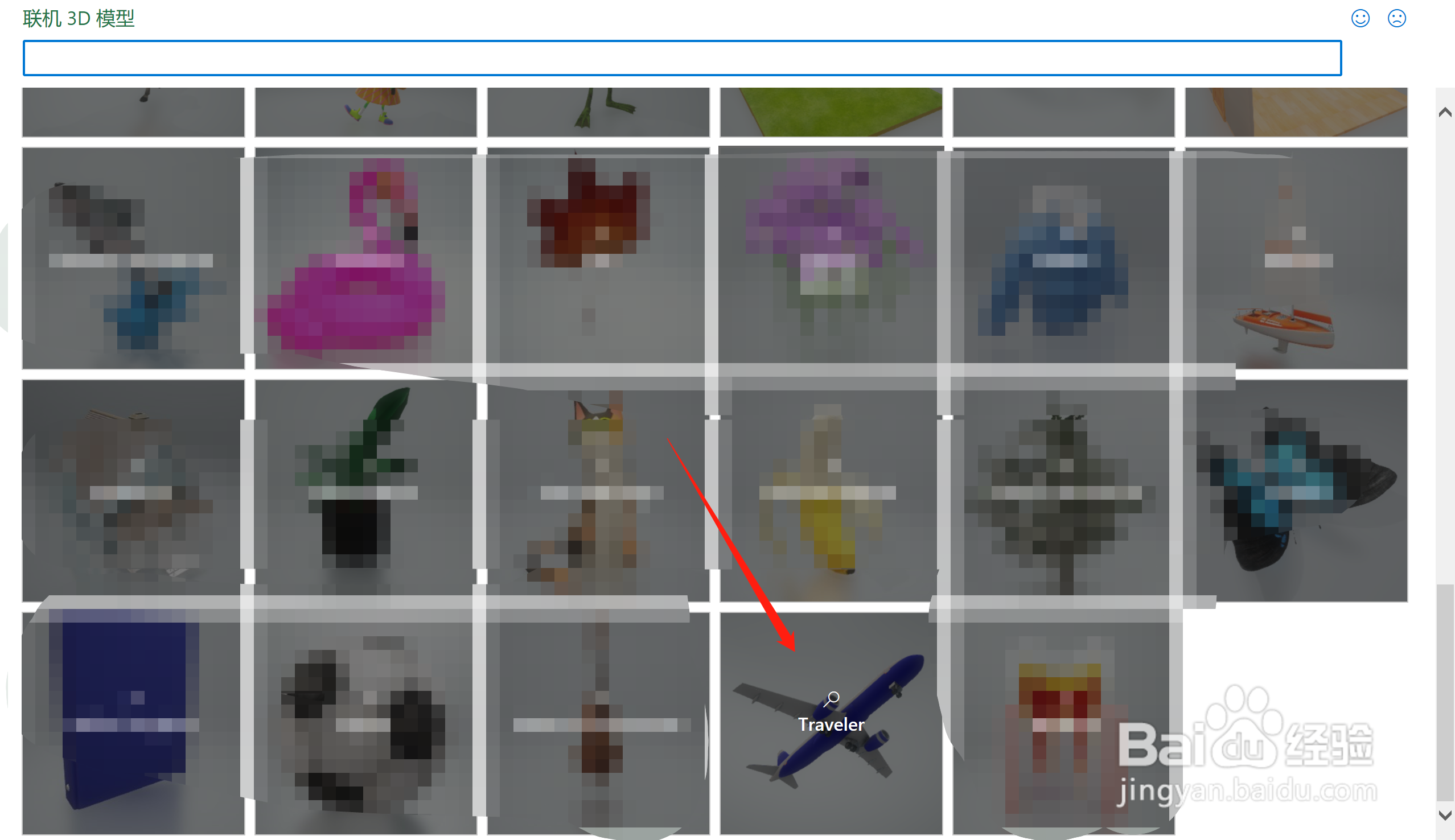
2、在【联机3D模型】中,找到【Traveler】,点击进入

Excel中怎么插入护照3D模型

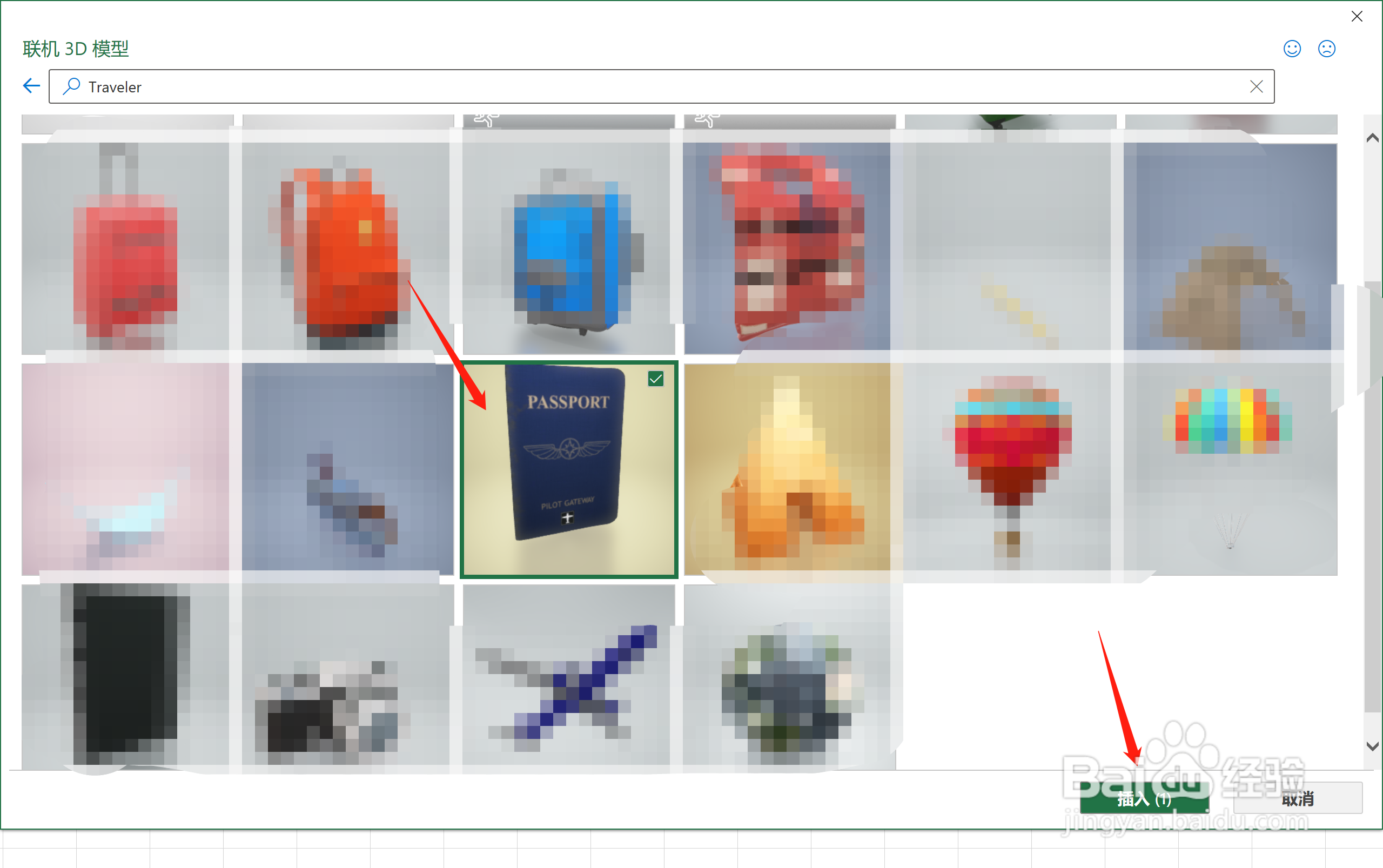
3、找到【护照】,点击【插入】

Excel中怎么插入护照3D模型

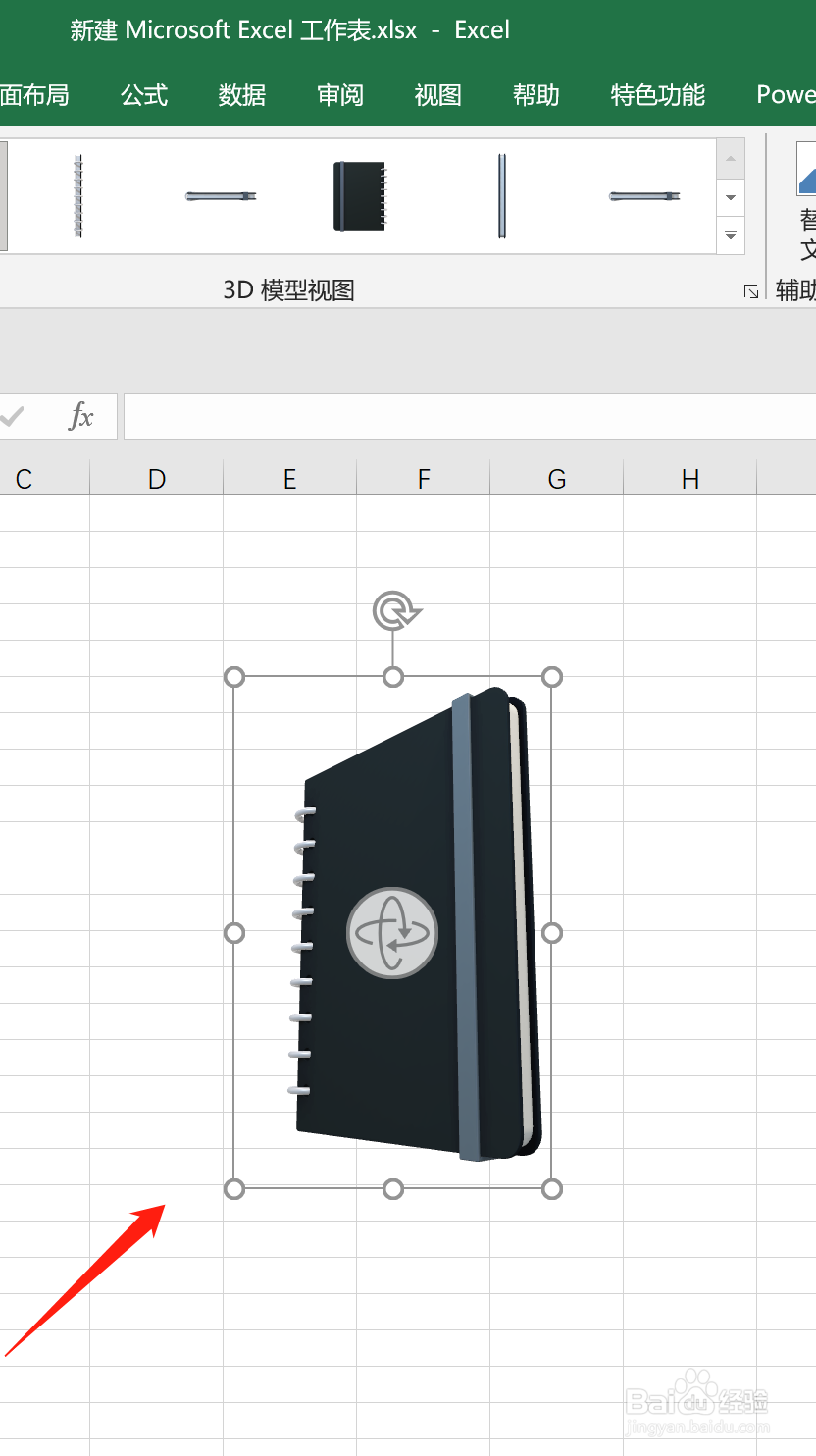
4、即可在Excel页面插入【护照3D模型】

Excel中怎么插入护照3D模型

  • Excel中怎么插入地球3D模型
  • Excel中怎么插入奖杯3D模型
  • Excel中怎么插入降落伞3D模型
  • Excel中怎么插入相机3D模型
  • Excel中怎么插入笔记本3D模型
  • 热门搜索
    鸡爪怎么烧简单又好吃 河蚌怎么做好吃 字谜大全一年级 金字塔图片大全 无线网密码怎么设置 股骨头坏死治疗方法 玉树的养殖方法和注意事项 寓言故事大全 香谱图解大全 ps怎么换颜色