Excel中怎么插入笔记本3D模型

 时间:2024-10-14 14:13:41

1、打开Excel文档,点击【插入】,选择【3D模型】

Excel中怎么插入笔记本3D模型

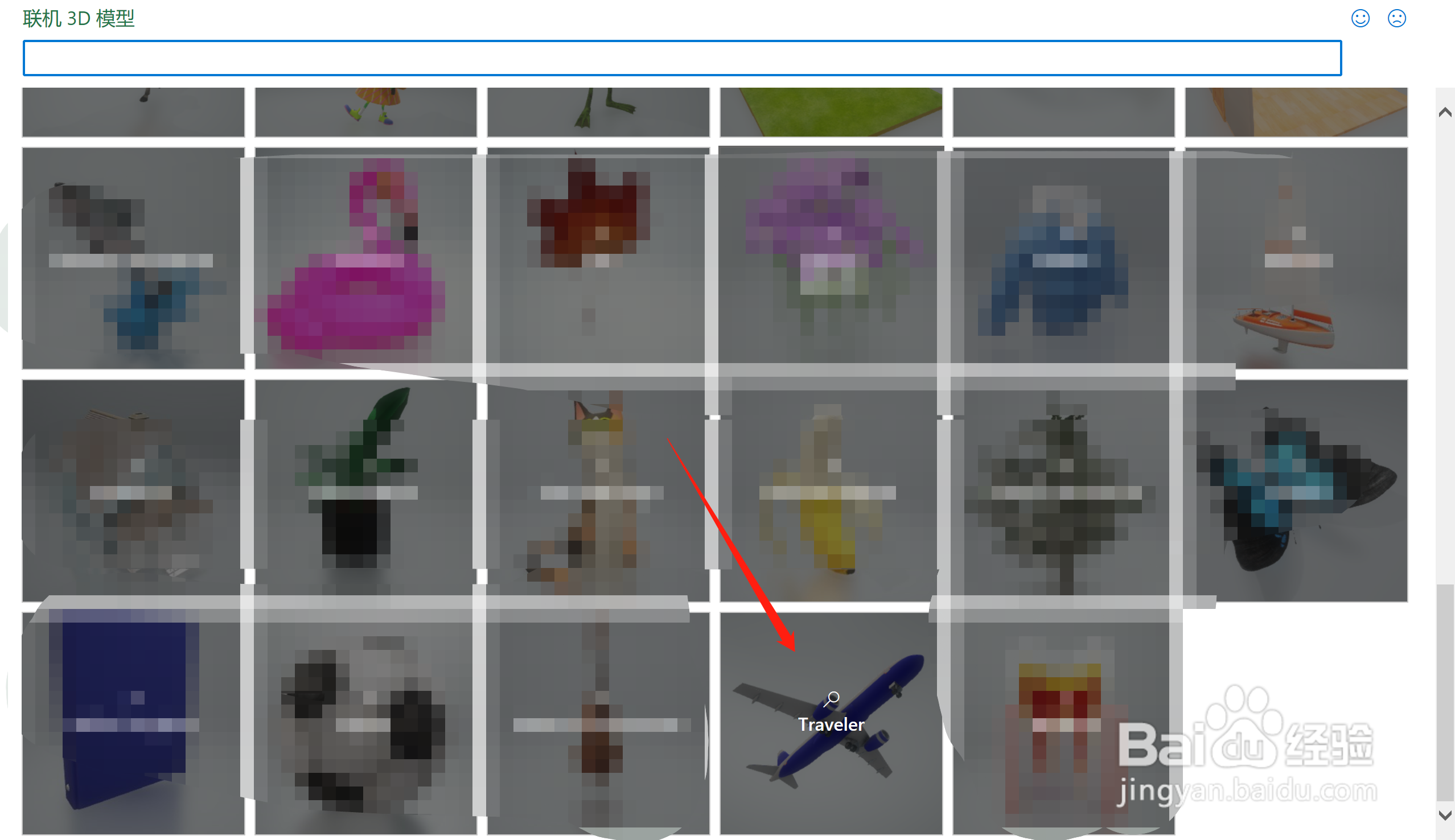
2、在【联机3D模型】中,找到【Traveler】,点击进入

Excel中怎么插入笔记本3D模型

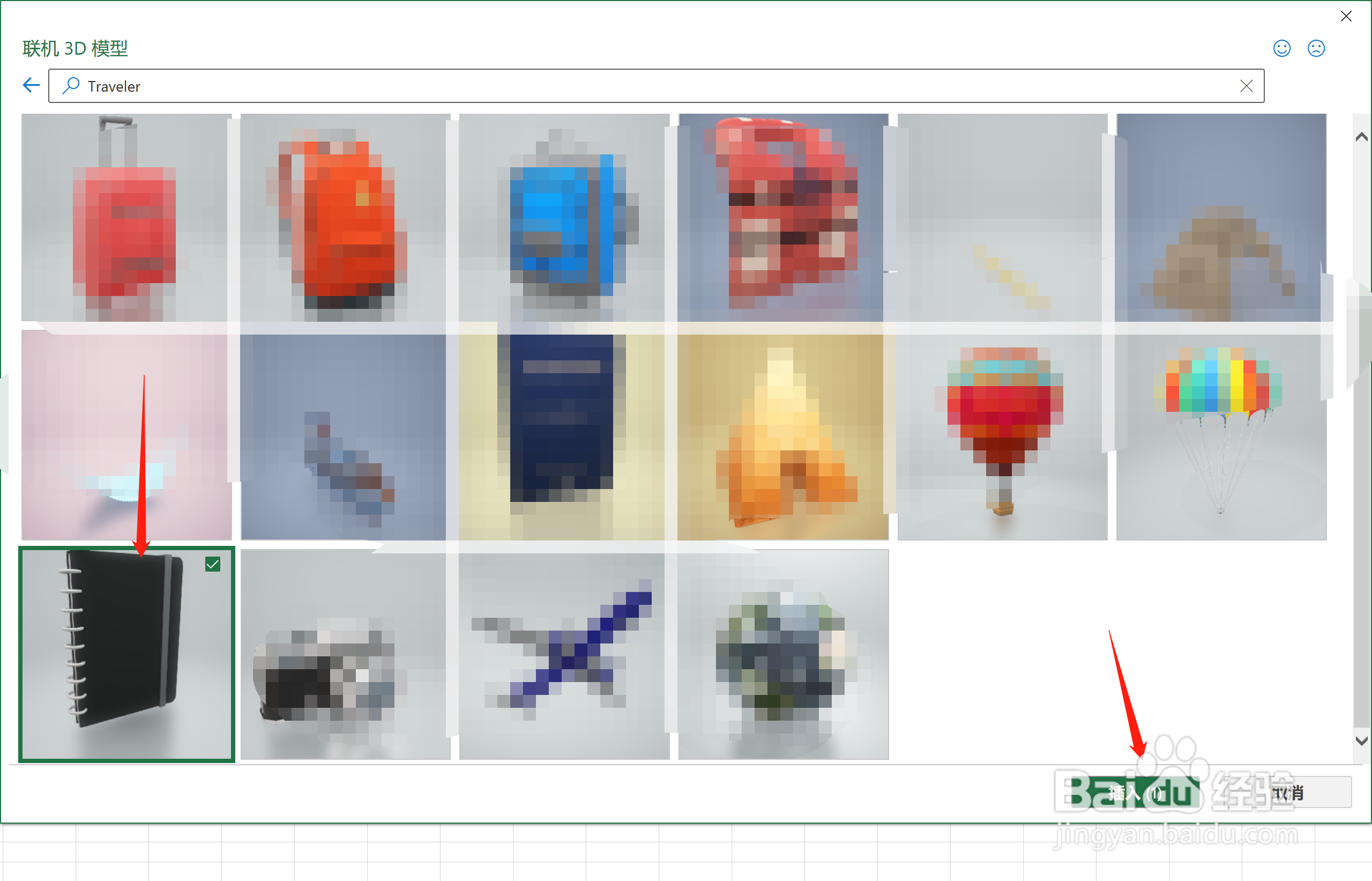
3、找到【笔记本】,点击【插入】

Excel中怎么插入笔记本3D模型

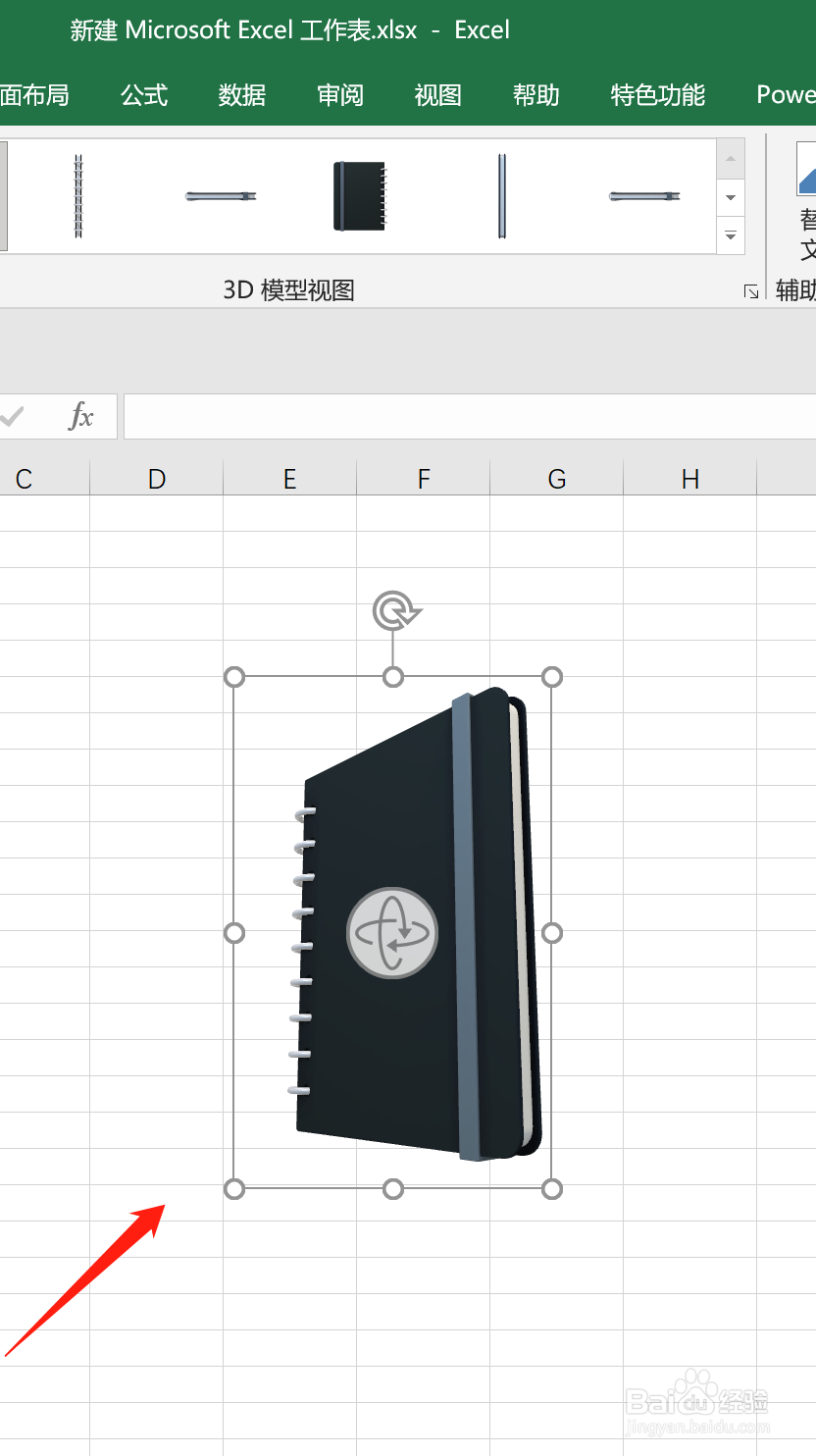
4、即可在Excel页面插入【笔记本3D模型】

Excel中怎么插入笔记本3D模型
  • Excel中怎么插入柠檬3D模型
  • Excel中怎么插入芹菜3D模型
  • Excel中怎么插入仙人掌3D模型
  • Excel中怎么插入四叶草3D模型
  • Excel中怎么插入南瓜3D模型
  • 热门搜索
    短发型 红烧猪蹄怎么做好吃 无线话筒怎么用 孕妇感冒 感冒可以喝鸡汤吗 公牛插座怎么样 广东省博物馆 三峡博物馆 论文引用部分怎么标注 怎么样才能去红血丝