Powerpoint中插入条形图的方法

 时间:2026-04-22 01:26:17

1、打开Powerpoint页面。

Powerpoint中插入条形图的方法

2、点击中间的插入图表的图标。

Powerpoint中插入条形图的方法

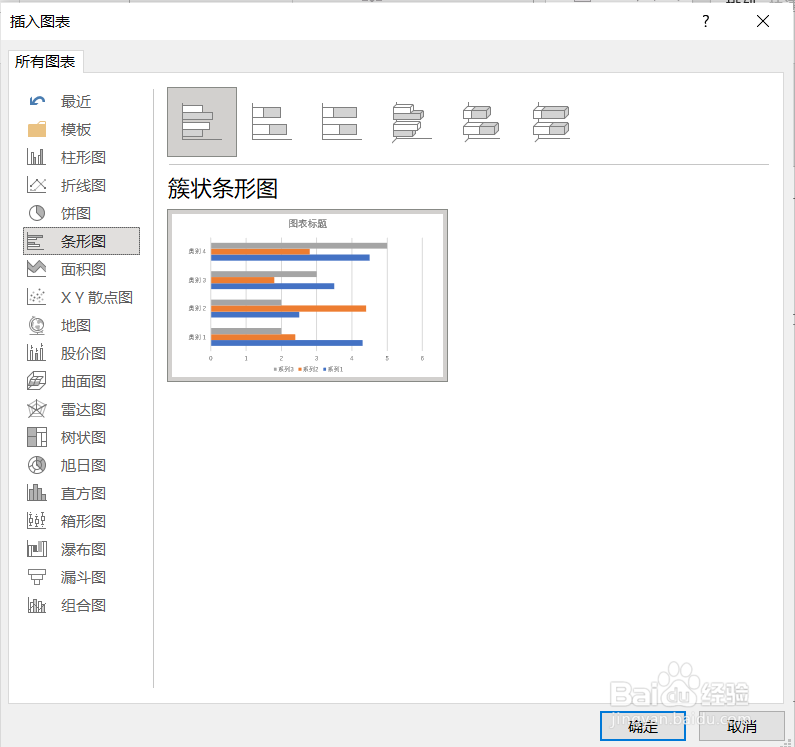
3、在弹出的对话框中选择条形图,然后点击确定。

Powerpoint中插入条形图的方法

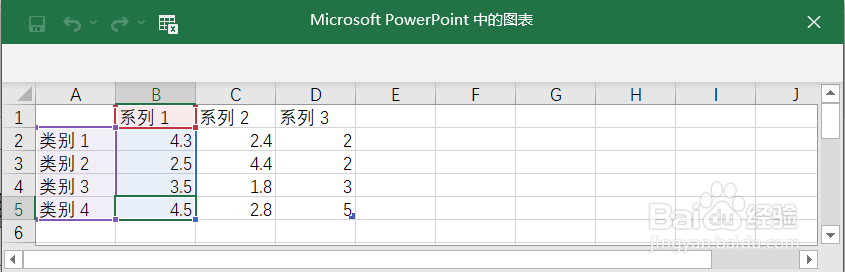
4、在弹出的表格中输入数据。

Powerpoint中插入条形图的方法

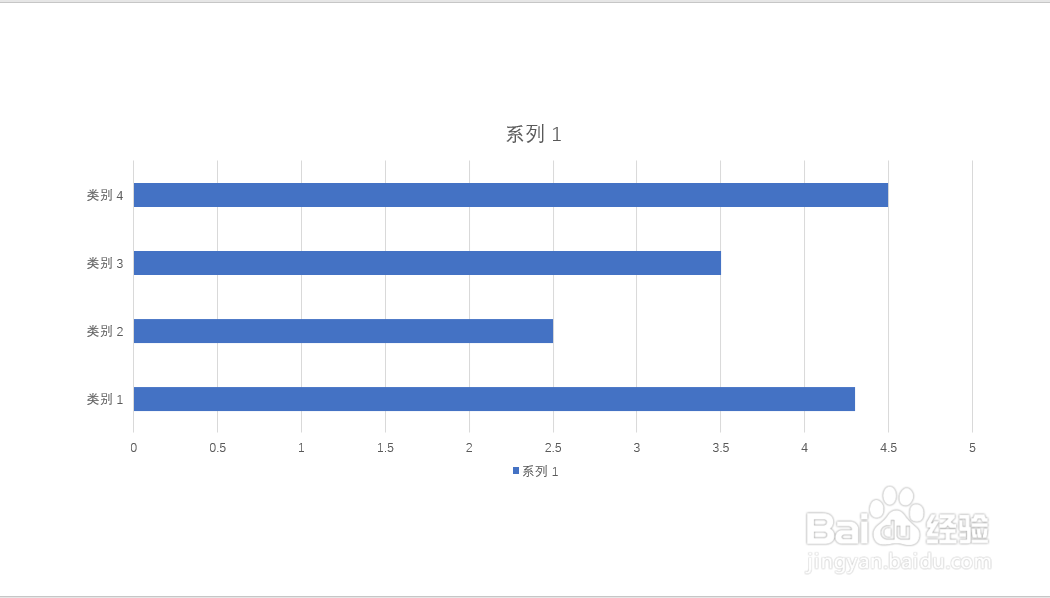
5、关闭表格,条形图就插入Powerpoint页面了。

Powerpoint中插入条形图的方法

  • 怎样把PPT文本框设置三维立体效果
  • Excel如何制作动态对比图表
  • PPT中如何设置文字的行距?
  • PPT中怎样用箭头配合面积图展示数据走势
  • Excel2007表格轻松制作销量表用图表形式
  • 热门搜索
    猪肝怎么做好吃 皮肤过敏红痒怎么办 小米电视怎么投屏 dnf矛盾的结晶体怎么得 苹果怎么充值 油豆腐怎么做好吃 彭禺厶怎么读 坐便器漏水怎么修 胸口疼是怎么回事 南无阿弥陀佛怎么读