1、先卸载OneNote软件;

2、用Cortana输入Powershell;

3、右键Windows Powershell管理员身份运行;
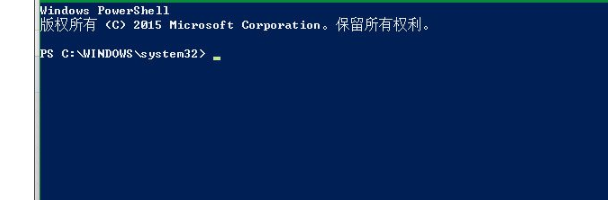
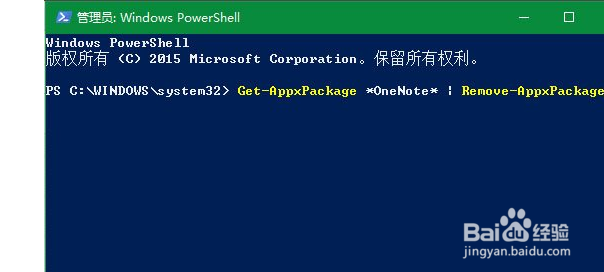
4、输入命令Get-AppxPackage *OneNote* | Remove-AppxPackage;
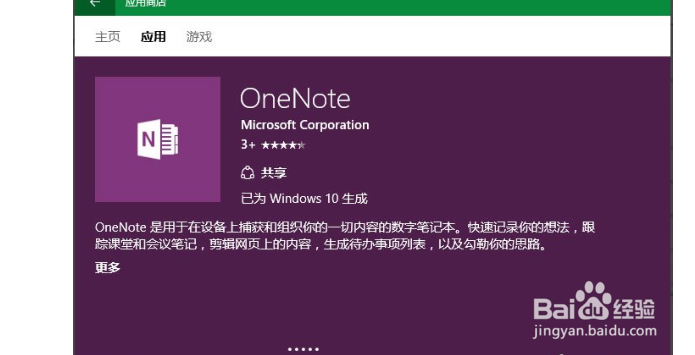
5、在应用商店重启再安装即可。
1、方法/步骤
1、先卸载OneNote软件;
2、用Cortana输入Powershell;
3、右键Windows Powershell管理员身份运行;
4、输入命令Get-AppxPackage *OneNote* | Remove-AppxPackage;
5、在应用商店重启再安装即可。
