1、打开Firefox,点击扩展插件RestClient
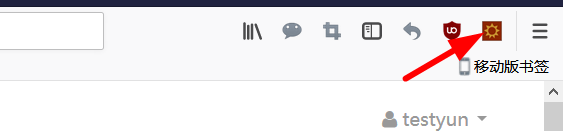
2、打开RESTClient界面。

3、Method选择Get,URL输入:
百度文库地址。

4、点击Send查看结果。
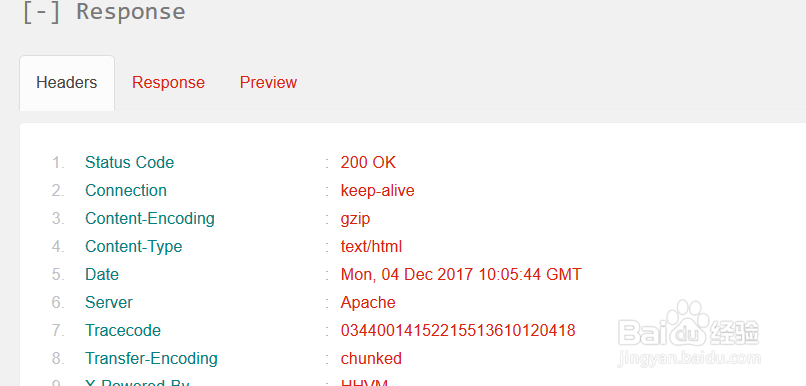
5、点击Response查看响应信息。
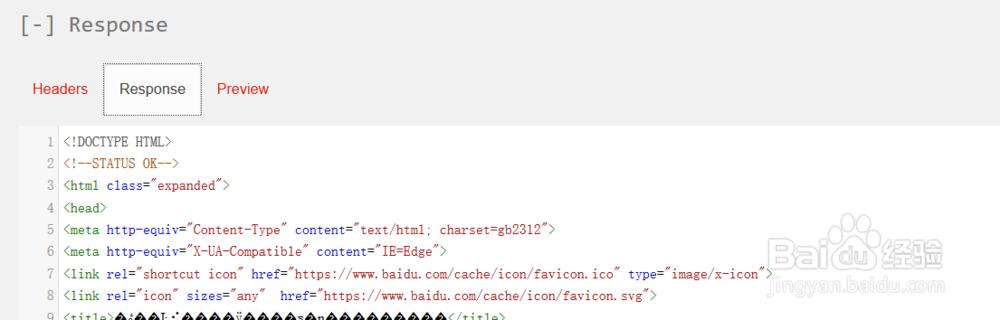
6、显示访问成功。
需要携带URL参数,直接在URL后面加上参数。
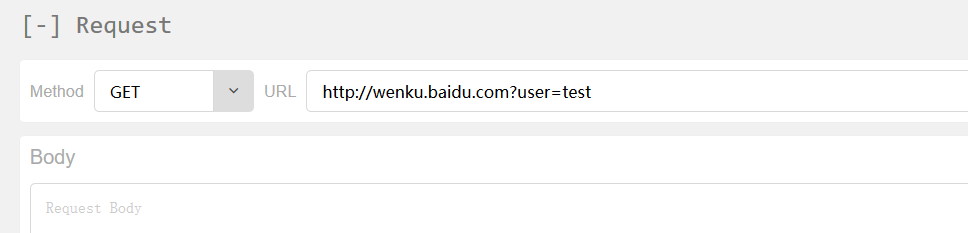
7、也可以添加key -value的body值。
如图点击。
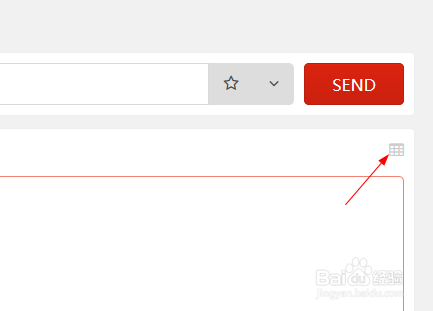
8、在弹窗中添加。


时间:2026-04-24 12:19:29
1、打开Firefox,点击扩展插件RestClient
2、打开RESTClient界面。
3、Method选择Get,URL输入:
百度文库地址。
4、点击Send查看结果。
5、点击Response查看响应信息。
6、显示访问成功。
需要携带URL参数,直接在URL后面加上参数。
7、也可以添加key -value的body值。
如图点击。
8、在弹窗中添加。
