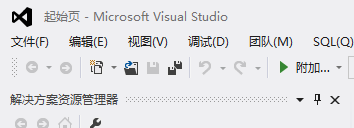
1、打开vs2012

2、点击文件,新建项
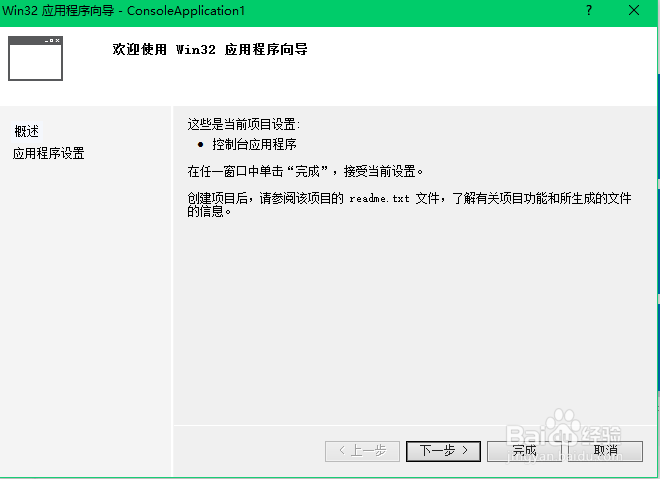
3、按我这样选择,继续

4、照图片来

5、右击源文件,新建,然后按图片操做,输入代码:
#include "iostream"
#include<iostream>
using namespace std;
int main()
{
cout<<"hello world"<<endl;
system("pause");
return 0;
}


6、点确定
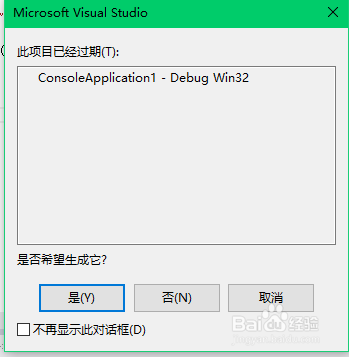
7、OK!效果图

时间:2026-04-21 22:28:12
1、打开vs2012
2、点击文件,新建项
3、按我这样选择,继续
4、照图片来
5、右击源文件,新建,然后按图片操做,输入代码:
#include "iostream"
#include<iostream>
using namespace std;
int main()
{
cout<<"hello world"<<endl;
system("pause");
return 0;
}
6、点确定
7、OK!效果图
