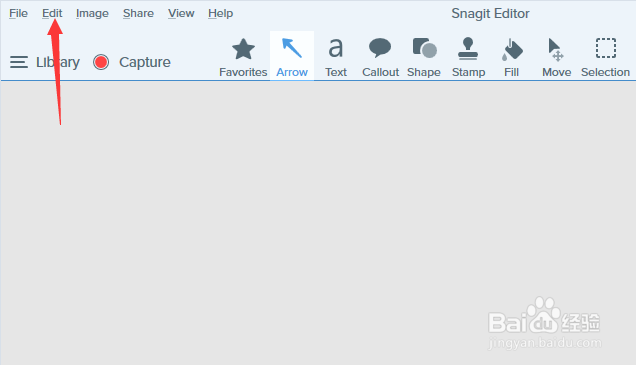
1、首先,点击菜单中的edit菜单
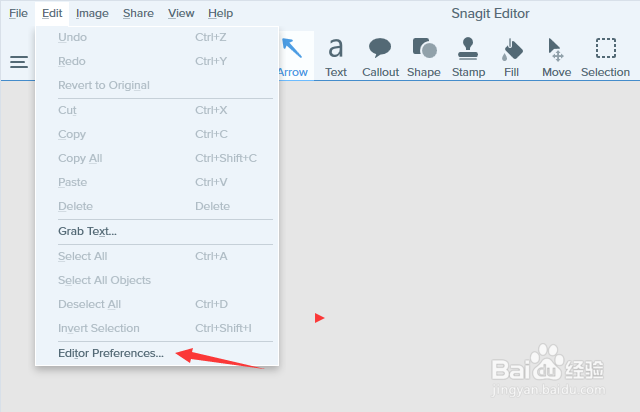
2、弹出了下拉菜单选中为edit preferences选项
3、勾选上dont show me notification选项

4、勾选上dont show me notification选之后,点击ok按钮

时间:2026-04-25 00:02:53
1、首先,点击菜单中的edit菜单
2、弹出了下拉菜单选中为edit preferences选项
3、勾选上dont show me notification选项
4、勾选上dont show me notification选之后,点击ok按钮
