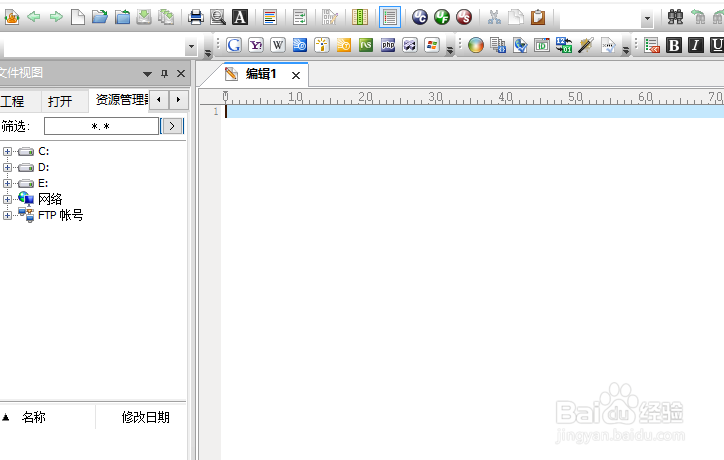
1、首先,打开一个UltraEdit的界面中
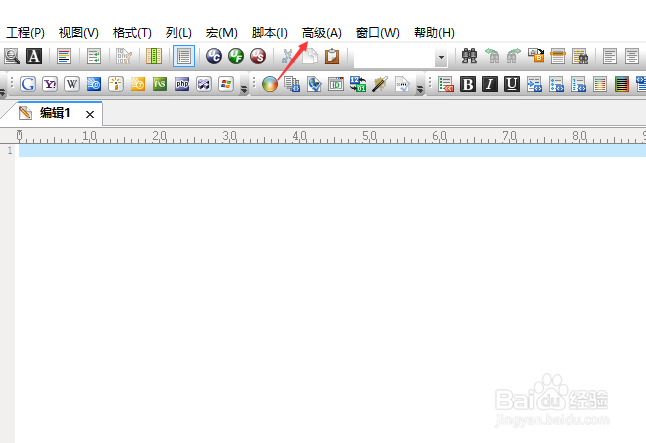
2、点击UltraEdit菜单中 高级 菜单
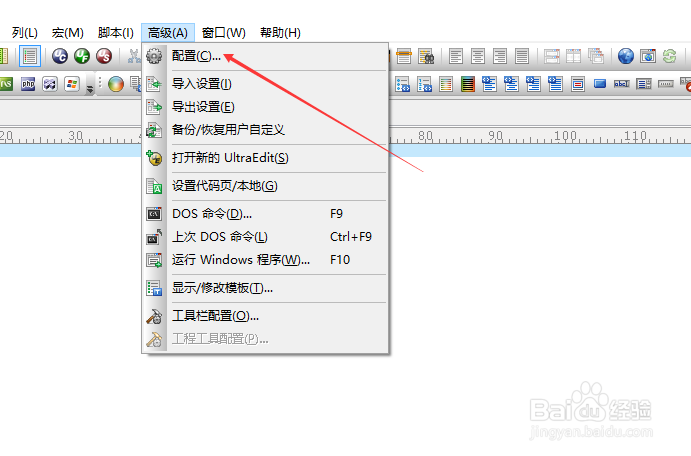
3、点击了高级菜单之后,弹出了下拉菜单选中为 配置
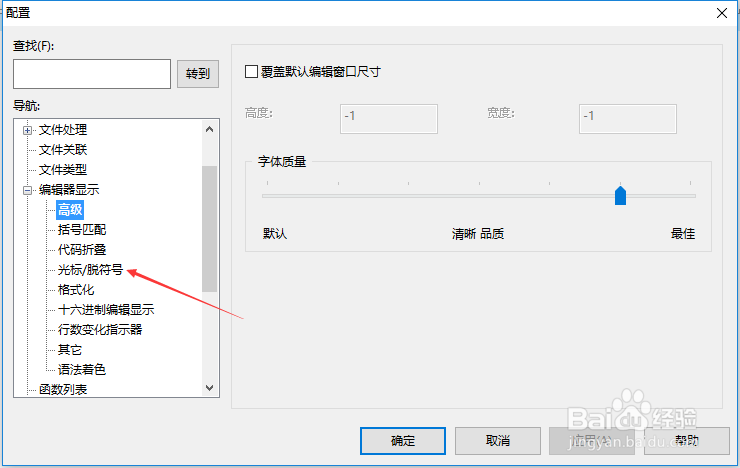
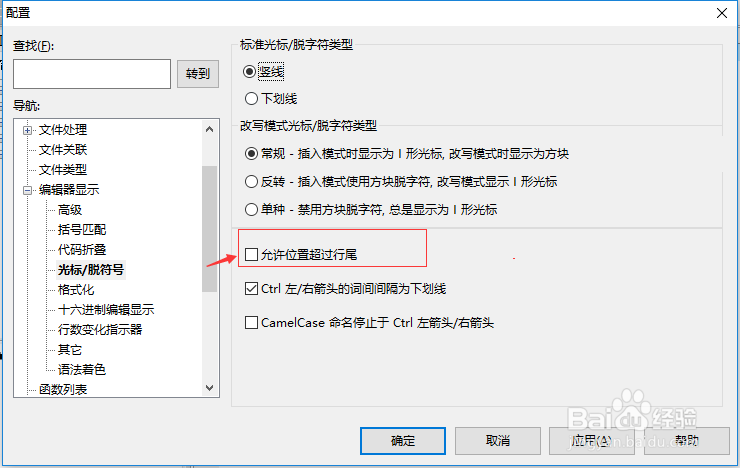
4、进入到了配置界面中,点击左侧中的 光标脱符号 选项
5、进入到了光标脱符号的界面中,勾选 允许位置超过行尾
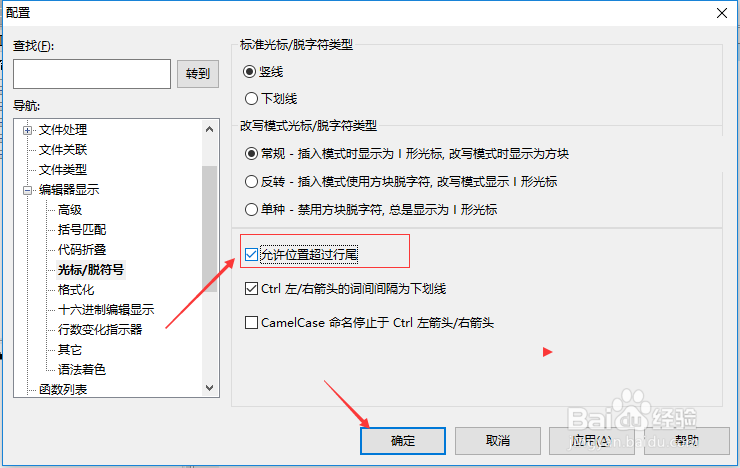
6、勾选 允许位置超过行尾,然后点击 确定
时间:2026-04-21 17:18:40
1、首先,打开一个UltraEdit的界面中
2、点击UltraEdit菜单中 高级 菜单
3、点击了高级菜单之后,弹出了下拉菜单选中为 配置
4、进入到了配置界面中,点击左侧中的 光标脱符号 选项
5、进入到了光标脱符号的界面中,勾选 允许位置超过行尾
6、勾选 允许位置超过行尾,然后点击 确定
