Windows10如何设置存储感知

 时间:2024-10-17 10:33:00

1、点击进入设置

Windows10如何设置存储感知

2、进入设置主界面

Windows10如何设置存储感知

3、点击系统mokuai

Windows10如何设置存储感知

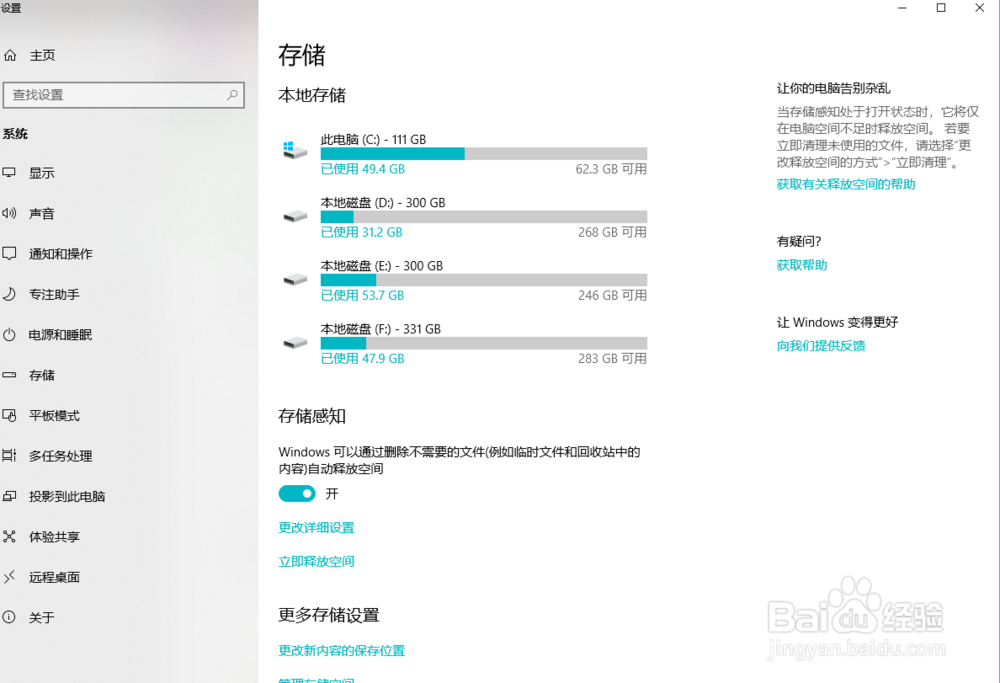
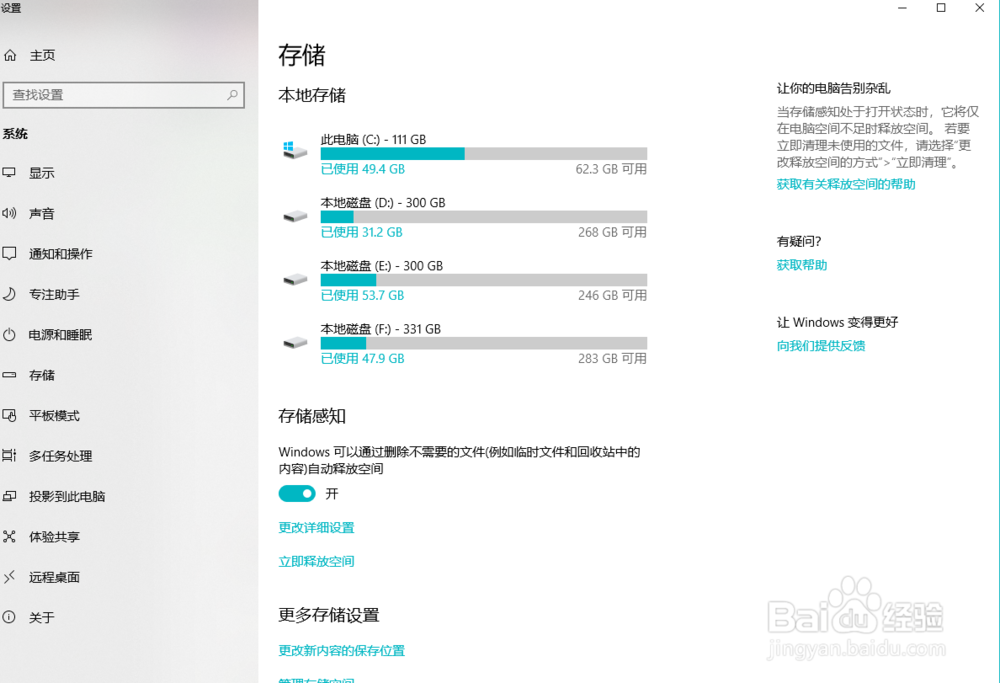
4、找到左边的“存储”选项

Windows10如何设置存储感知

5、进入左边的“存储”选项

Windows10如何设置存储感知

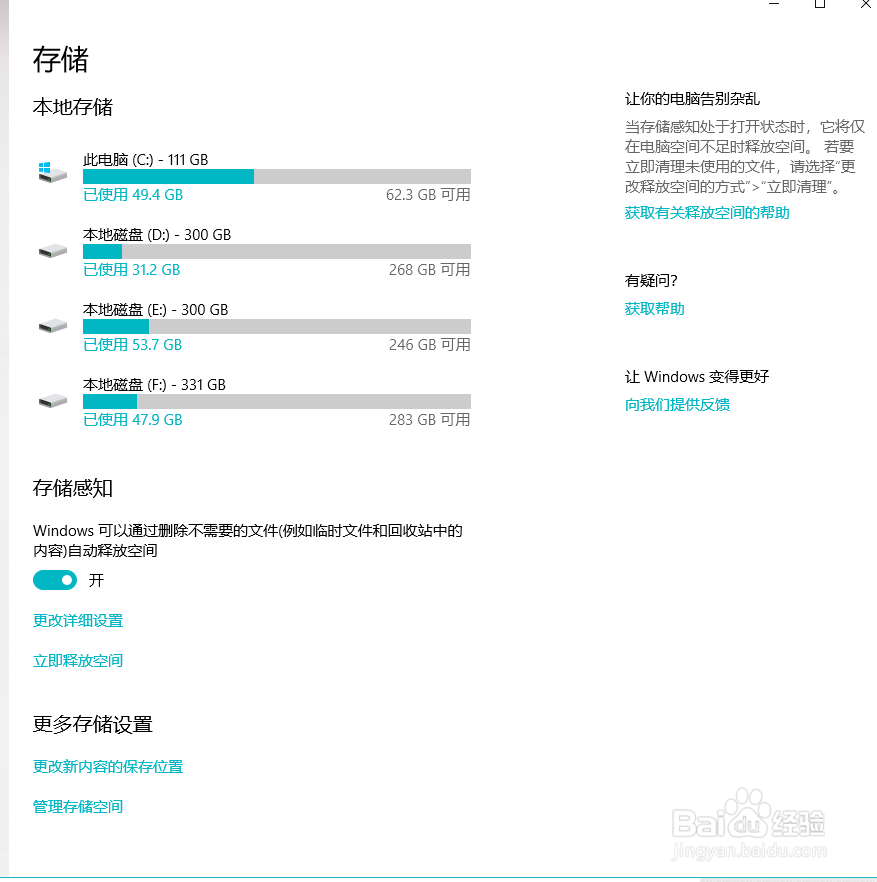
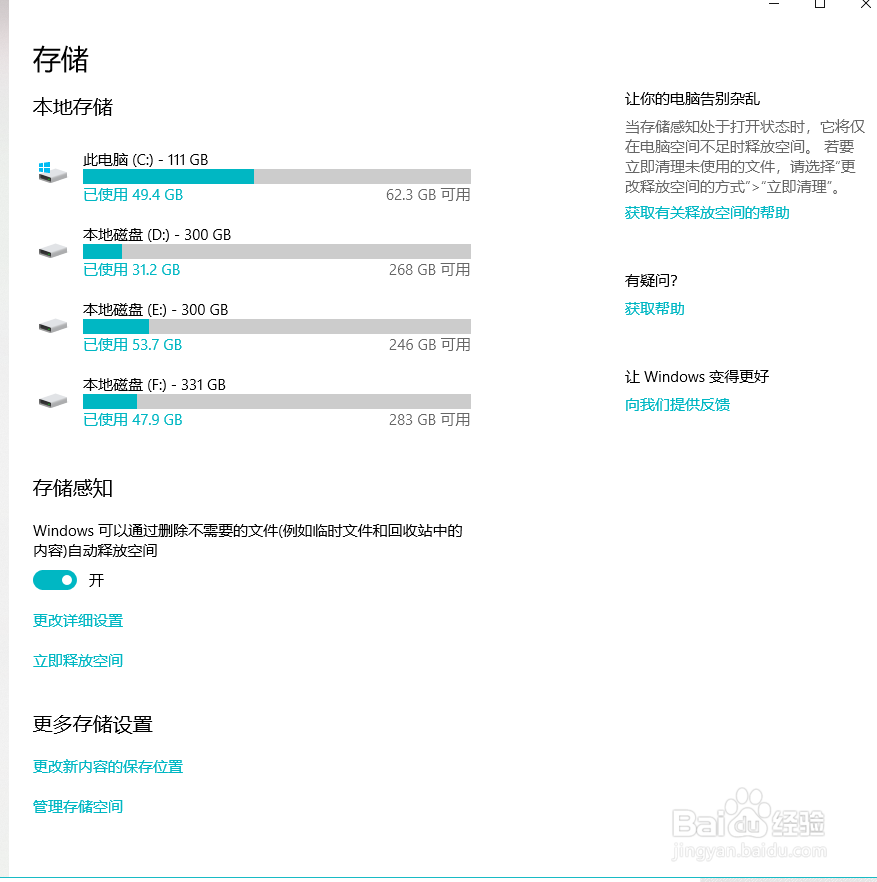
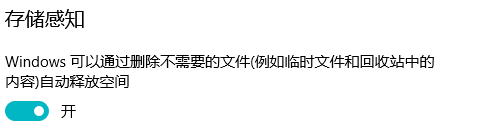
6、右侧第三个就是“存储感知”,我们打开选项

Windows10如何设置存储感知

7、这样自带有AI的存储感知功能发挥其清理功能就打开了

Windows10如何设置存储感知

8、设置完毕

Windows10如何设置存储感知
  • Windows8.1系统的任务管理器被禁用了的解决办法
  • Windows 7怎么隐藏任务栏
  • 怎样限制普通用户使用控制面板
  • win8:[22]如何查看win8主题的图片的路径?
  • 教你在Windows 7关闭不需要的系统功能
  • 热门搜索
    生日祝福图片大全 减震器什么牌子好 驿站在元代称作什么 圆脸适合什么样的帽子 画pcb板用什么软件 学生护眼灯什么牌子好 烨是什么意思 小孩买什么保险最好 蝉联是什么意思 溢价率是什么意思