PotPlayer怎么关闭字体固定尺寸

 时间:2024-10-24 19:33:07

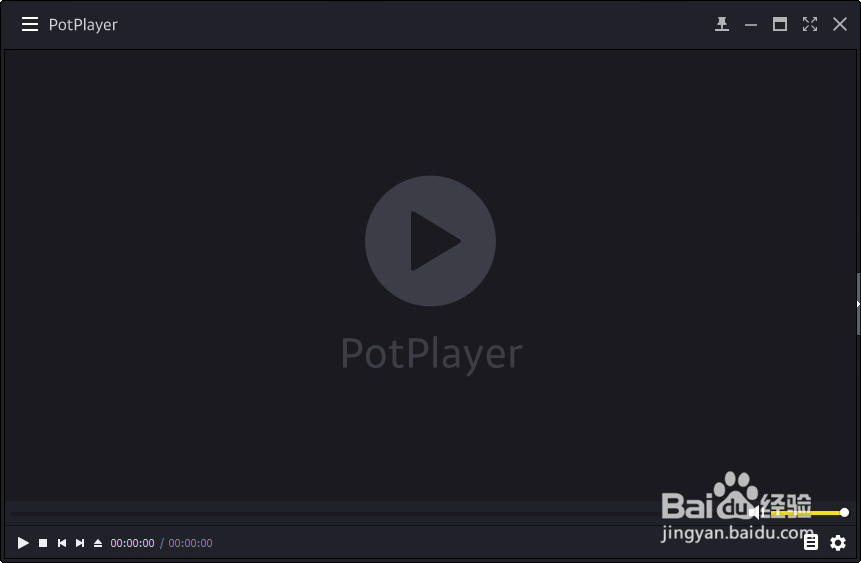
1、打开一个PotPlayer的界面中

PotPlayer怎么关闭字体固定尺寸

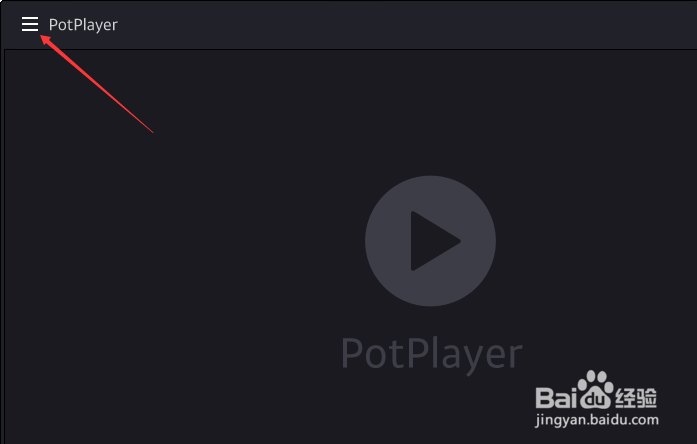
2、点击左上角中的更多选项

PotPlayer怎么关闭字体固定尺寸

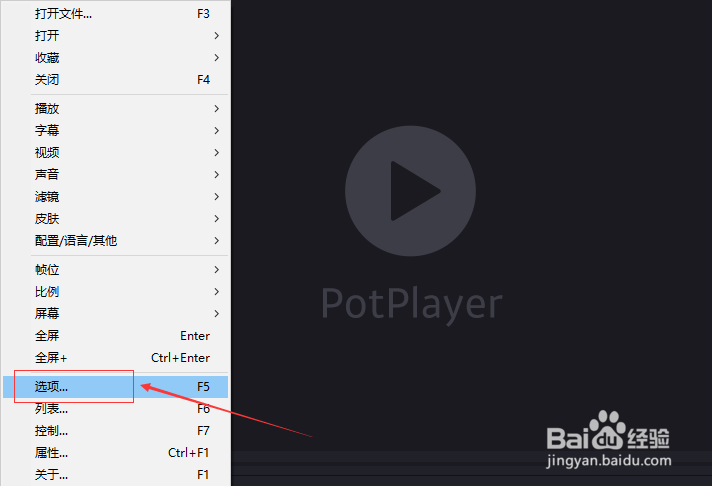
3、弹出了下拉菜单选中选项

PotPlayer怎么关闭字体固定尺寸

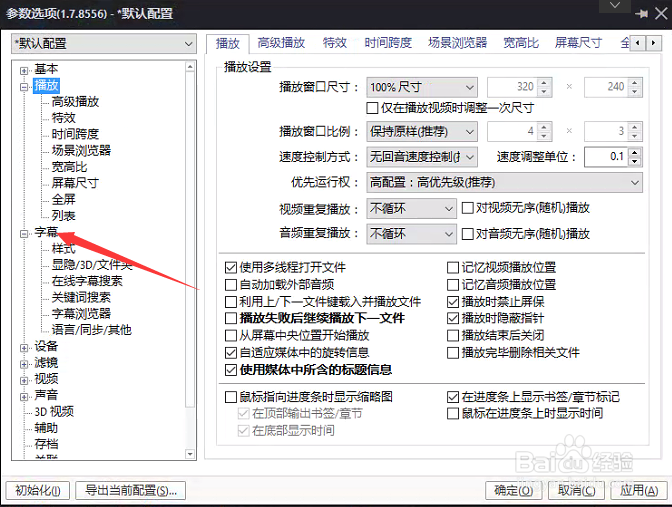
4、点击左侧中字幕选项

PotPlayer怎么关闭字体固定尺寸

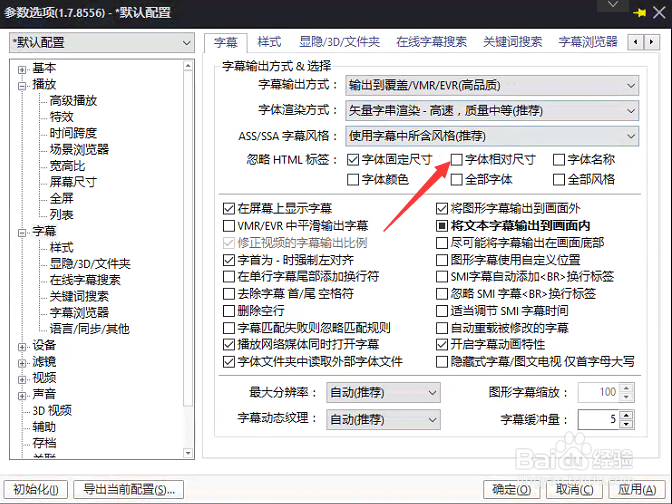
5、去掉勾选字体固定尺寸选项

PotPlayer怎么关闭字体固定尺寸

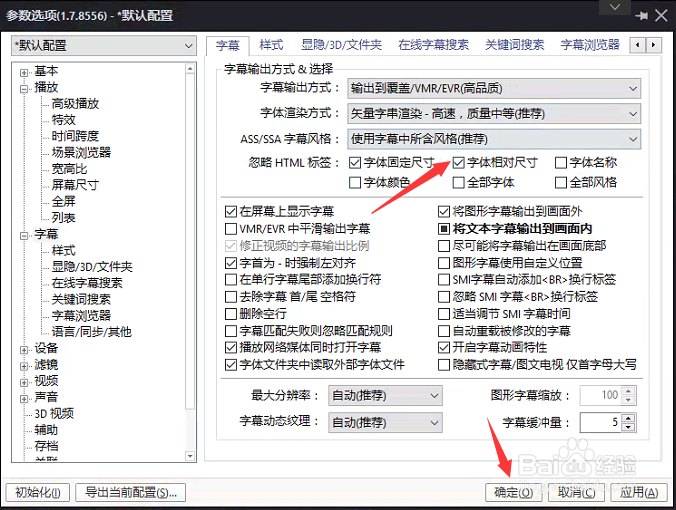
6、去掉勾选字体固定尺寸选项之后,点击确定

PotPlayer怎么关闭字体固定尺寸
  • PotPlayer怎么关闭时还原为默认尺寸设置
  • PotPlayer怎么关闭字体固定尺寸
  • PotPlayer怎么关闭字体名称
  • PotPlayer怎么关闭平滑输出字体
  • PotPlayer怎么设置字体固定尺寸
  • 热门搜索
    泉来净水器怎么样 塘鲺怎么读 酸白菜怎么做好吃 iphone手机铃声怎么设置 右胸口闷疼是怎么回事 起亚k3怎么样 怎么打招呼 住怎么组词 微家书怎么写 笔记本键盘怎么拆