如何在PowerPoint中添加饼图?

 时间:2026-04-27 06:39:28

1、打开PowerPoint软件。

如何在PowerPoint中添加饼图?

2、点击插入选项卡。

如何在PowerPoint中添加饼图?

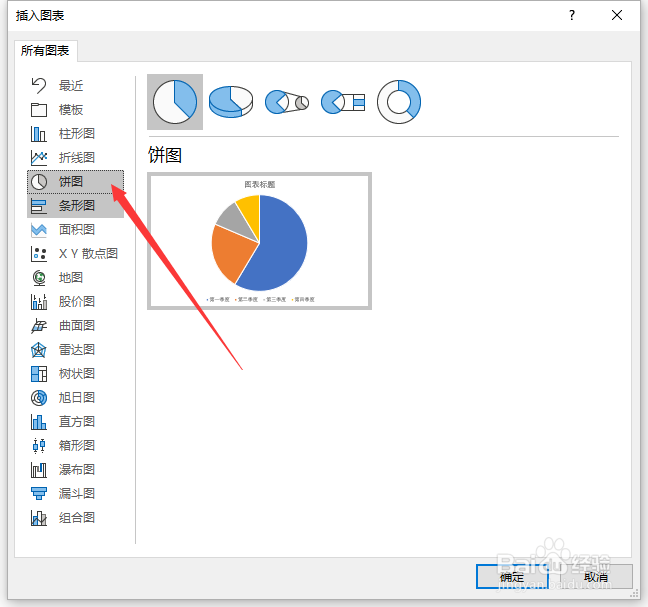
3、点击图表按钮。

如何在PowerPoint中添加饼图?

4、点击饼图。

如何在PowerPoint中添加饼图?

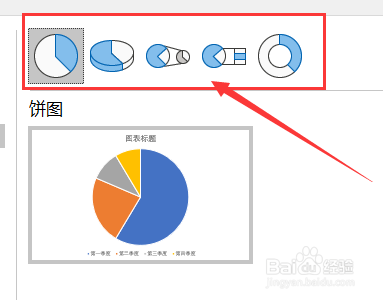
5、选择想要的饼图样式。

如何在PowerPoint中添加饼图?

6、点击确定。

如何在PowerPoint中添加饼图?

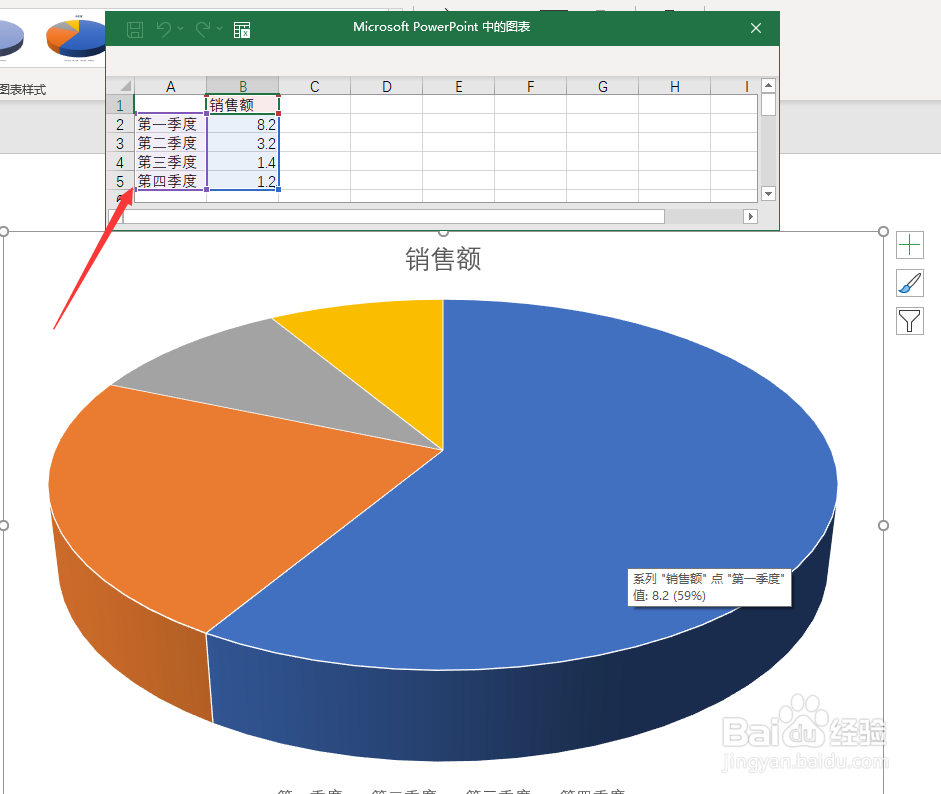
7、通过编辑表格中修改统计图中对应内容。

如何在PowerPoint中添加饼图?

8、编辑好后关闭表格。

如何在PowerPoint中添加饼图?

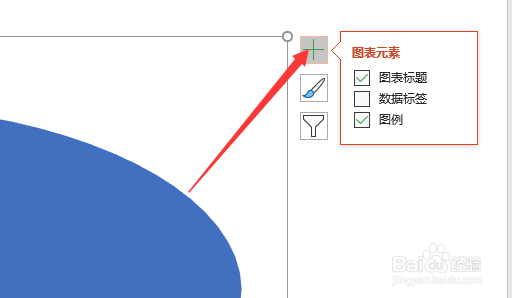
9、点击加号添加需要的图表元素。

如何在PowerPoint中添加饼图?

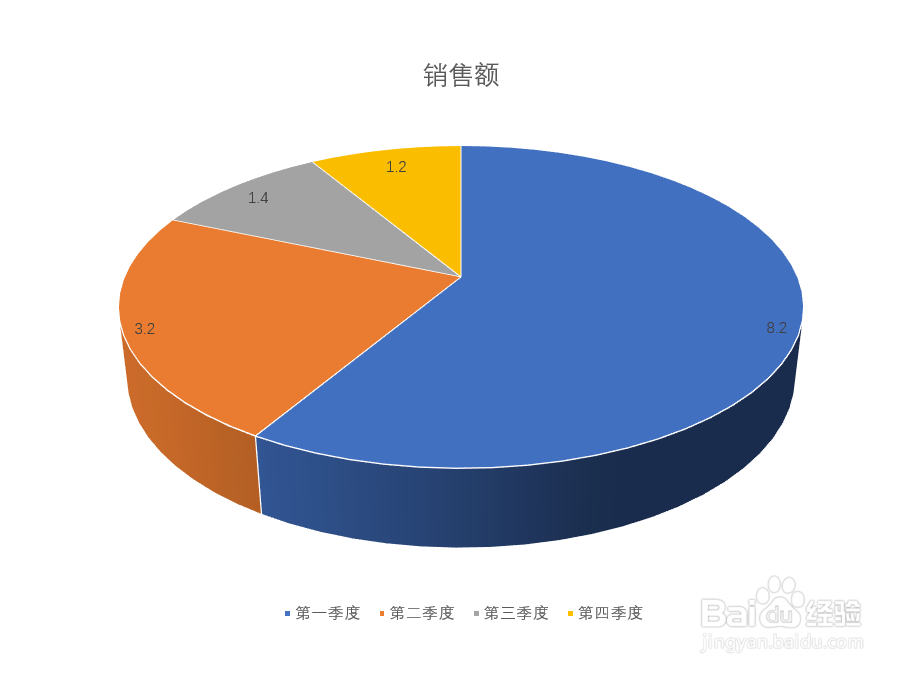
10、这样一个扇形统计图就做好了。

如何在PowerPoint中添加饼图?

  • 如何在PowerPoint中裁剪图片?
  • 如何在PowerPoint批量添加logo?
  • 如何在PowerPoint中输入文字?
  • 如何在PowerPoint中插入音频?
  • 如何在PowerPoint中添加路径动画?
  • 热门搜索
    月牙泉景区 旅游资源的特点 安华卫浴怎么样 自动空调怎么开暖风 word怎么取消页码 怎么注册淘宝小号 插座松了怎么办 公积金可以贷款多少 路由器怎么安装设置 孔雀的特点