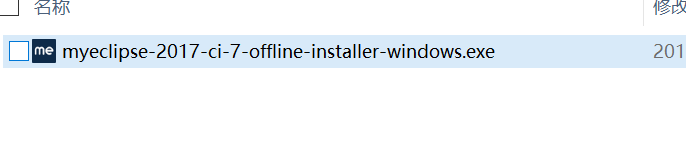
1、打开myeclipse 2017的安装包,如下图所示:
2、点击“Next”,如下图所示:

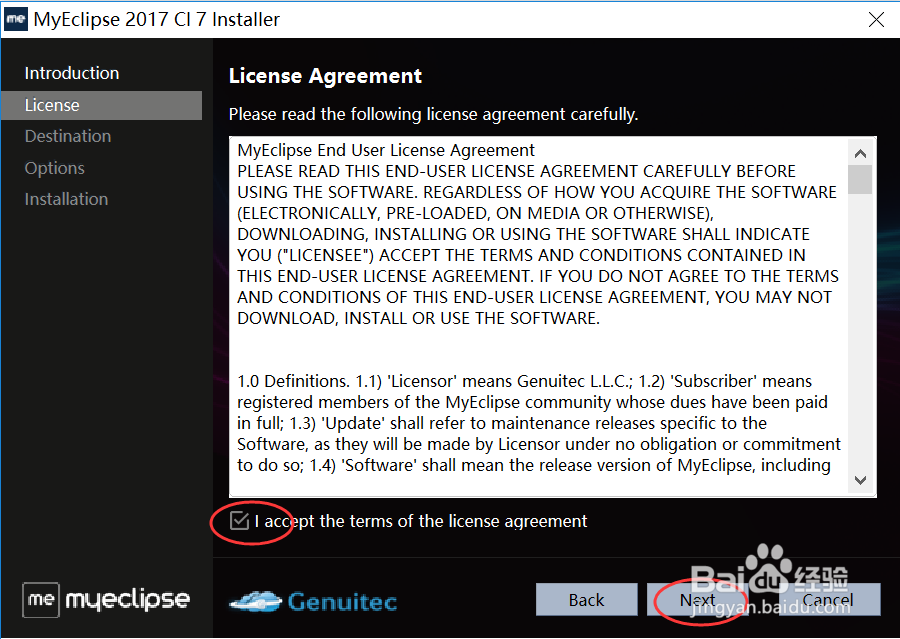
3、勾选同意许可,然后点击“Next”,如下图所示:
4、浏览选择安装的位置,然后点击“Next”,如下图所示:

5、根据安装机器是32位还是64位,选择对应的版本,然后点击“Next”,如下图所示:

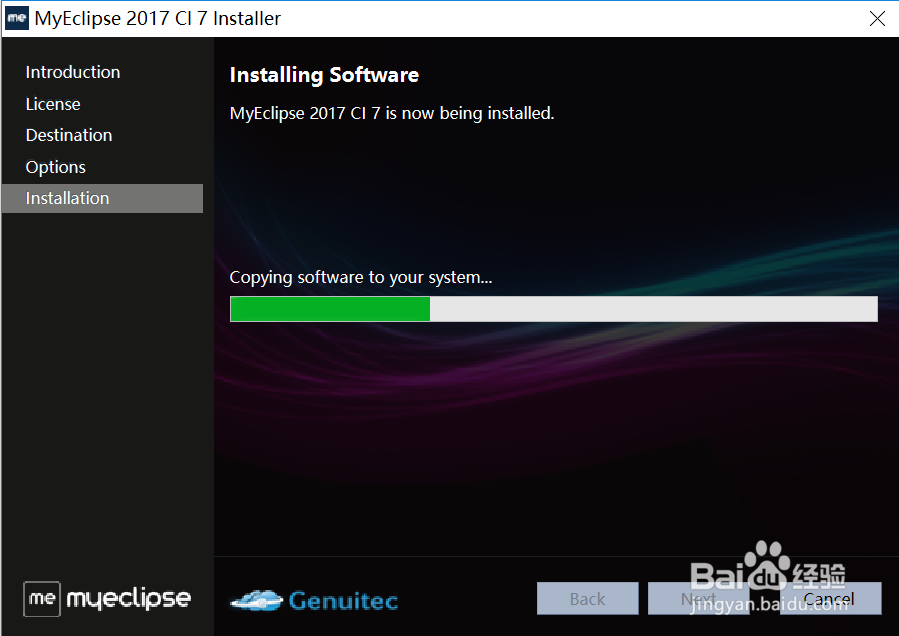
6、安装过程如下图所示:
7、直至安装完成,点击“Finish”即可,如下图所示:

时间:2026-04-22 12:28:08
1、打开myeclipse 2017的安装包,如下图所示:
2、点击“Next”,如下图所示:
3、勾选同意许可,然后点击“Next”,如下图所示:
4、浏览选择安装的位置,然后点击“Next”,如下图所示:
5、根据安装机器是32位还是64位,选择对应的版本,然后点击“Next”,如下图所示:
6、安装过程如下图所示:
7、直至安装完成,点击“Finish”即可,如下图所示:
