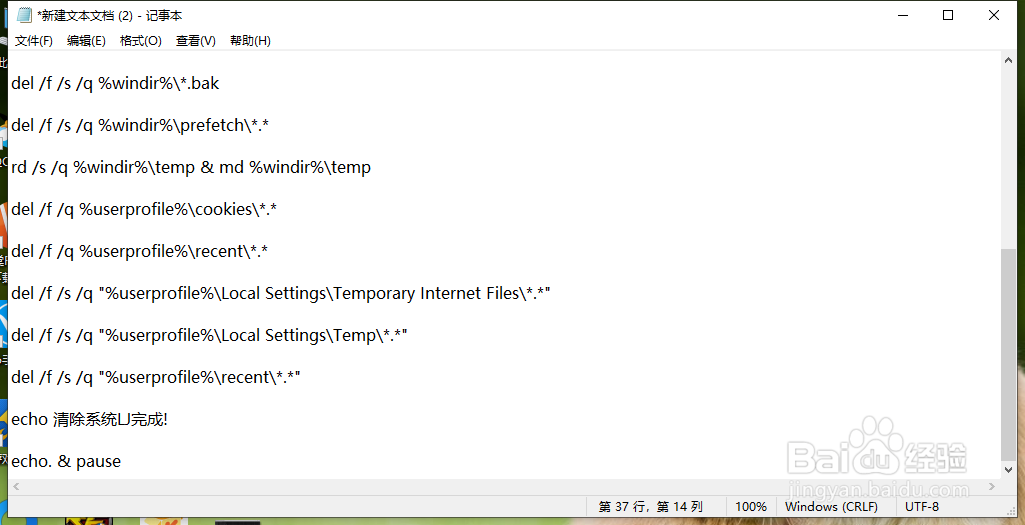
1、复制以下代码陕冲到文本里
@echo off
echo 正在清除系统垃圾文件陵撤场,请稍等......
del /f /s /q %systemdrive%\*.tmp
del /f /s /q %systemdrive%\*._mp
del /f /s /q %systemdrive%\*.log
del /f /s /q %systemdrive%\*.gid
del /f /s /q %systemdrive%\*.chk
del /f /s /q %systemdrive%\*.old
del /f /s /q %systemdrive%\recycled\*.*
del /f /s /q %windir%\*.bak
del /f /s /q %windir%\prefetch\*.*
rd /s /q %windir%\temp & md %windir%\temp
del /f /q %userprofile%\cookies\*.*
del /f /q %userprofile%\recent\*.*
del /f /s /q "%userprofile%\Local Settings\Temporary Internet Files\*.*"
del /f /s /q "%userprofile%\Local Settings\Temp\*.*"
del /f /s /q "%userprofile%\recent\*.*"
echo 清除系统LJ完成!
echo. & pause
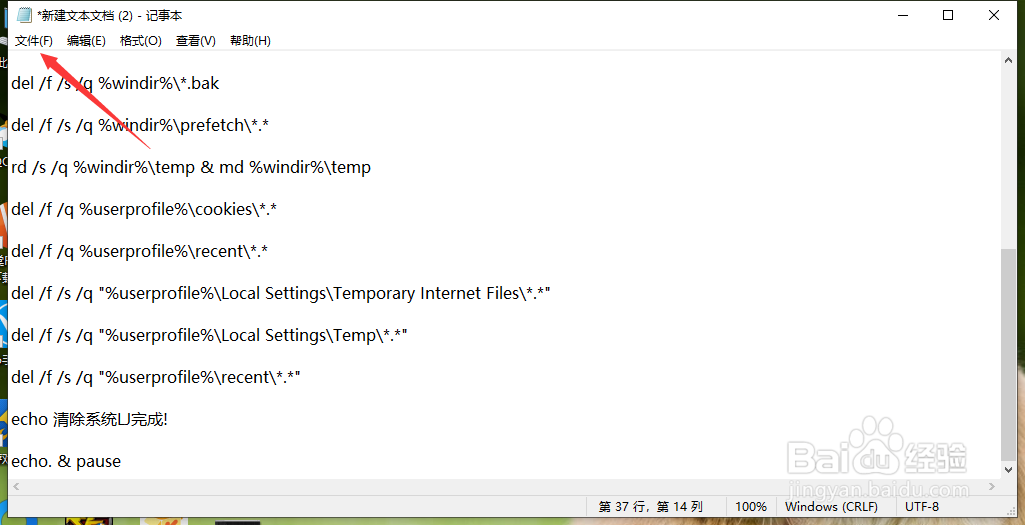
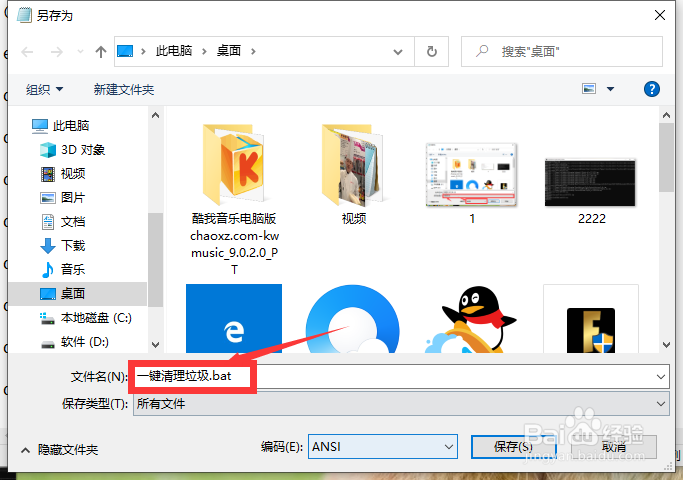
2、点击左上角,将文件另存到桌面,保存类胆泉型改为所有文件
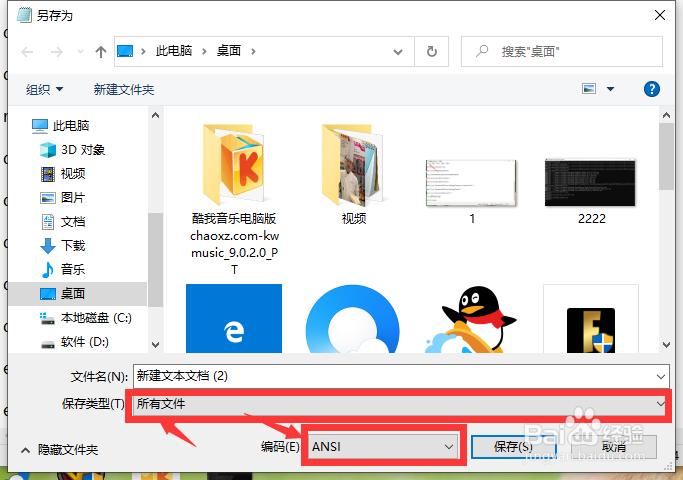
3、然后将后缀名该为.bat,有不懂可以问我
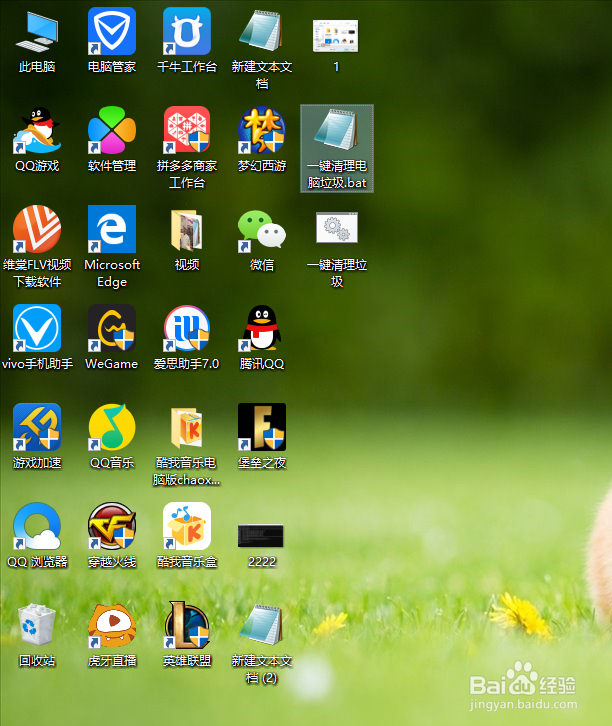
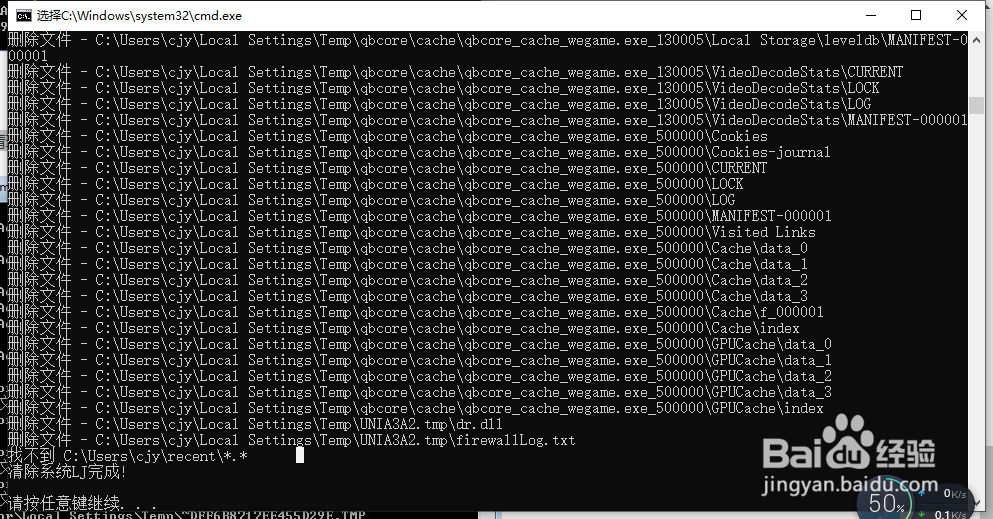
4、之后双击即可运行
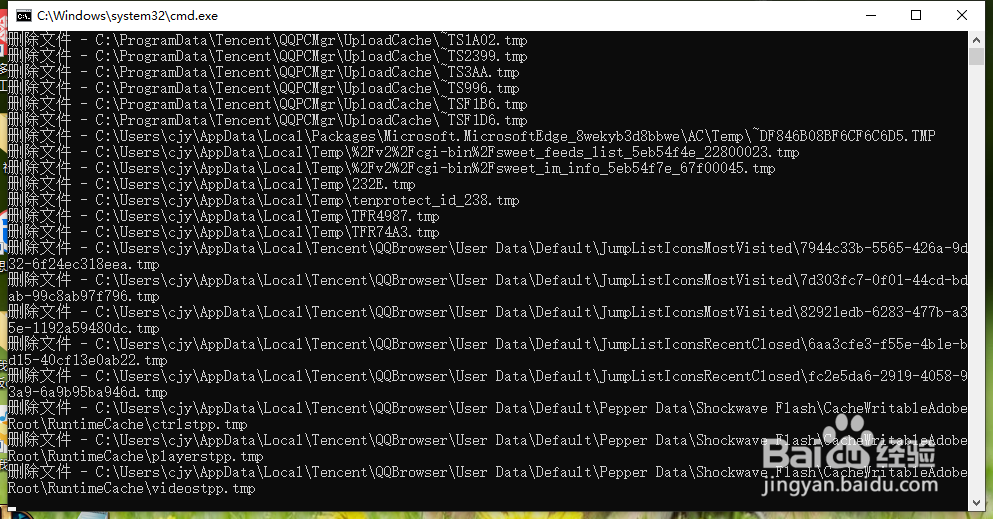
5、按下键盘任意键结束即可完成清理。