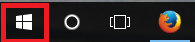
1、点击“开始”菜单
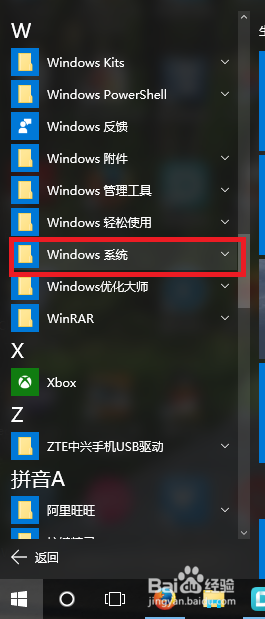
2、点击“windows系统”菜单
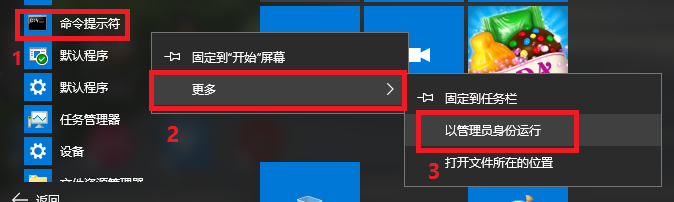
3、右键“命令提示符”-右键“更多”-左键“以管理员身份运行”
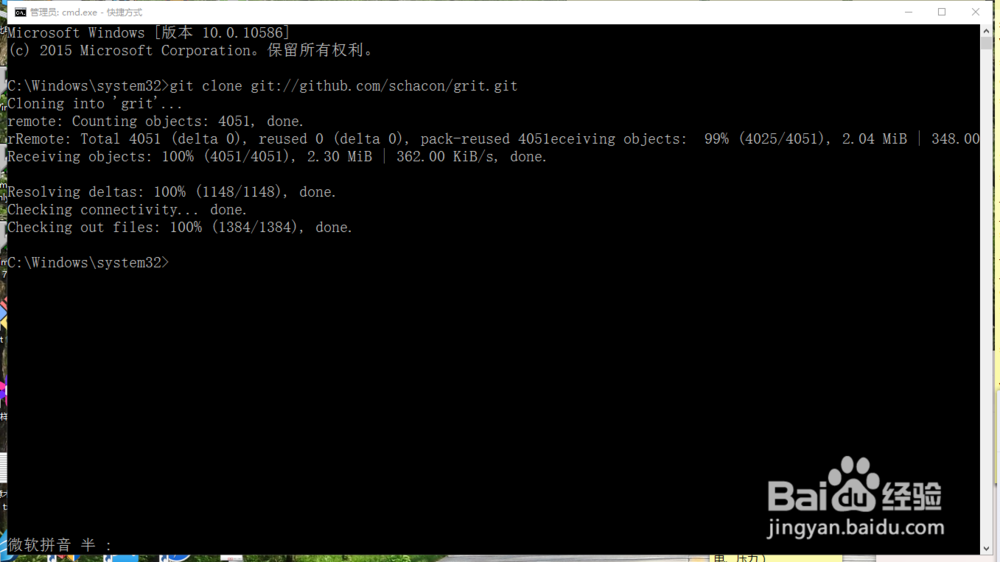
4、打开“命令提示符”后与刚才同样的操作。成功了!
1、请参考《怎么windows10下设置始终以管理员身份运行》
http://jingyan.baidu.com/article/e2284b2b6e6df8e2e7118d7a.html
时间:2026-04-25 09:37:30
1、点击“开始”菜单
2、点击“windows系统”菜单
3、右键“命令提示符”-右键“更多”-左键“以管理员身份运行”
4、打开“命令提示符”后与刚才同样的操作。成功了!
1、请参考《怎么windows10下设置始终以管理员身份运行》
http://jingyan.baidu.com/article/e2284b2b6e6df8e2e7118d7a.html
