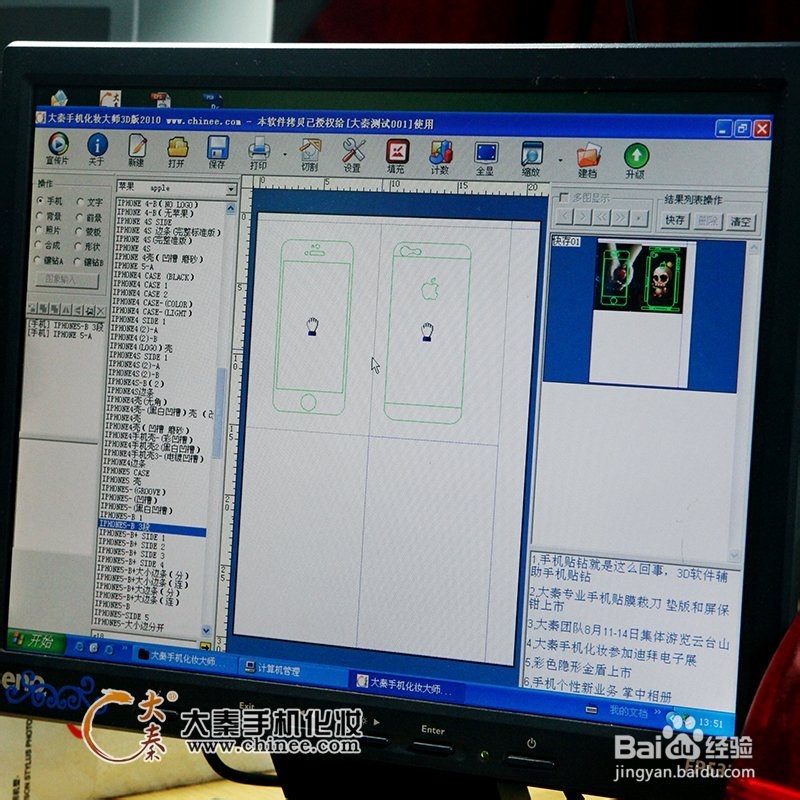
1、首先用3D手机化妆系统选址Iphone 5数据,用专用切割机按iphone 5轮廓切割。iPhone 5S贴膜和手机真机。这种贴膜上都预先准备了苹果logo和文字,真实感超强!


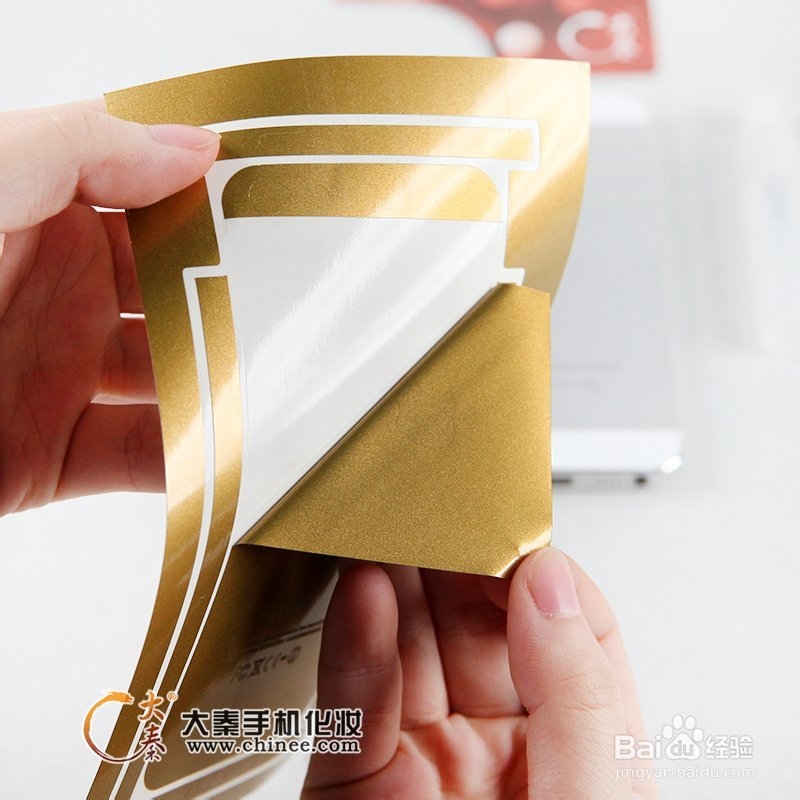
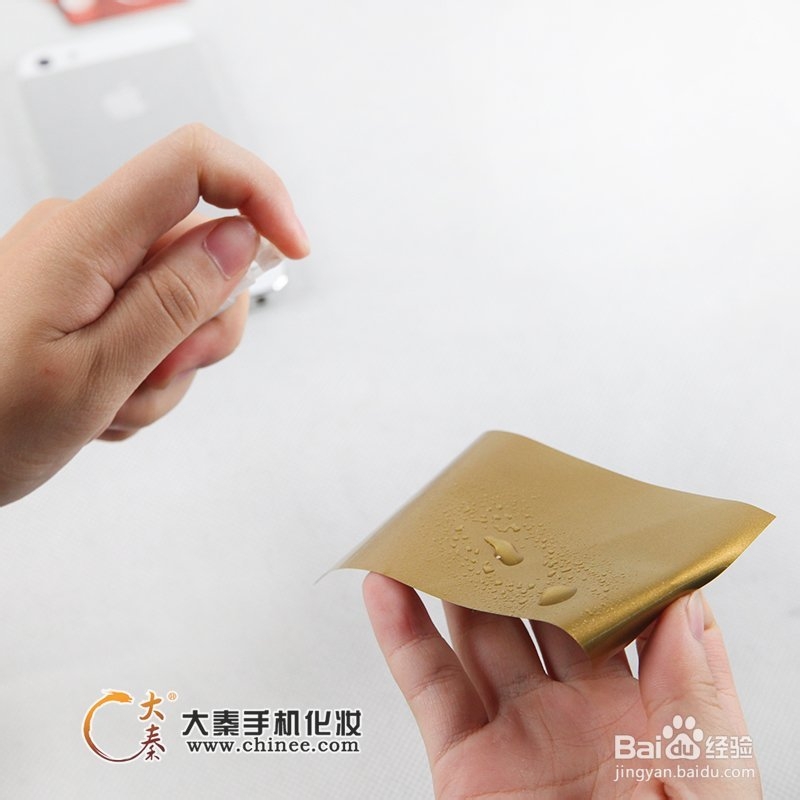
2、带胶水的部分喷些清水,这样可以让胶水暂时胶性降低,可以平滑移动轻松对位。粘贴的时候,只需要先从一边对齐,然后用刮板平滑移动。用刮板平推,这样可以避免气泡产生。


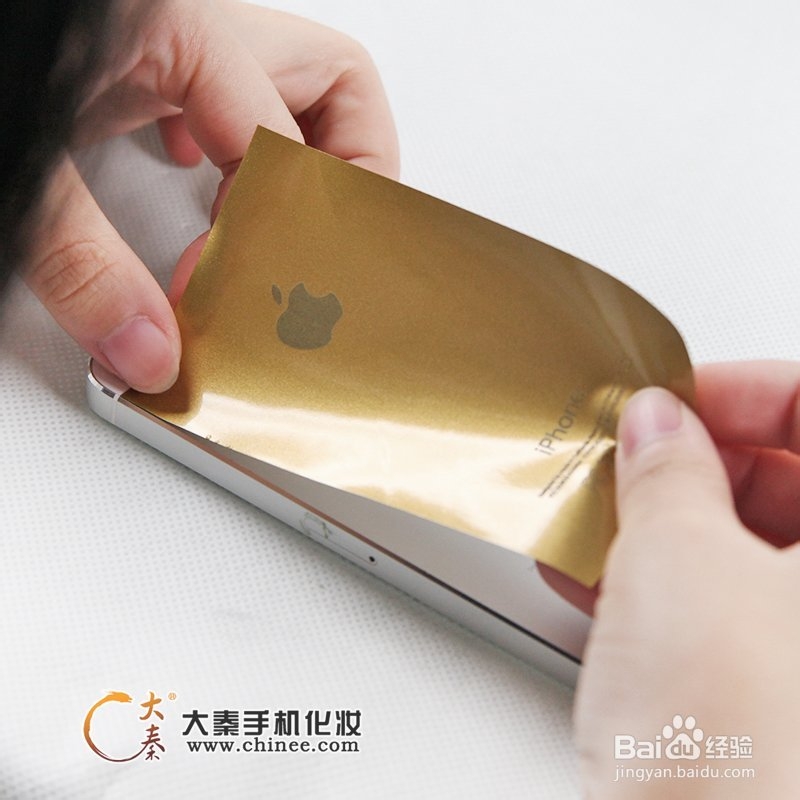
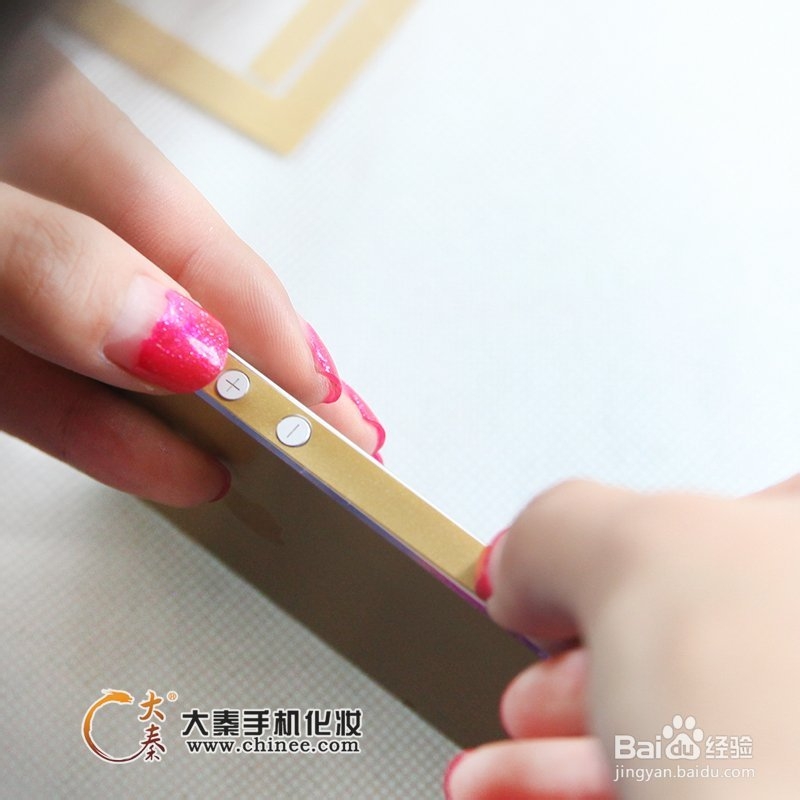
3、接下来是侧面的边条,孔位都很明确标准。只需要对位粘贴就可以了。



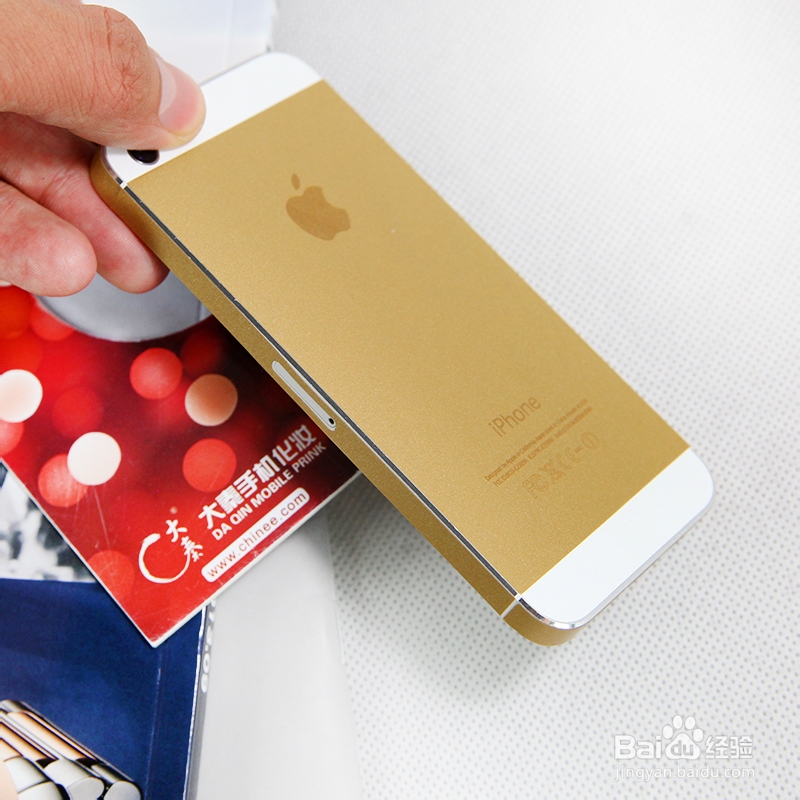
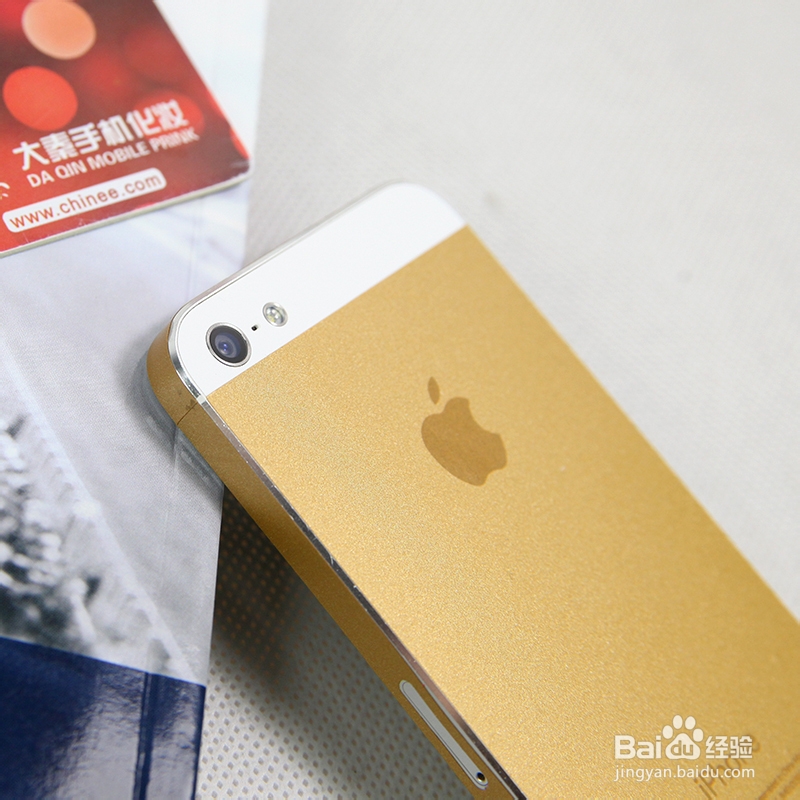
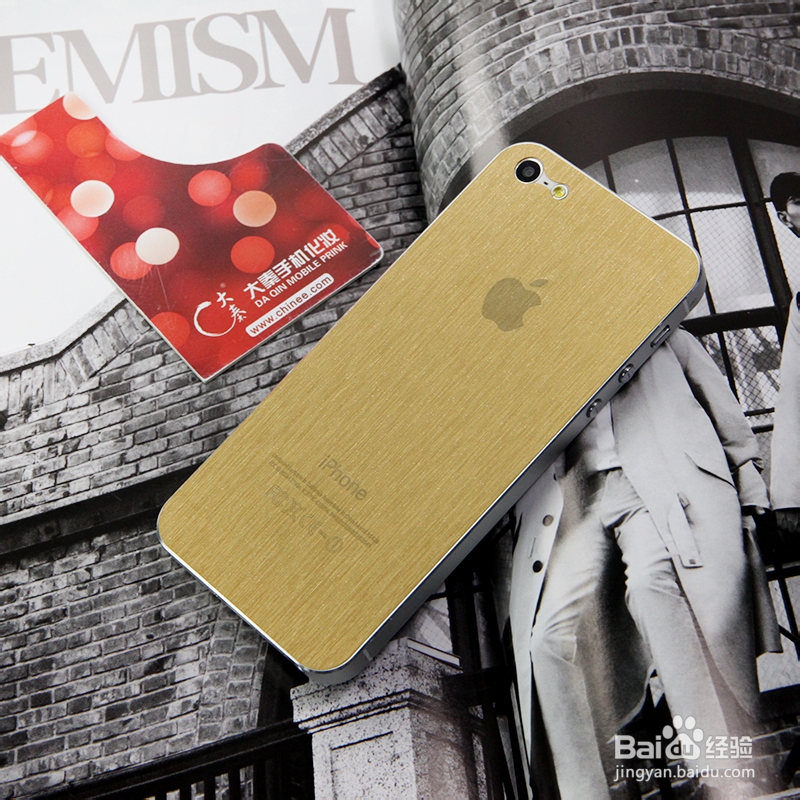
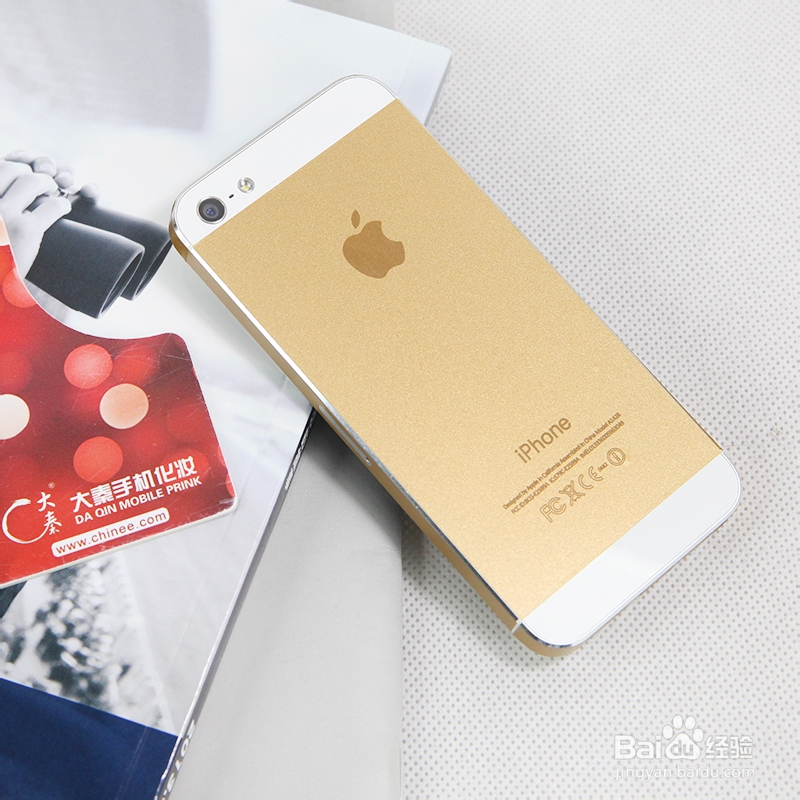
4、看看整体效果!





时间:2026-05-02 23:05:17
1、首先用3D手机化妆系统选址Iphone 5数据,用专用切割机按iphone 5轮廓切割。iPhone 5S贴膜和手机真机。这种贴膜上都预先准备了苹果logo和文字,真实感超强!
2、带胶水的部分喷些清水,这样可以让胶水暂时胶性降低,可以平滑移动轻松对位。粘贴的时候,只需要先从一边对齐,然后用刮板平滑移动。用刮板平推,这样可以避免气泡产生。
3、接下来是侧面的边条,孔位都很明确标准。只需要对位粘贴就可以了。
4、看看整体效果!
