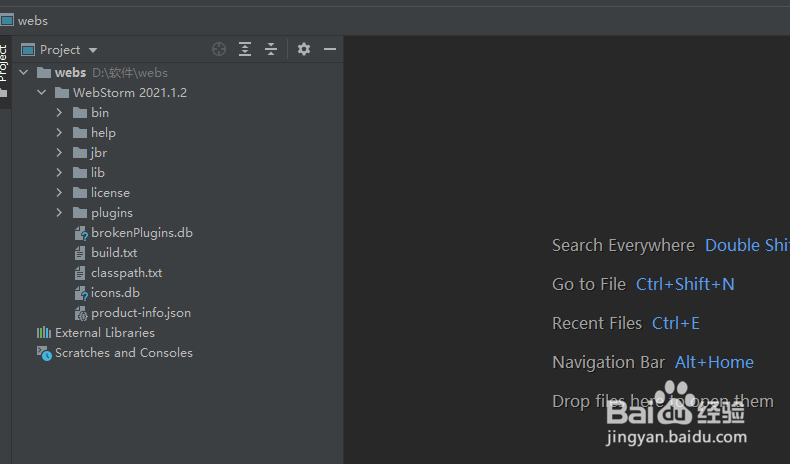
1、打开一个WebStorm的界面中
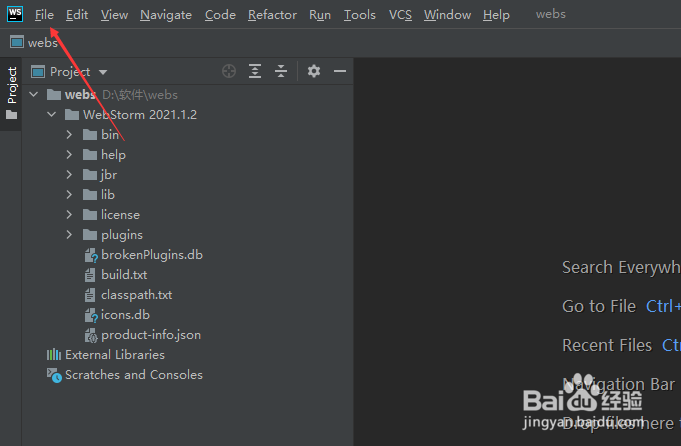
2、点击左上角中file菜单
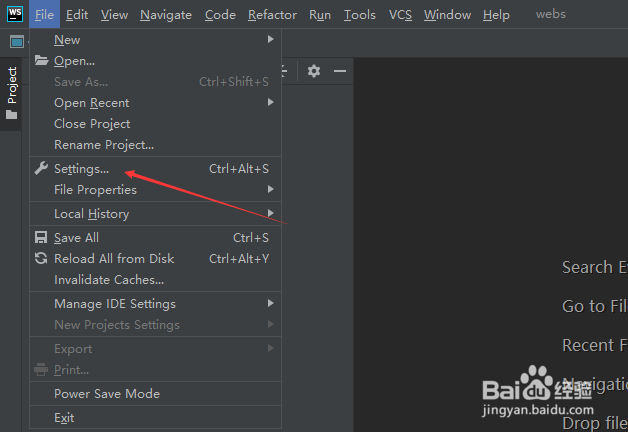
3、弹出了下拉菜单选中settings选项
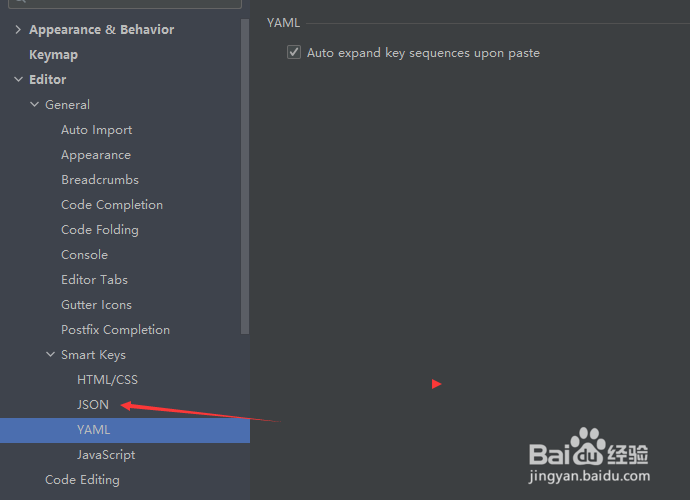
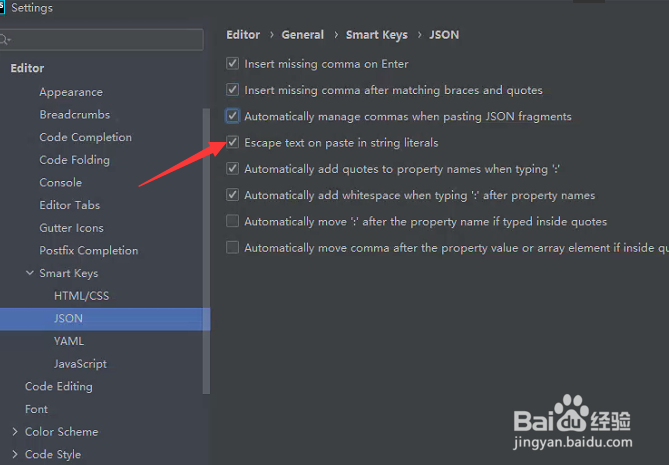
4、点击左侧中的json选项
5、去掉escape text on paste in string sterals选项
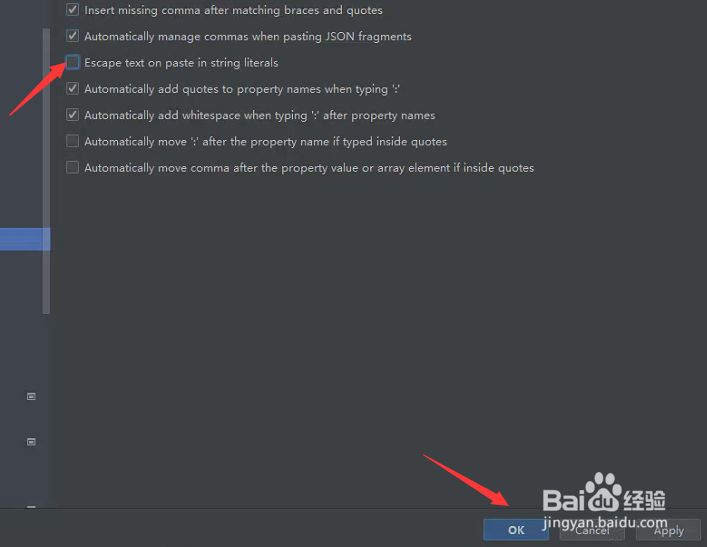
6、去掉escape text on paste in string sterals选项之后,点击ok
时间:2026-04-24 22:26:11
1、打开一个WebStorm的界面中
2、点击左上角中file菜单
3、弹出了下拉菜单选中settings选项
4、点击左侧中的json选项
5、去掉escape text on paste in string sterals选项
6、去掉escape text on paste in string sterals选项之后,点击ok
