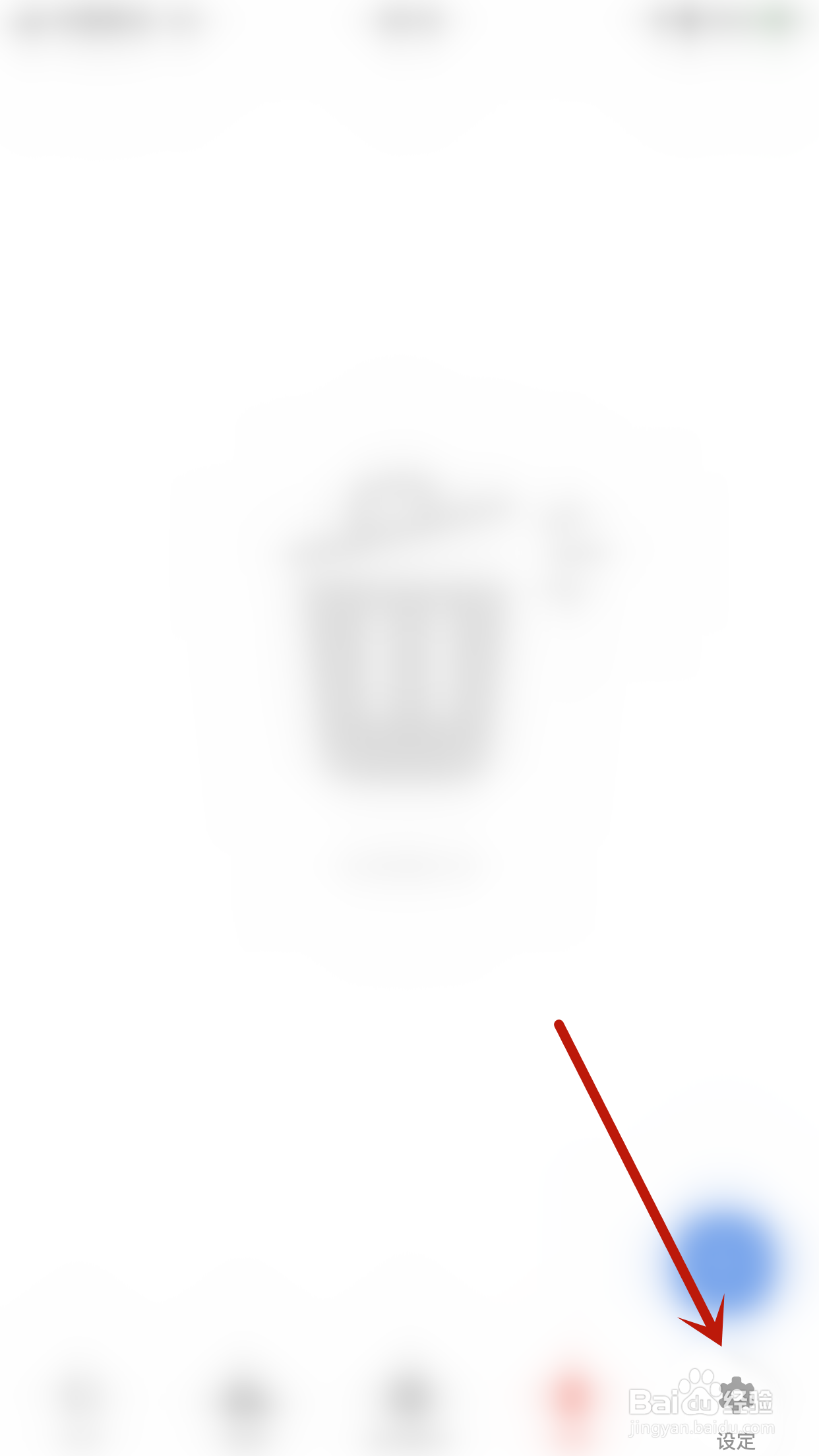
1、手机打开“Flexcil”App,Flexcil主界面点击右下角的“设定”打开设定界面
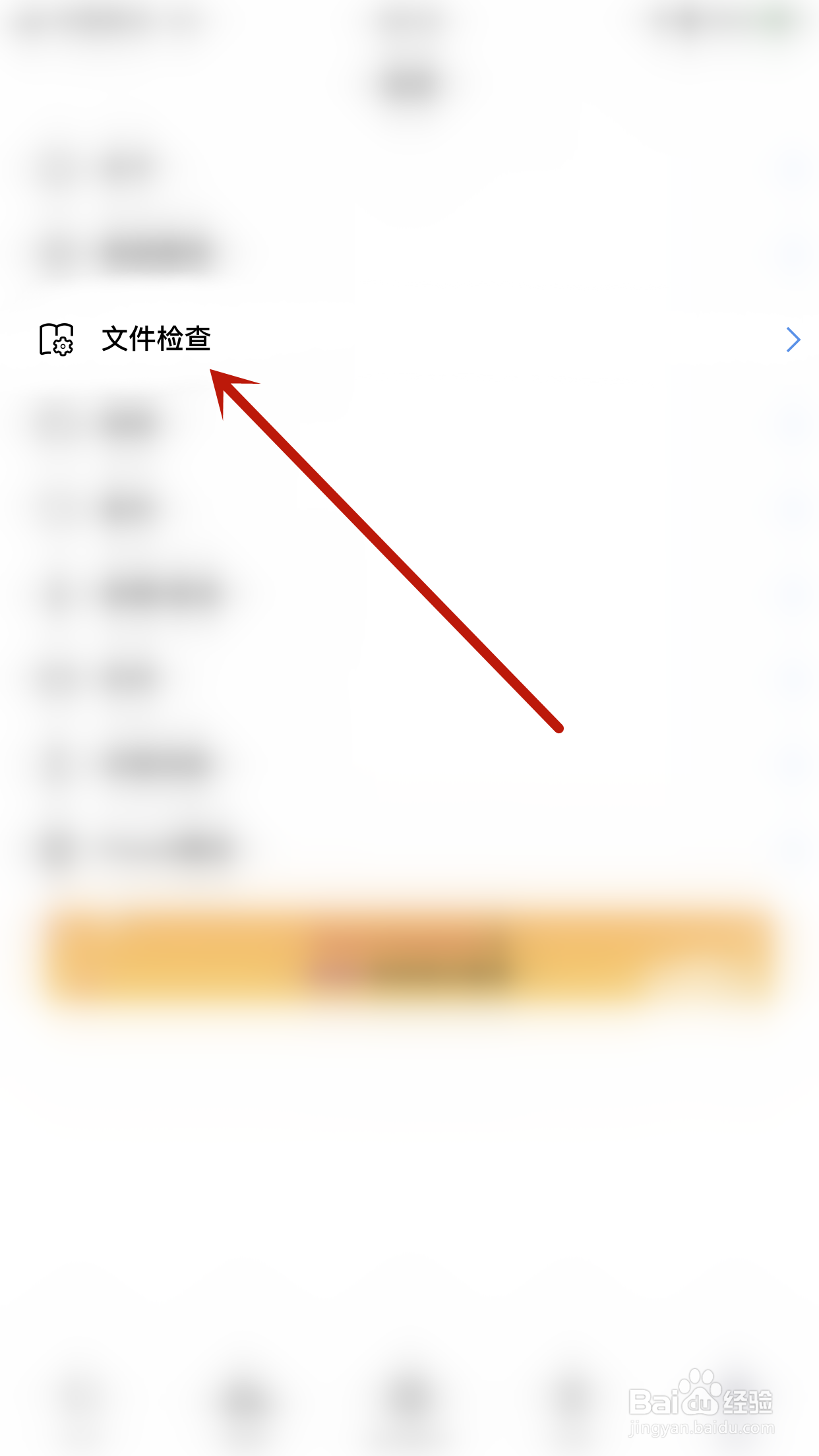
2、设定界面点击“文件检查”打开文件检查界面
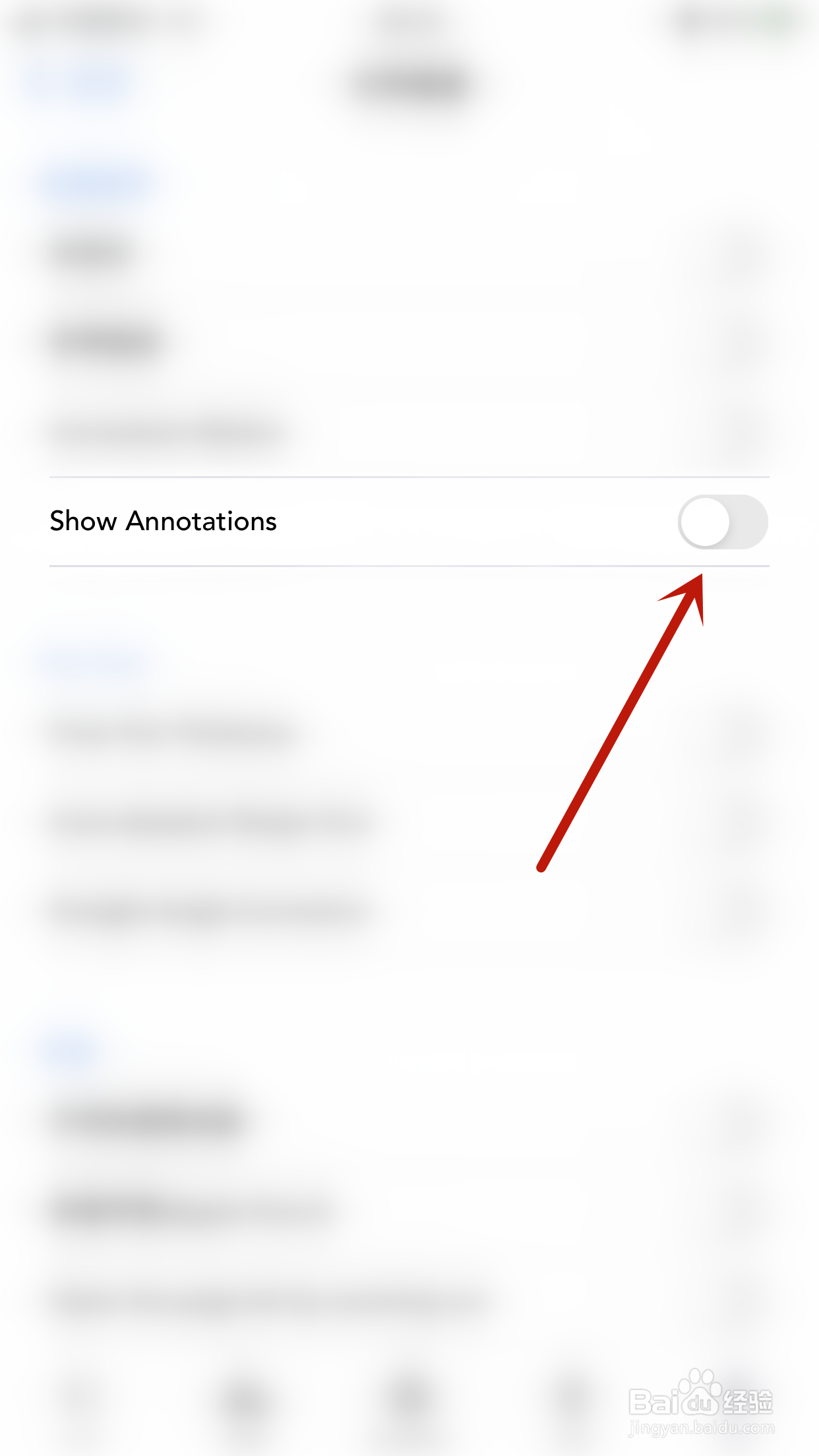
3、文件检查界面点击“Show Annotations”后面的圆点
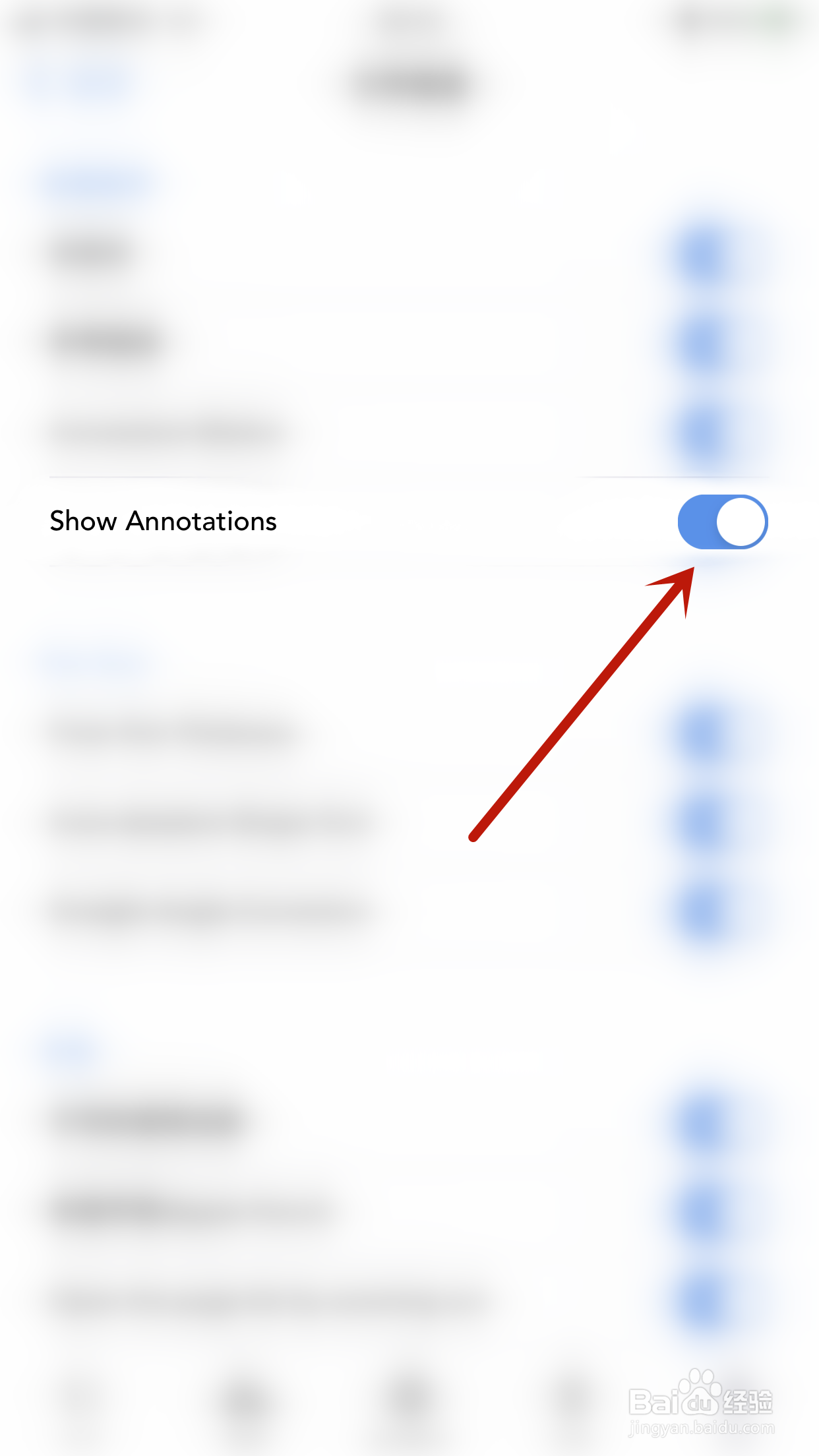
4、“Show Annotations”后面的圆点变为蓝色即表示启用Flexcil Show Annotations成功
时间:2026-04-22 08:28:00
1、手机打开“Flexcil”App,Flexcil主界面点击右下角的“设定”打开设定界面
2、设定界面点击“文件检查”打开文件检查界面
3、文件检查界面点击“Show Annotations”后面的圆点
4、“Show Annotations”后面的圆点变为蓝色即表示启用Flexcil Show Annotations成功
