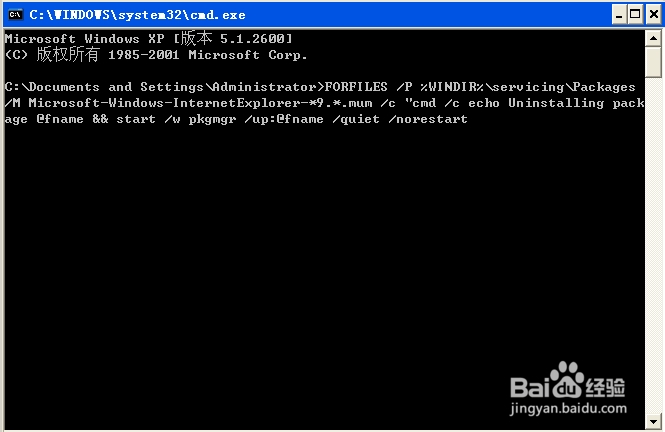
1、开始---运行-----框里输入cmd,进入命令提示框,将下面的命令复制粘贴到命令框里,然后按下Enter键执行。
一旦执行完命令,必须重启电脑。

2、卸载IE9的命令:
FORFILES /P %WINDIR%\servicing\Packages /M Microsoft-Windows-InternetExplorer-*9.*.mum /c "cmd /c echo Uninstalling package @fname && start /w pkgmgr /up:@fname /quiet /norestart
3、卸载IE10的命令:
FORFILES /P %WINDIR%\servicing\Packages /M Microsoft-Windows-InternetExplorer-*10.*.mum /c "cmd /c echo Uninstalling package @fname && start /w pkgmgr /up:@fname /quiet /norestart
4、卸载IE11的命令:
FORFILES /P %WINDIR%\servicing\Packages /M Microsoft-Windows-InternetExplorer-*11.*.mum /c "cmd /c echo Uninstalling package @fname && start /w pkgmgr /up:@fname /quiet /norestart
