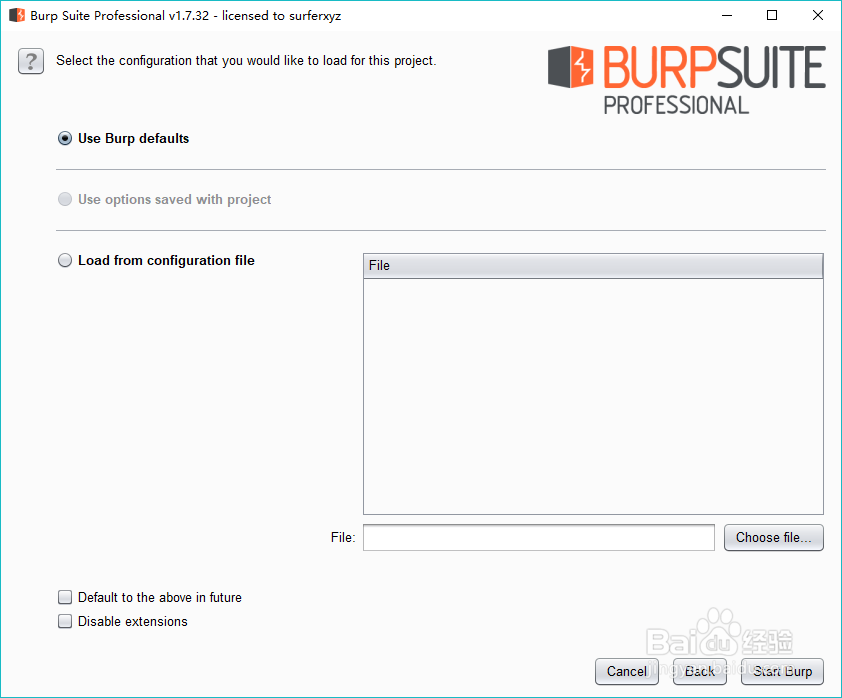
1、首先打开burp向导

2、点击next

3、点击start打开
4、等待加载,进入主界面
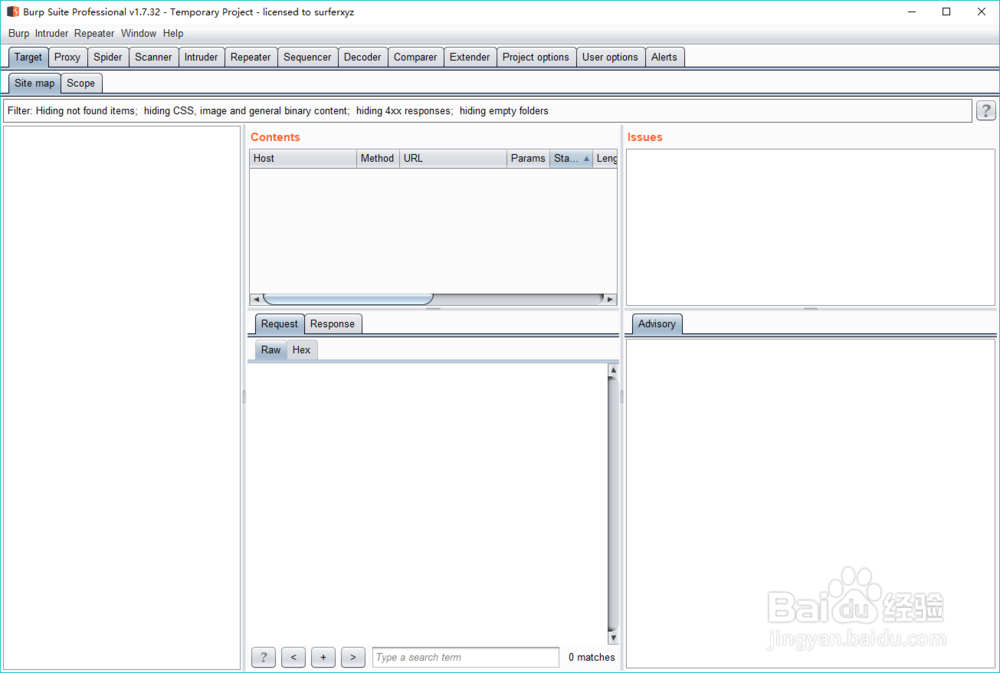
5、点击repeater选项
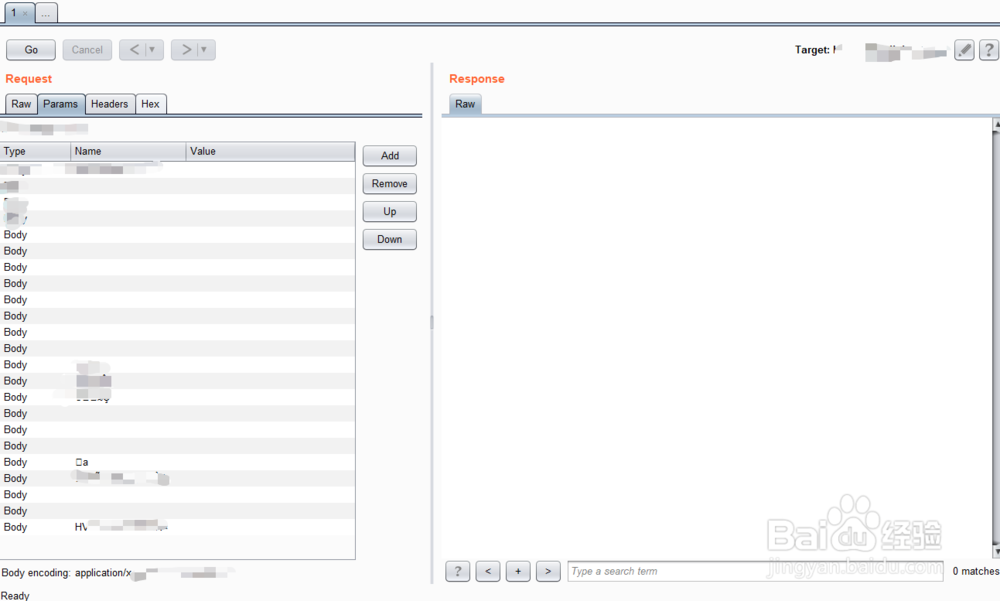
6、我们点击parm选项,进入参数设置

7、点击右边的add可以添加参数

8、点击up和down可以调整顺序

9、以上是Burp如何设置request的head参数的方法
时间:2026-04-24 11:45:26
1、首先打开burp向导
2、点击next
3、点击start打开
4、等待加载,进入主界面
5、点击repeater选项
6、我们点击parm选项,进入参数设置
7、点击右边的add可以添加参数
8、点击up和down可以调整顺序
9、以上是Burp如何设置request的head参数的方法
