PowerPoint如何允许拖放式文字编辑

 时间:2026-05-03 07:24:48

1、打开PowerPoint,进入软件主界面。

PowerPoint如何允许拖放式文字编辑

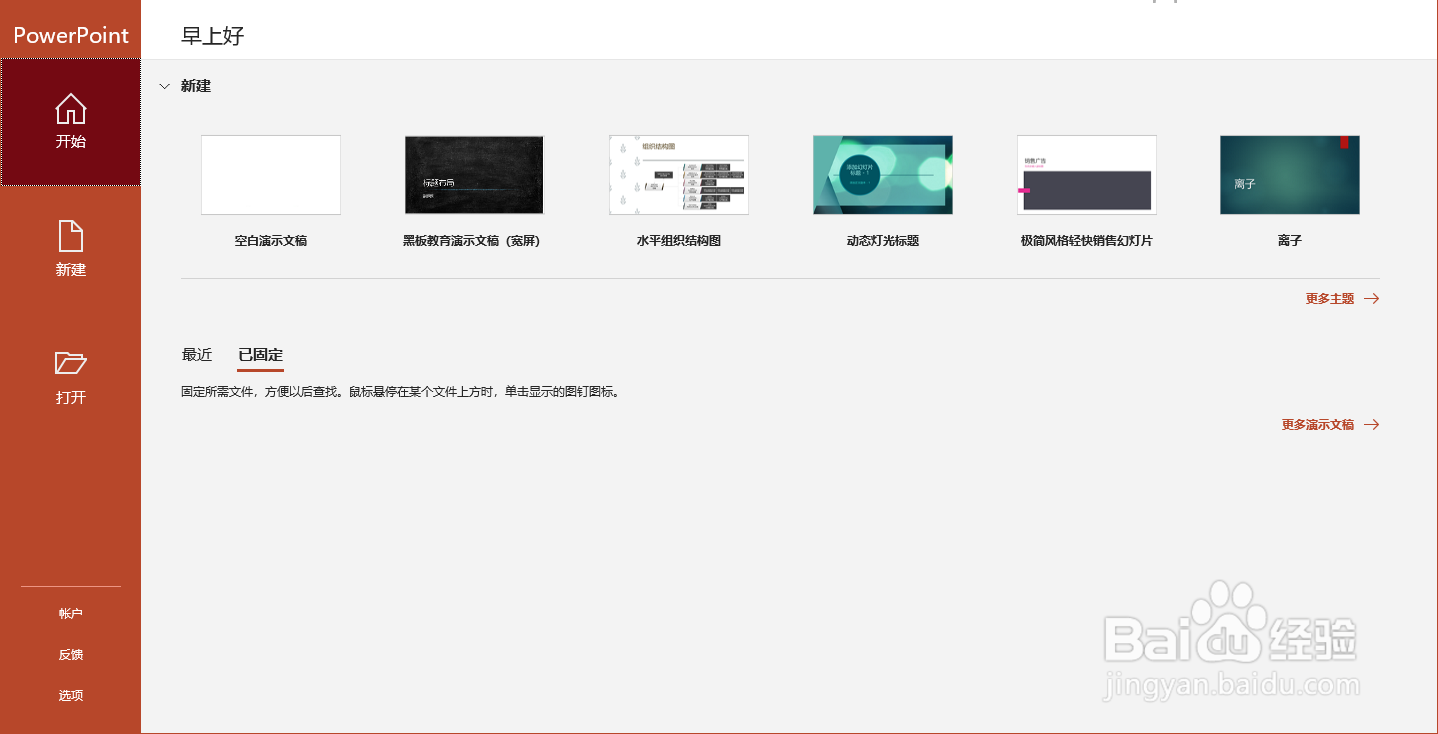
2、进入PowerPoint,选择左下角选项。

PowerPoint如何允许拖放式文字编辑

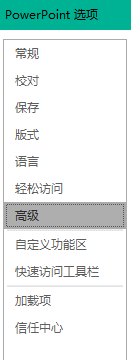
3、进入PowerPoint选项,选择高级。

PowerPoint如何允许拖放式文字编辑

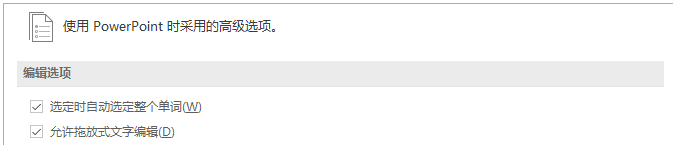
4、找到编辑选项,勾选允许拖放式文字编辑。

PowerPoint如何允许拖放式文字编辑

5、最后点击确定即可。

PowerPoint如何允许拖放式文字编辑

  • PowerPoint 2013怎么不允许拖放式文字编辑
  • Word如何设置拖放式文字编辑
  • Word文档如何设置允许拖放式文字编辑?
  • Word如何设置取消拖放式文字编辑
  • wps文字怎么设置拖放式文字编辑
  • 热门搜索
    鬼冢虎怎么读 打卤面的各种卤的做法 凉拌粉丝的做法 韩国海带汤的做法 呼叫转移怎么取消 烧白的做法 皮蛋瘦肉粥做法 怎么射精 莴苣怎么做好吃又简单 日记的格式怎么写