1、首先,需要在springboot项目的pom.xml文件中引入相关的依赖,maven依赖为:
<dependency>
<groupId>org.springframework.boot</groupId>
<artifactId>spring-boot-devtools</artifactId>
<optional>true</optional>
</dependency>
和插件支持:
<build>
<plugins>
<plugin>
<groupId>org.springframework.boot</groupId>
<artifactId>spring-boot-maven-plugin</artifactId>
<configuration>
<fork>true</fork>
</configuration>
</plugin>
</plugins>
</build>
如图所示。

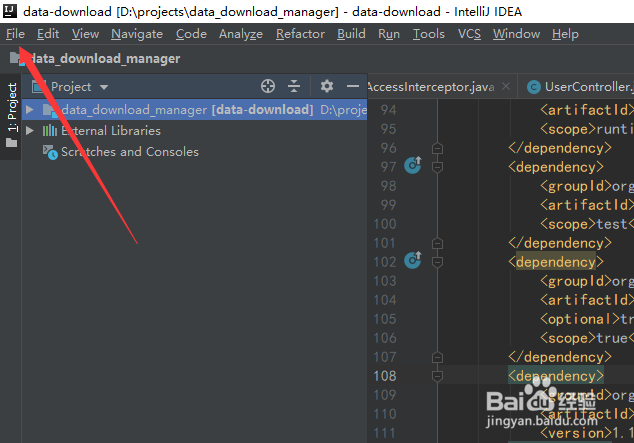
2、然后点击IntelliJ IDEA左上角的“file”,如图所示。
3、然后选择下拉菜单中的“settings...”,进入idea的系统功能设置,如图所示。

4、进入IntelliJ IDEA的settings功能之后,选择左侧菜单的“Build,Execution,Deployment”,如图所示。

5、然后选择其中的“Compiler”,然后把右面的“Build project automatically”前面的复选框勾选,如图所示。

6、然后使用快捷键“Ctrl+Shift+A”,搜索“Registry”,如图所示。

7、然后把如图所示的key进行勾选就可以了,如图所示。

8、然后需要重启IntelliJ IDEA,否则可能不生效,以上就是IntelliJ IDEA怎么热启动springboot项目的方法介绍,希望可以帮到大家。
