notability如何设置新分组

 时间:2026-04-22 11:16:21

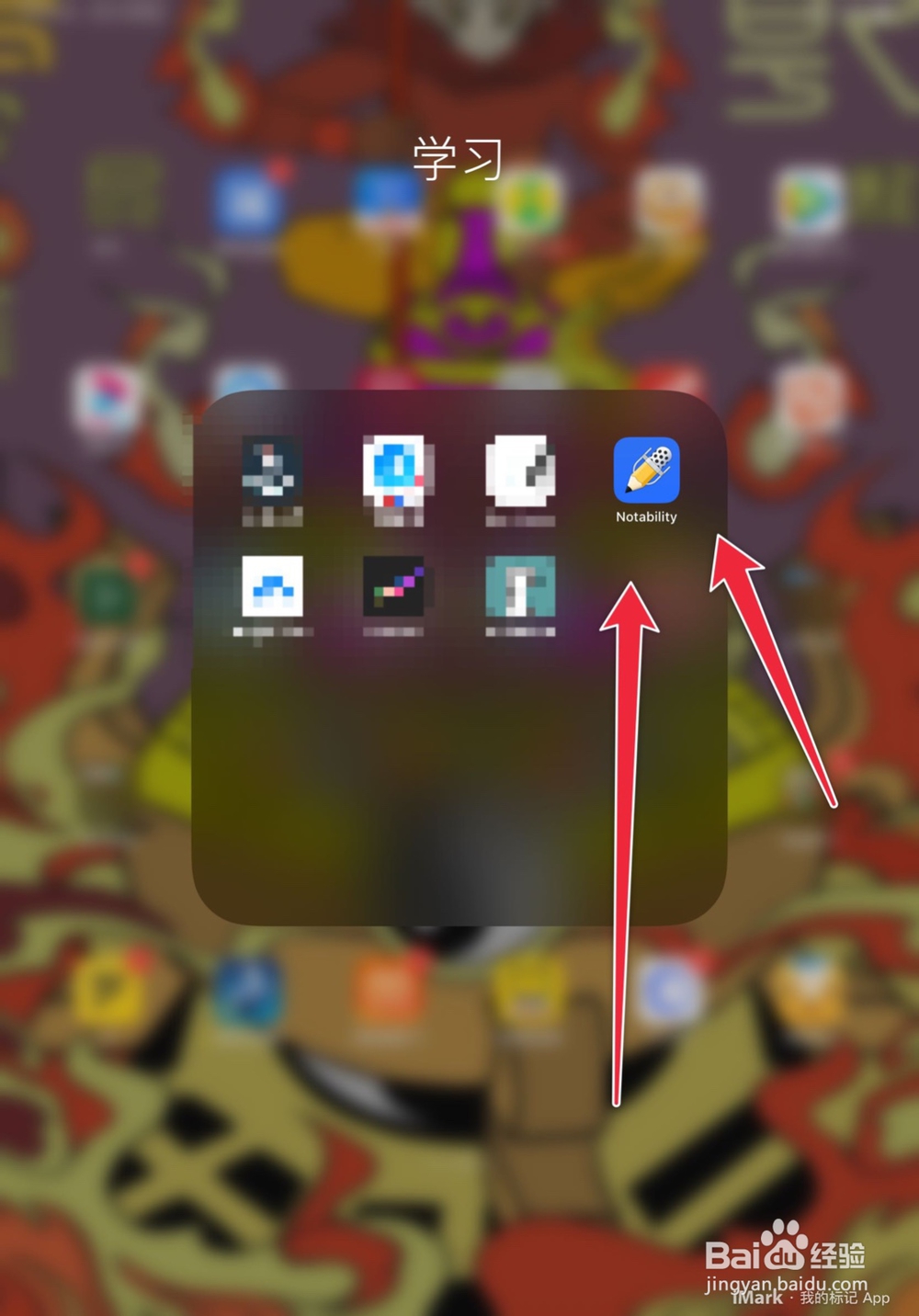
1、打开iPad,找到notability软件

notability如何设置新分组

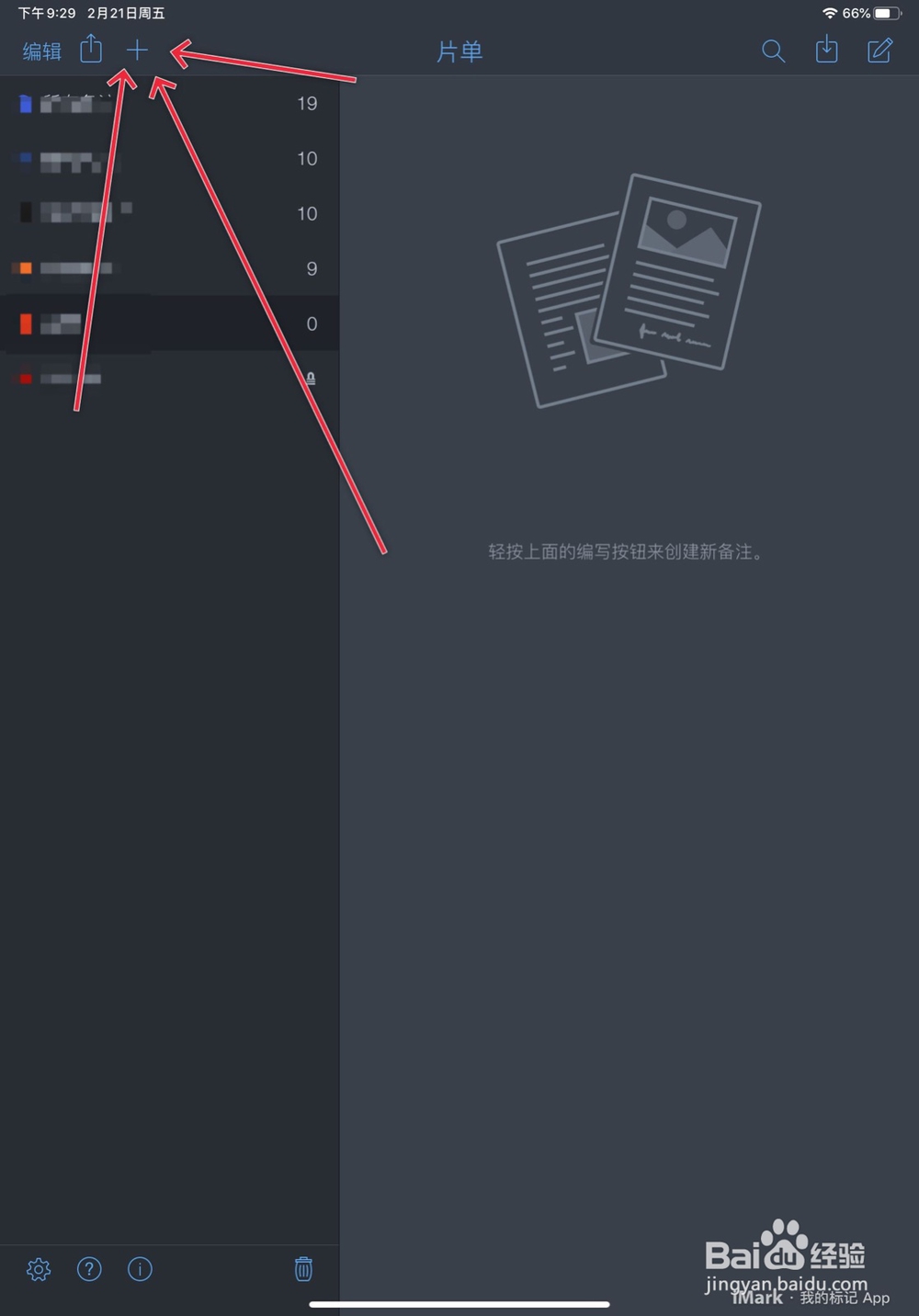
2、点击软件左上角的➕

notability如何设置新分组

3、然后写咱们的新分组名称

notability如何设置新分组

4、最后我们新建文档

notability如何设置新分组

5、新增加的文档就会出现在改分组中

  • notability如何分类笔记
  • notability怎么把主题移到分隔条下
  • notability怎么分类笔记
  • notability怎么用
  • ipad怎么看内存
  • 热门搜索
    啖怎么读 青鱼怎么做好吃 我的世界刷怪塔怎么做 犹太人为什么被杀 牛心菜的做法大全 慢性阑尾炎怎么治疗 刎怎么读 干部考察谈话怎么说 special怎么读 荀怎么读