Fast Email Verifier使用教程

 时间:2026-04-22 01:39:22

1、打开软件,点start

Fast Email Verifier使用教程

2、点击如图的按钮

Fast Email Verifier使用教程

3、选择邮箱文件

Fast Email Verifier使用教程

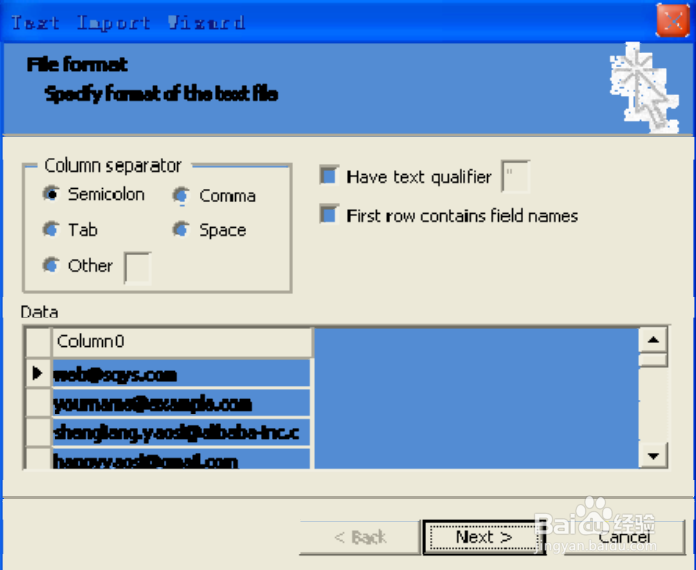
4、如图设置点next

Fast Email Verifier使用教程

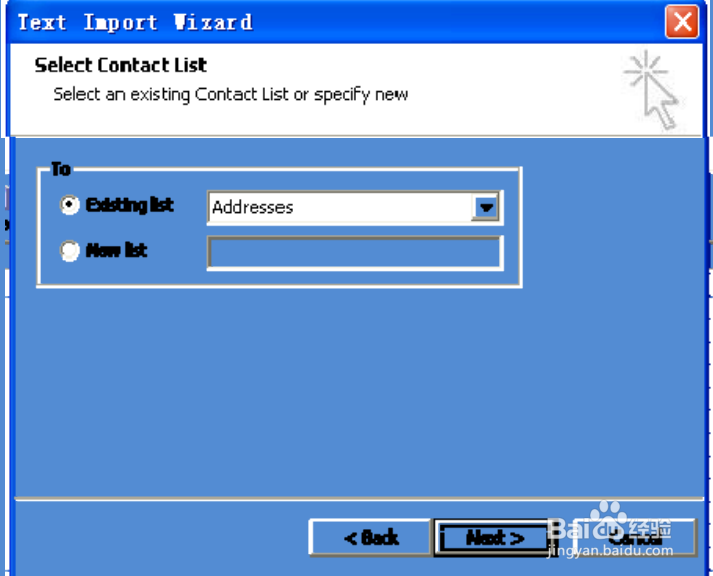
Fast Email Verifier使用教程

Fast Email Verifier使用教程

5、点finish

Fast Email Verifier使用教程

6、导入完成了。点start后出现如图,再点start按钮

Fast Email Verifier使用教程

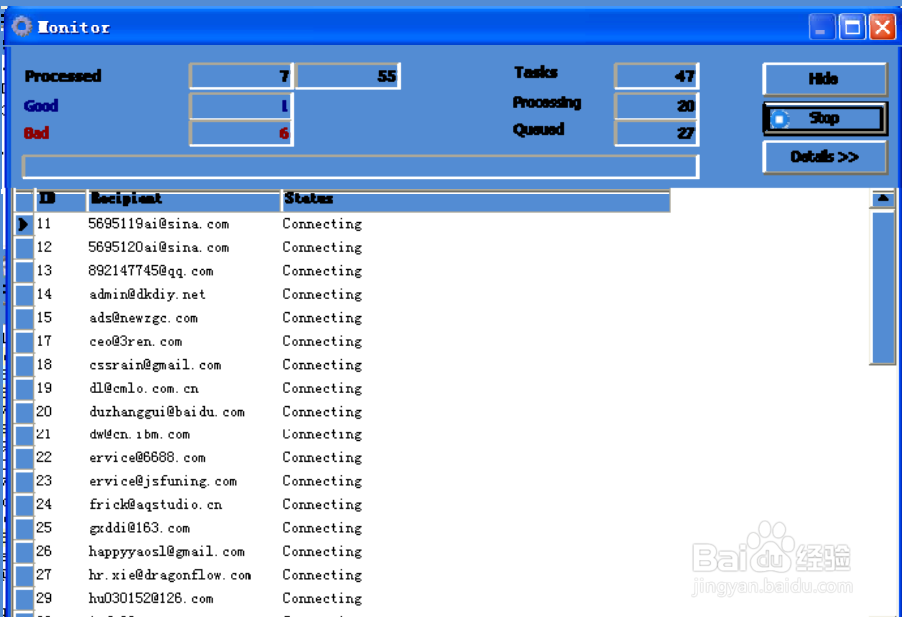
7、验证中

Fast Email Verifier使用教程

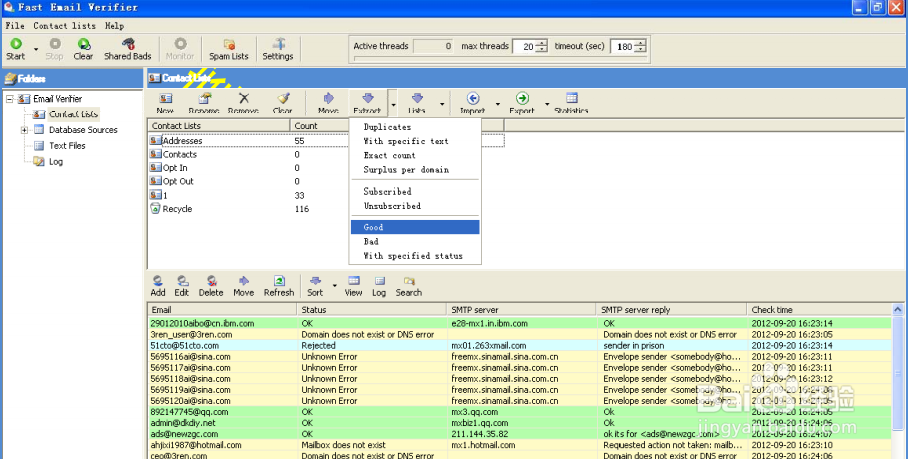
8、选择有效邮箱

Fast Email Verifier使用教程

9、最后导出验证好的邮箱

Fast Email Verifier使用教程

  • 答题吧自动打码平台的使用方法
  • 怎么更改Timing(APP)的用户性别?
  • 教你如何掌握约会要点助你找到女朋友方法
  • 年轻姑娘被三男子绑树上,内幕曝光众人纷纷唾弃
  • 教育类app开发的基本流程是什么?
  • 热门搜索
    丰胸按摩方法 工口里番库大全全彩 婴儿喉咙有痰怎么办 exercise怎么读啊 凉拌西兰花怎么做好吃 小学数学公式大全 猪肝怎么炒好吃又嫩 四季海棠花的养殖方法 羊肉汤的做法家常做法 正宗糖蒜的腌制方法