在ulead cool 3d中给球体添加放大旋转特效

 时间:2024-11-01 02:06:25

1、打开ulead cool 3d,进入它的主界面;

在ulead cool 3d中给球体添加放大旋转特效

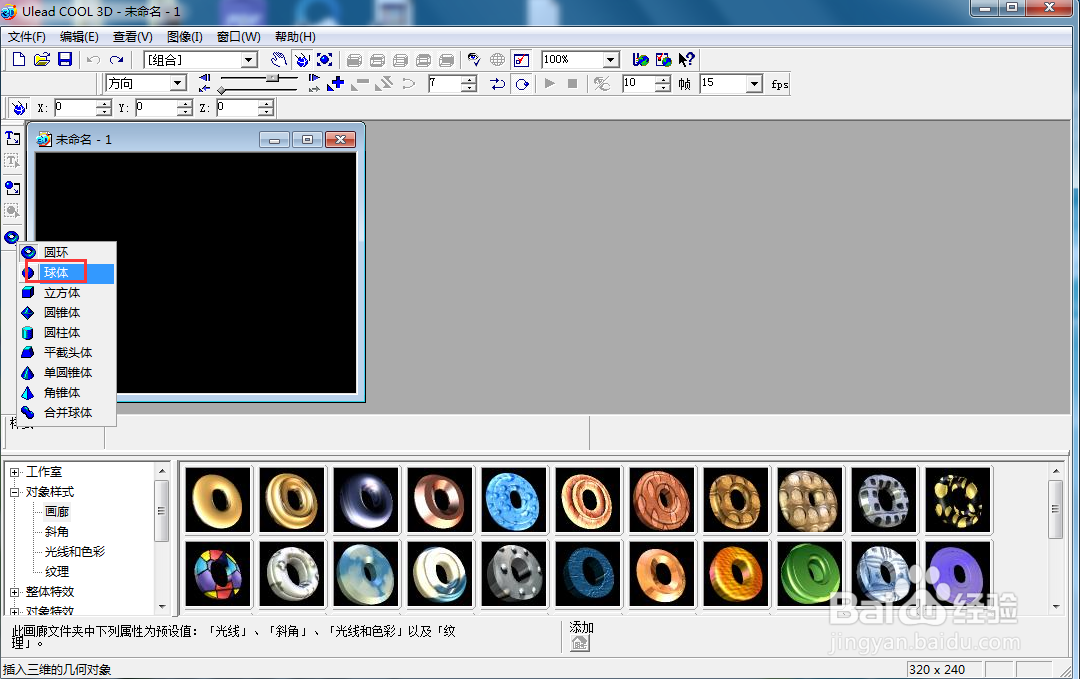
2、点击插入几何对象下的球体;

在ulead cool 3d中给球体添加放大旋转特效

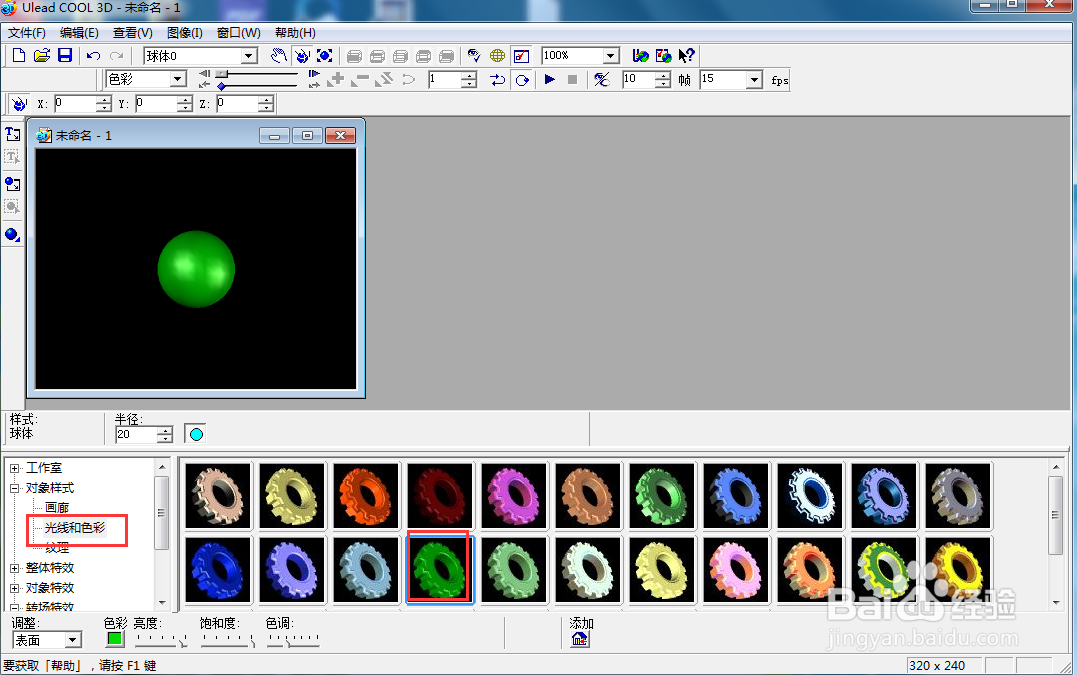
3、点击光线和色彩下的绿色样式;

在ulead cool 3d中给球体添加放大旋转特效

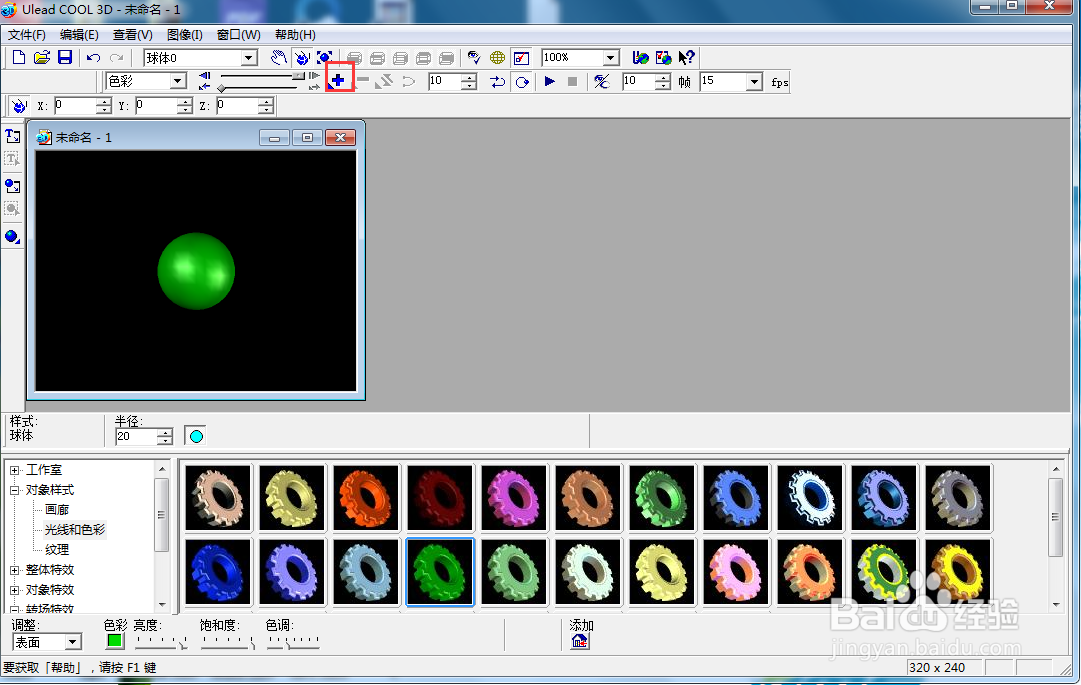
4、将时间轴控件移到右边,点击添加关键帧;

在ulead cool 3d中给球体添加放大旋转特效

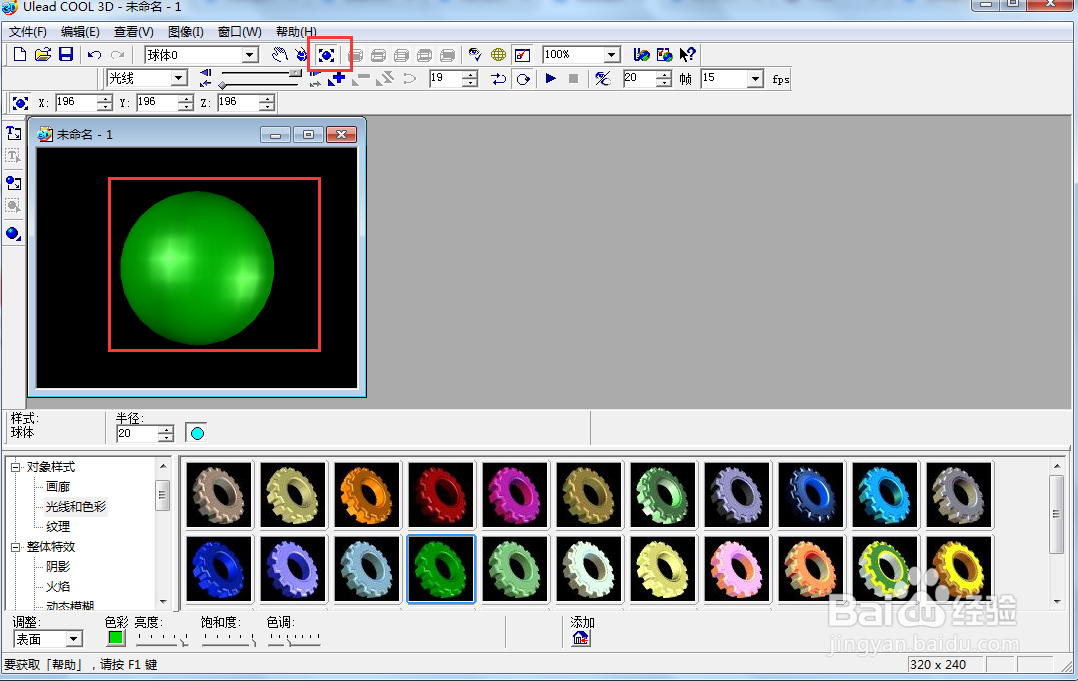
5、点击大小,向外移动鼠标,将球体放大;

在ulead cool 3d中给球体添加放大旋转特效

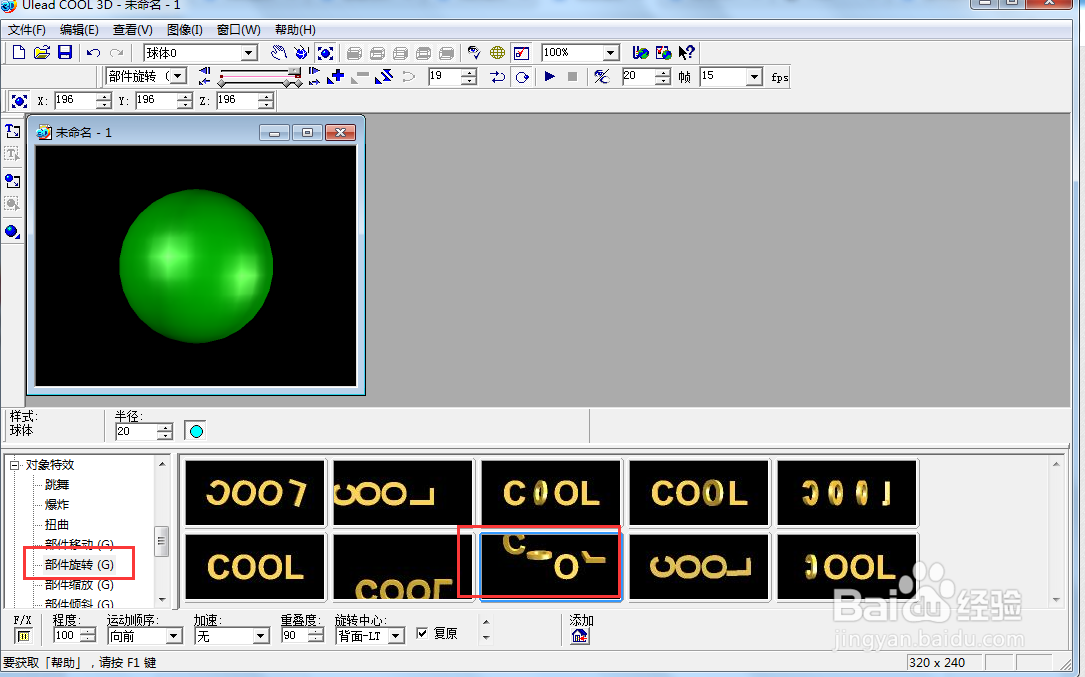
6、点击部件旋转,添加一种旋转样式;

在ulead cool 3d中给球体添加放大旋转特效

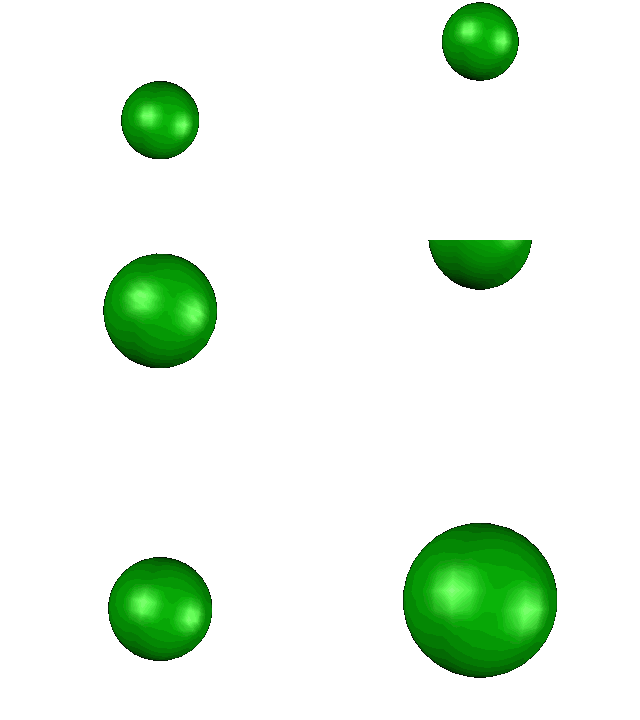
7、我们就给球体加上了放大旋转特效。

在ulead cool 3d中给球体添加放大旋转特效
  • 如何在ulead cool 3d给球体添加放大变色特效
  • 在ulead cool 3d中给圆锥体添加放大旋转特效
  • 在ulead cool 3d中给圆锥体添加放大变色特效
  • 如何在ulead cool 3d创建绿色球体
  • ulead cool 3d中给球体添加旋转和倾斜特效
  • 热门搜索
    什么是倒叙 什么是风寒感冒 什么鱼竿好 杰出的反义词是什么 wlan是什么意思 宫颈活检是什么 skirt什么意思 奉贤有什么好玩的地方 pce是什么意思 王源是什么星座