如何停用oprea振动

 时间:2026-04-23 13:24:45

1、手机打开“oprea”App,oprea主界面点击右下角的“三”打开系统菜单界面

如何停用oprea振动

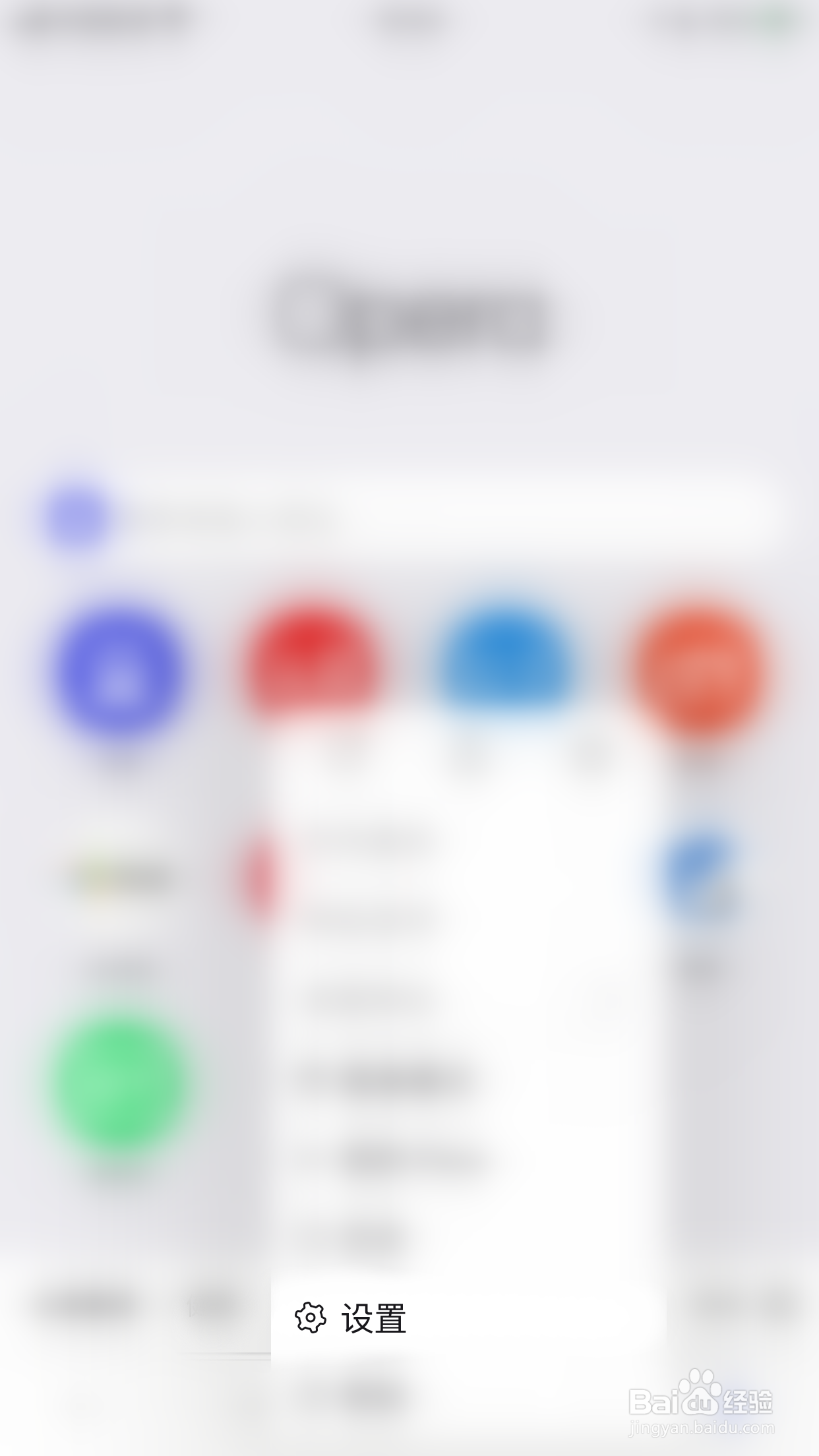
2、系统菜单界面点击“设置”打开设置界面

如何停用oprea振动

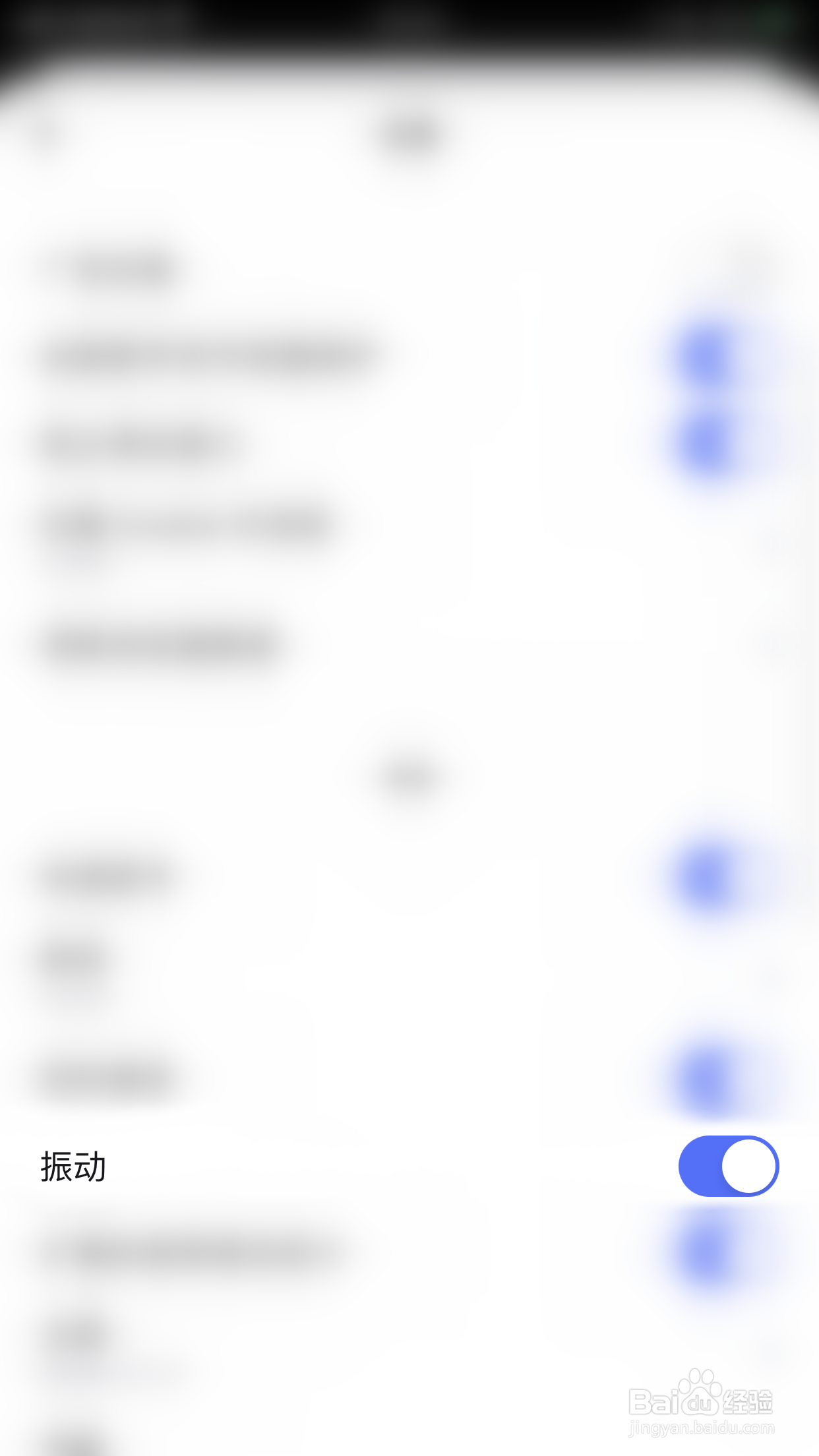
3、设置界面点击“振动”后面的圆点

如何停用oprea振动

4、“振动”后面的圆点变为灰色即表示停用oprea振动成功

如何停用oprea振动

  • 怎么关闭oprea快速拨号
  • oprea如何启用广告拦截
  • oprea怎么关闭广告拦截
  • 怎么关闭oprea振动提醒
  • oprea如何启用即时搜索
  • 热门搜索
    考研复试考什么 详细的反义词是什么 kj是什么意思 技术支持是做什么的 suv什么意思 鸭肫是什么 nature是什么意思 党的根本宗旨是什么 什么是益虫 耵聍是什么