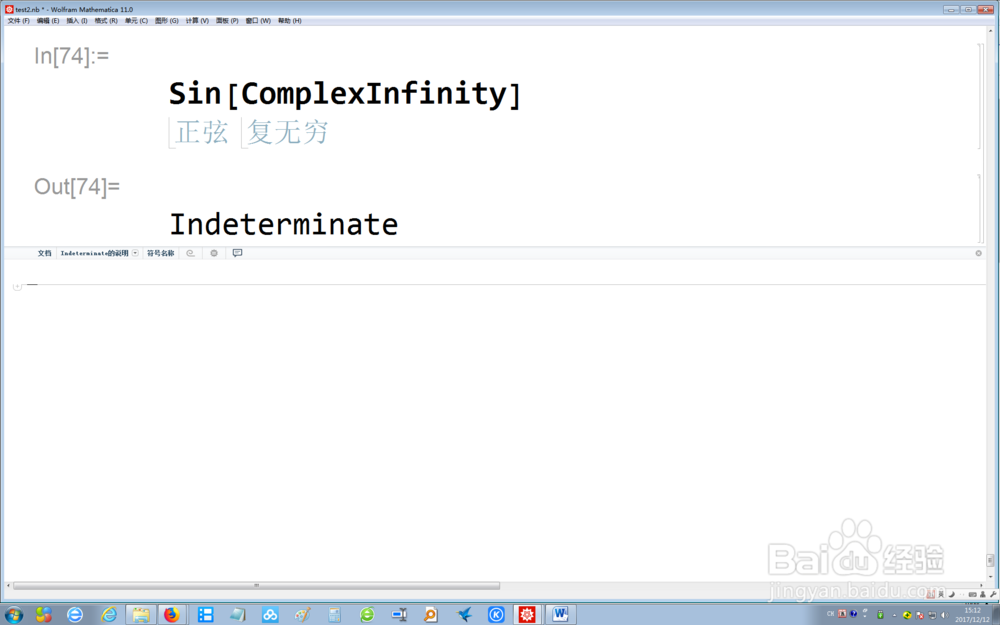
1、在Mathematica 11的命令行中,输入Sin[ComplexInfinity],然后按Enter+Shift,此时系统会输出复无穷的正弦函数值
2、在Mathematica 11的命令行中,输入ArcSec[ComplexInfinity],然后按Enter+Shift,此时系统会输出复无穷的反正割函数值

3、在Mathematica 11的命令行中,输入Sin[Abs[ComplexInfinity]],然后按Enter+Shift,此时系统会输出两个值

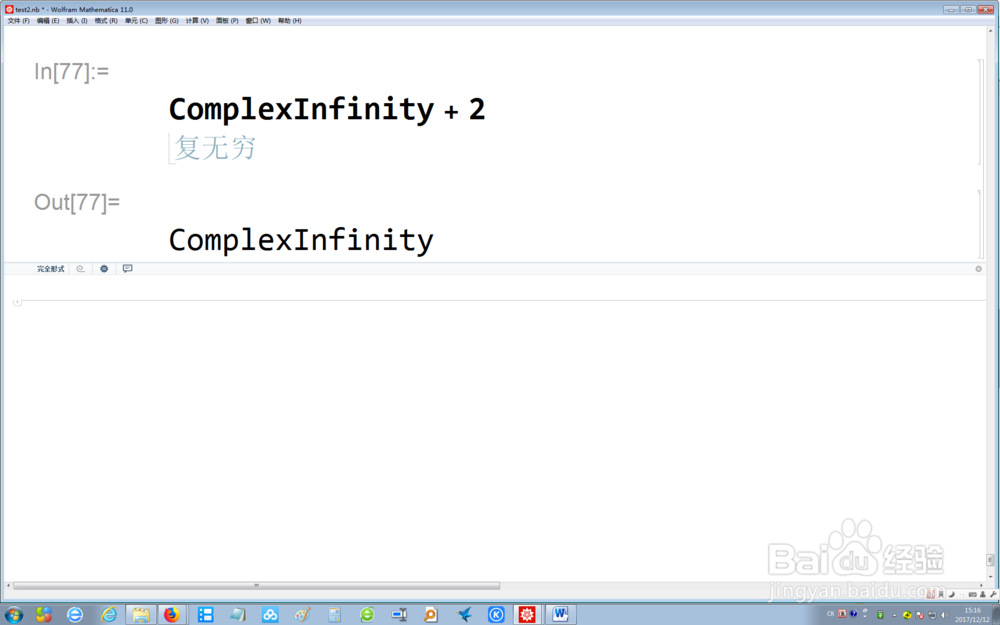
4、在Mathematica 11的命令行中,输入ComplexInfinity + 2,然后按Enter+Shift,此时系统会显示仍是复无穷
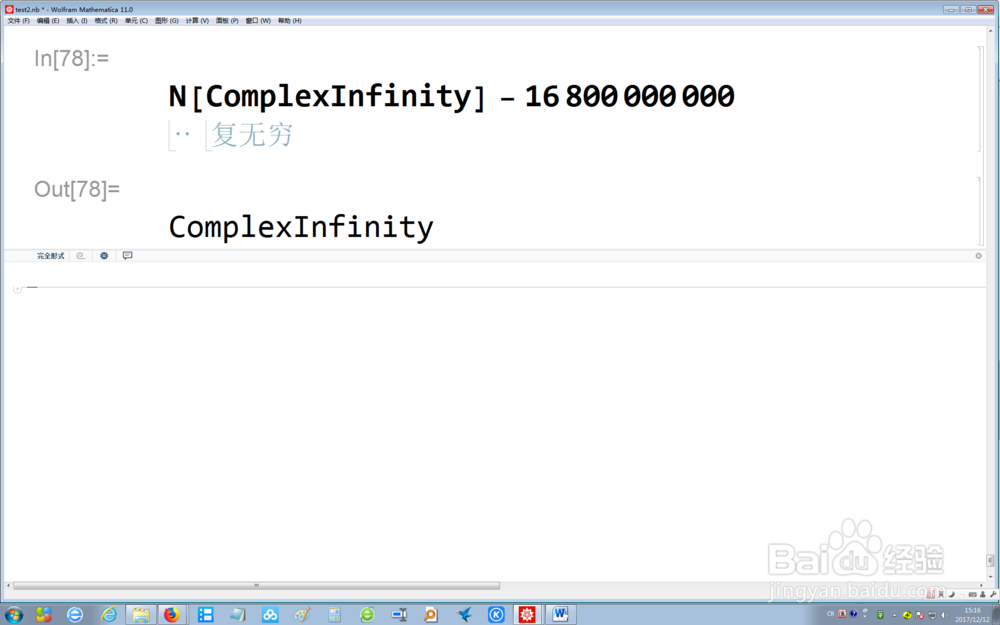
5、在Mathematica 11的命令行中,输入N[ComplexInfinity]-16800000000,然后按Enter+Shift,此时系统会引入复无穷的数值计算结果,仍为复无穷
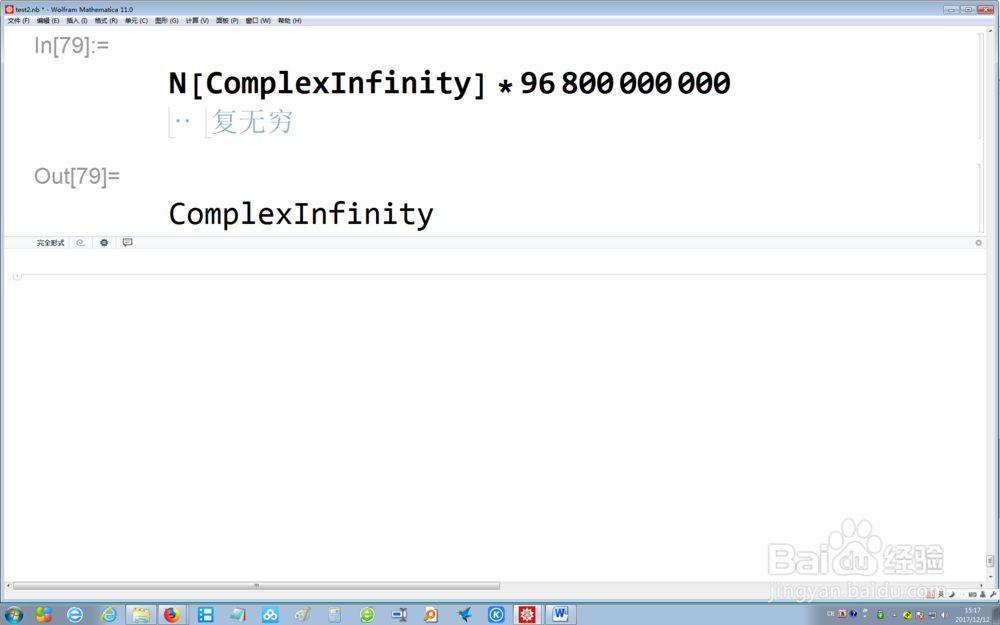
6、在Mathematica 11的命令行中,输入N[ComplexInfinity]*96800000000,然后按Enter+Shift,此时系统会引入复无穷的数值计算结果,仍为复无穷