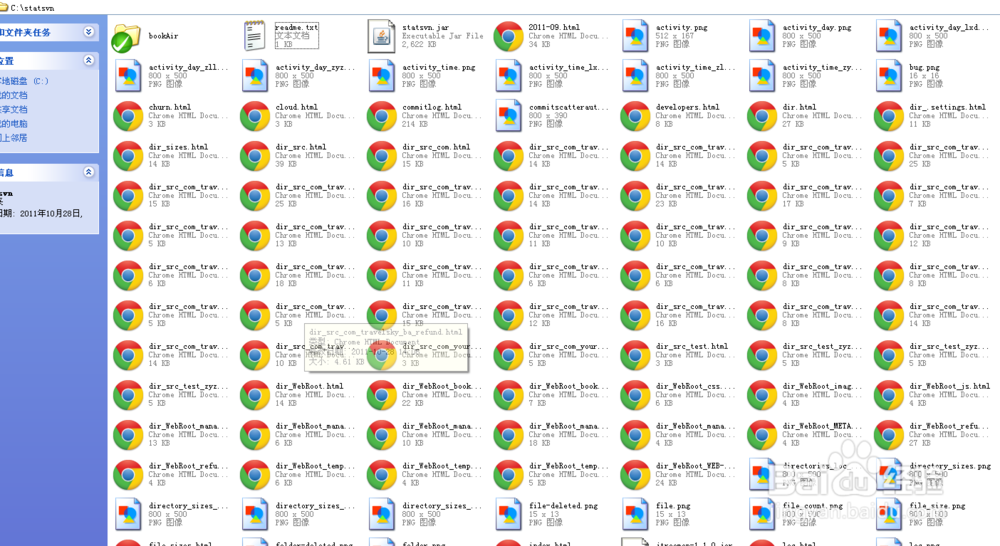
1、下载并安装SVN统计工具StatSVN
1)下载地址:sourceforge.net/projects/statsvn/
2)解压压缩包,到一个目录,如c:\statsvn;
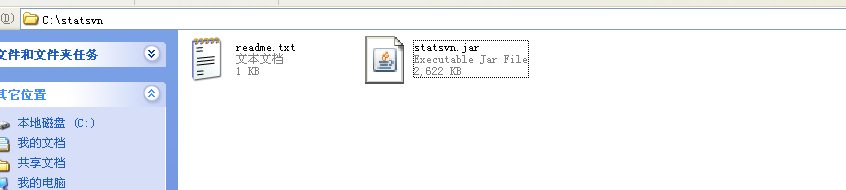
2、checkout 工作目录
从SVN服务器上checkout最新版本的项目文件,使用CMD首先导向到路径,c:\statsvn,然后运行命令:svn co https://172.23.1.80/svn/bookAirWorkspace/project/bookAir,这样项目的最新版本就load到c:\statsvn的目录下面;

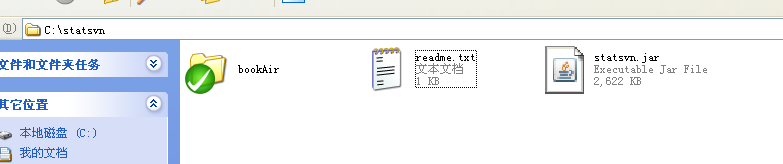
3、生成log文件
导出SVN日志文件svn.log,使用命令:svn log -v --xml C:\statsvn\bookAir > C:\statsvn\bookAir\svn.log;

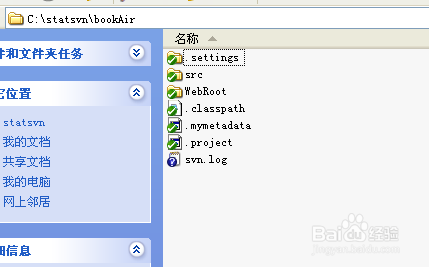
4、使用StatSVN统计SVN中的代码量
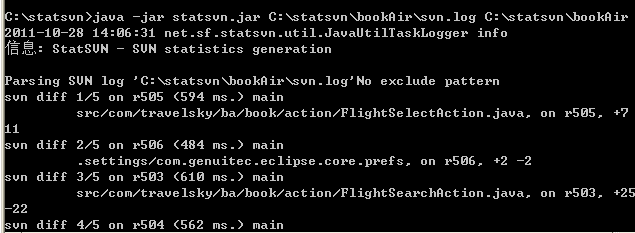
运行StatSVN统计数据,命令:java -jar statsvn.jar C:\statsvn\bookAir\svn.log C:\statsvn\bookAir,当前CMD的工作路径还是c:\statsvn;
复杂统计指令:
java -jar 炼矿侨statsvn.jar C:\statsvn\bookAir\svn.log C:\statsvn\bookAir -include **/*.java:**/*.jsp:**/*.js:**/*.css:**/*.xml -exclude **/js/jquery-1.6.2.min.js
5、查看统计结果
等待泪屈一段时间,C:\statsvn目录下就会生成购丽大量的统计文件,打开index.html即可进行查看。