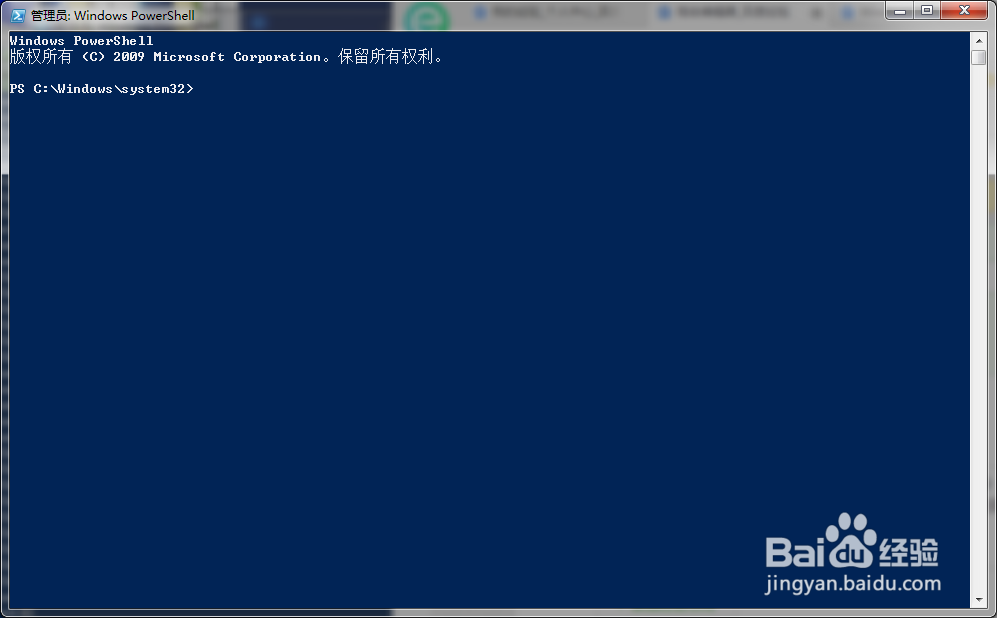
1、打开Powershell程序窗口;
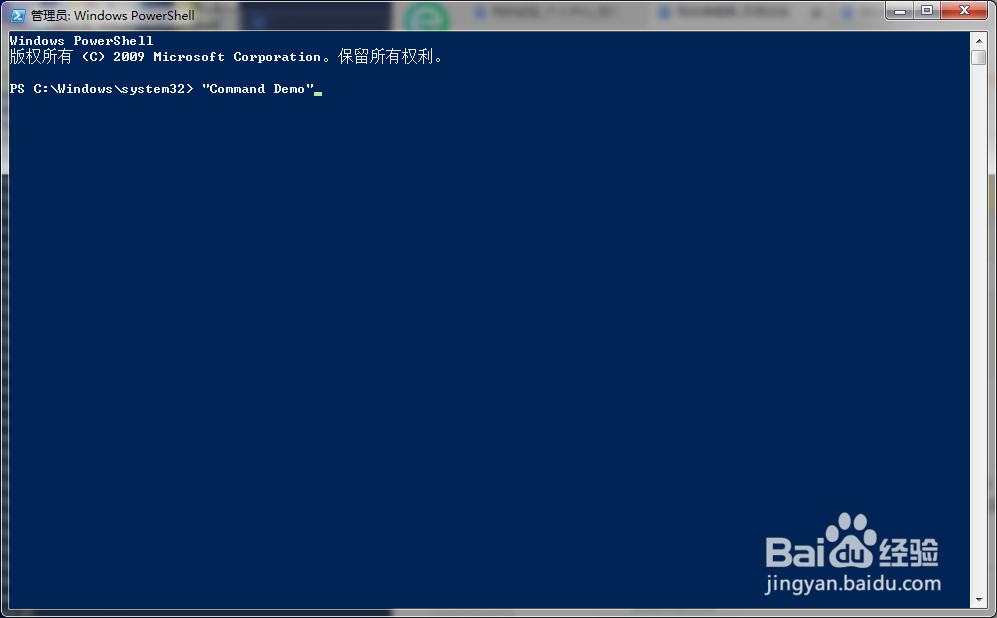
2、在程序窗口中输入“Command Demo”;
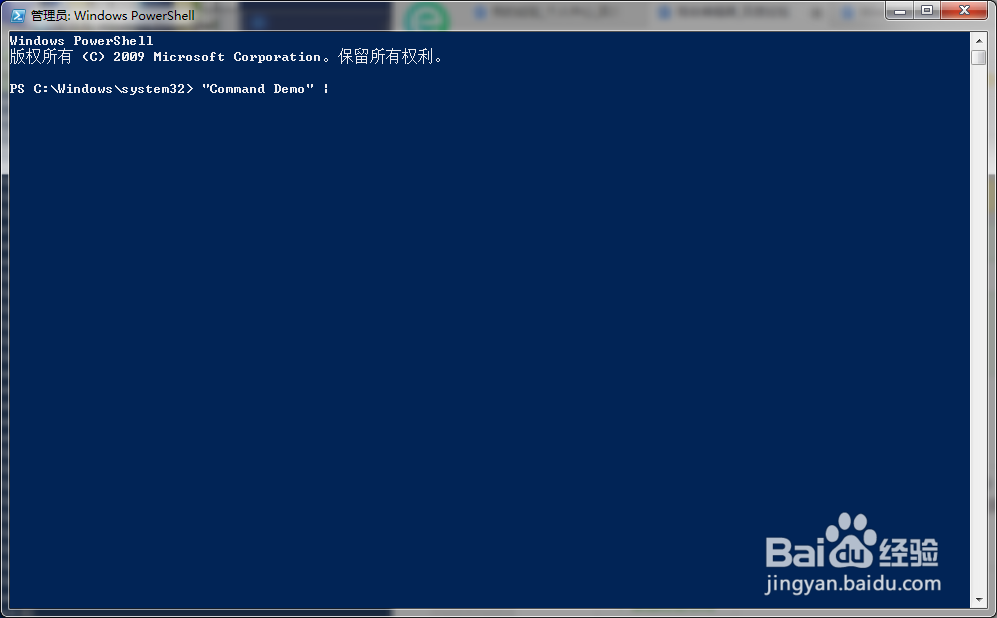
3、输入Powershell管道符号“|”;(在Powershell中显示为,上下两段断开的竖线)
4、输入“Export-Clixml”

5、设定导出文件的路径和名称;
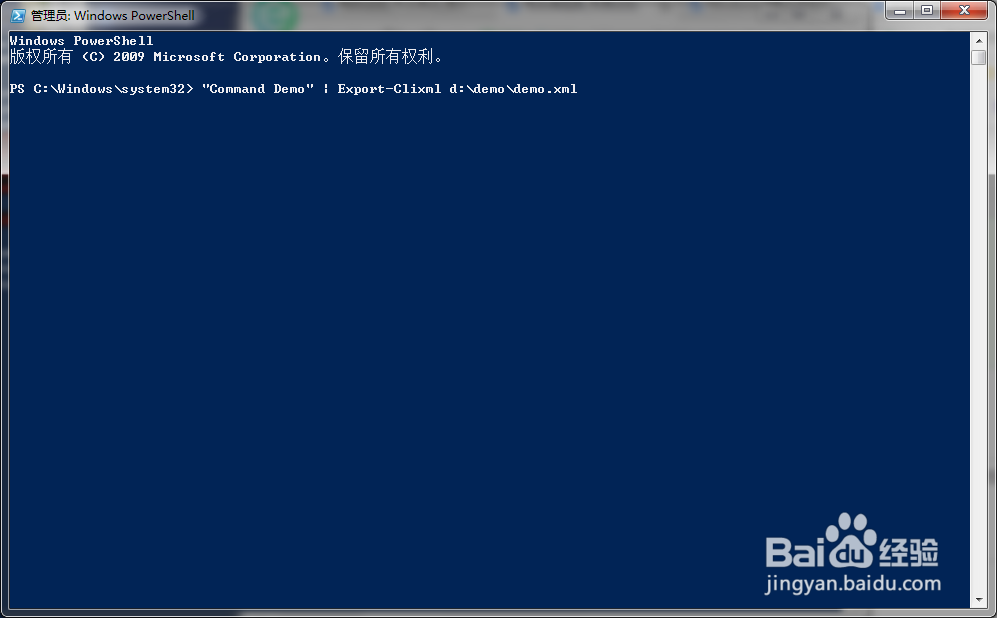
6、点击回车后,命令行成功执行;

7、对应路径下出现,指定的xml文件。

时间:2026-04-25 18:49:20
1、打开Powershell程序窗口;
2、在程序窗口中输入“Command Demo”;
3、输入Powershell管道符号“|”;(在Powershell中显示为,上下两段断开的竖线)
4、输入“Export-Clixml”
5、设定导出文件的路径和名称;
6、点击回车后,命令行成功执行;
7、对应路径下出现,指定的xml文件。
