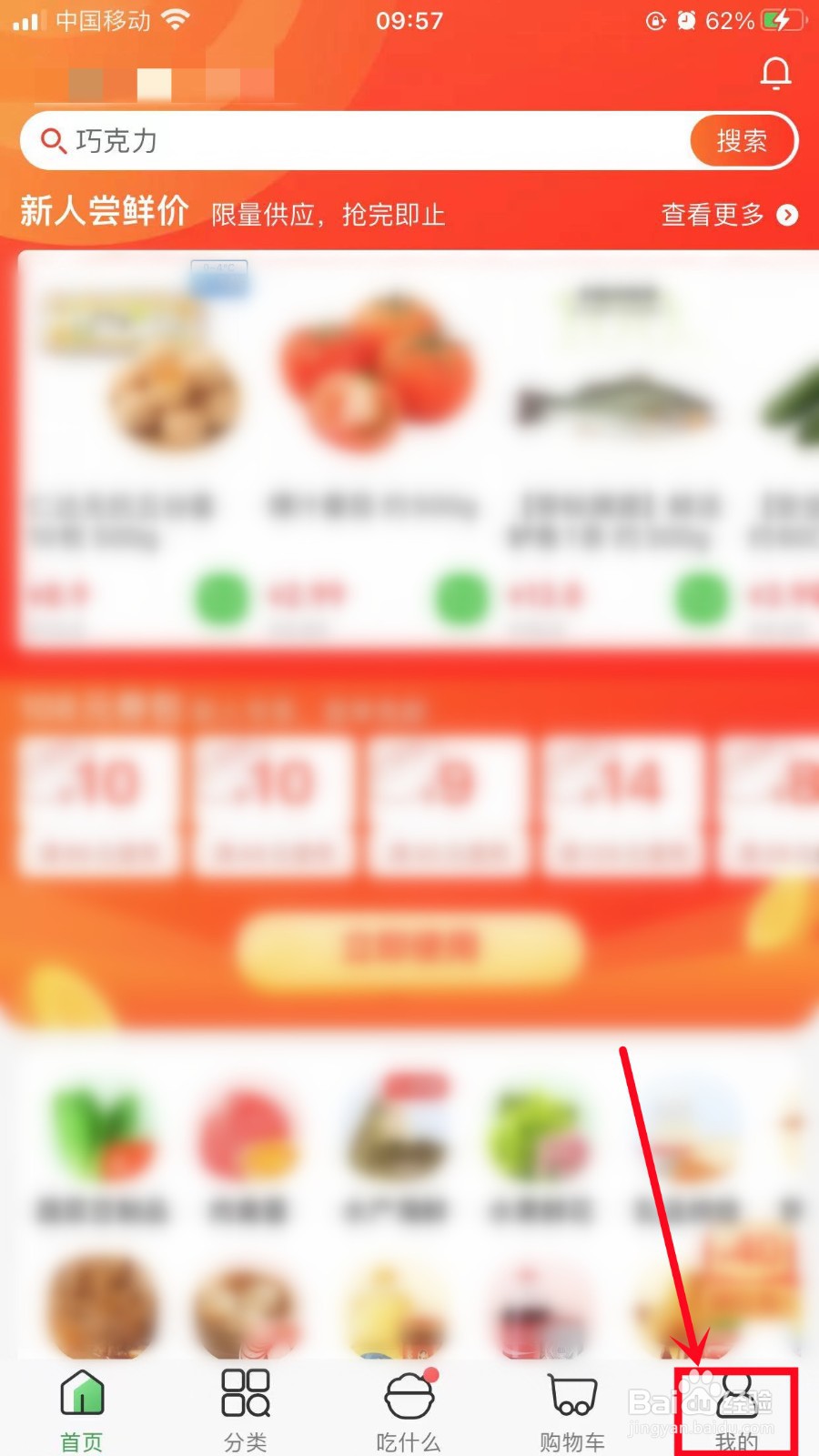
1、点击我的
打开叮咚买菜App,点击右下方我的。
2、点击设置
在我的页面,点击右下方的设置。

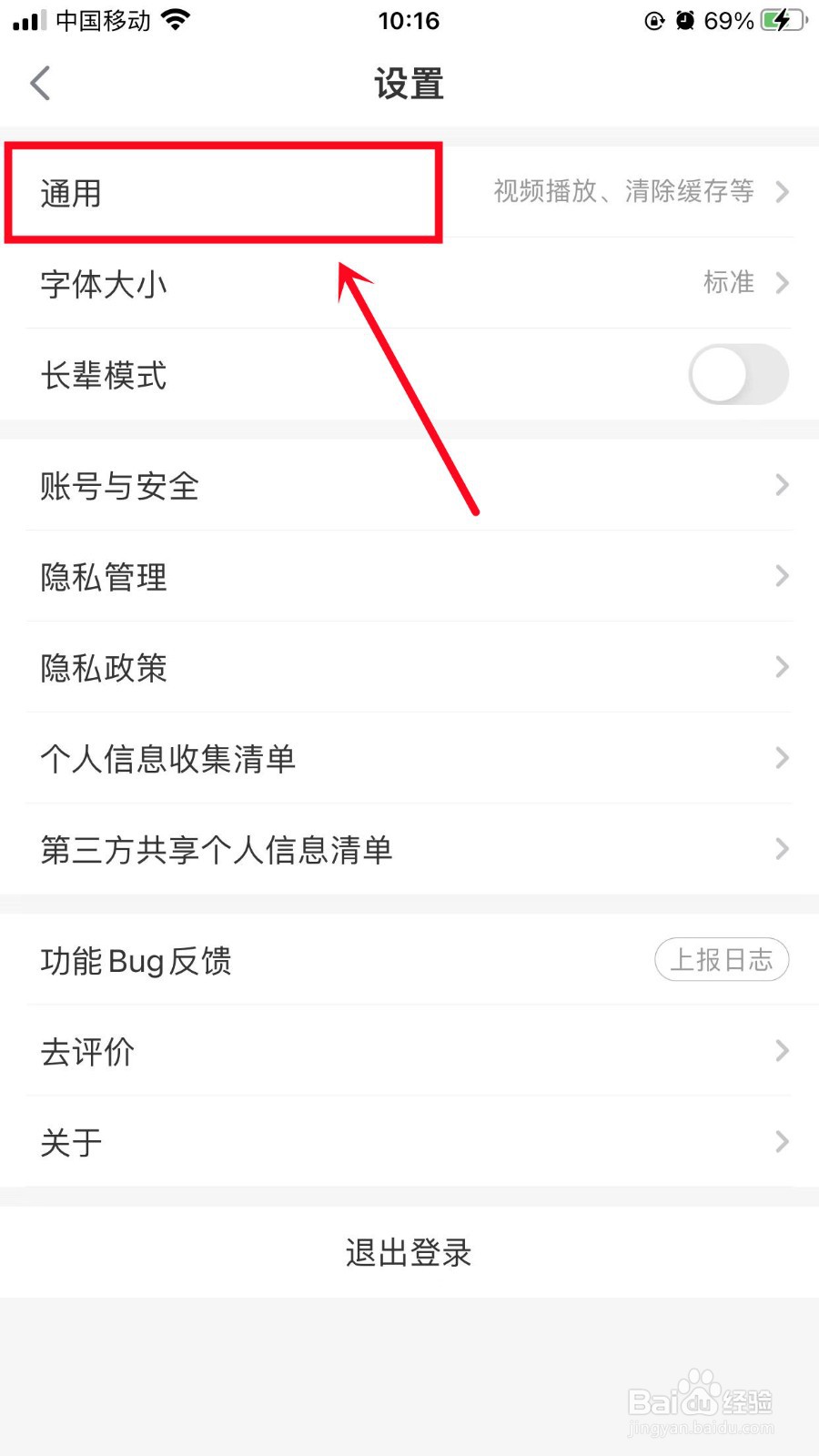
3、点击通用
在设置页面,点击通用。
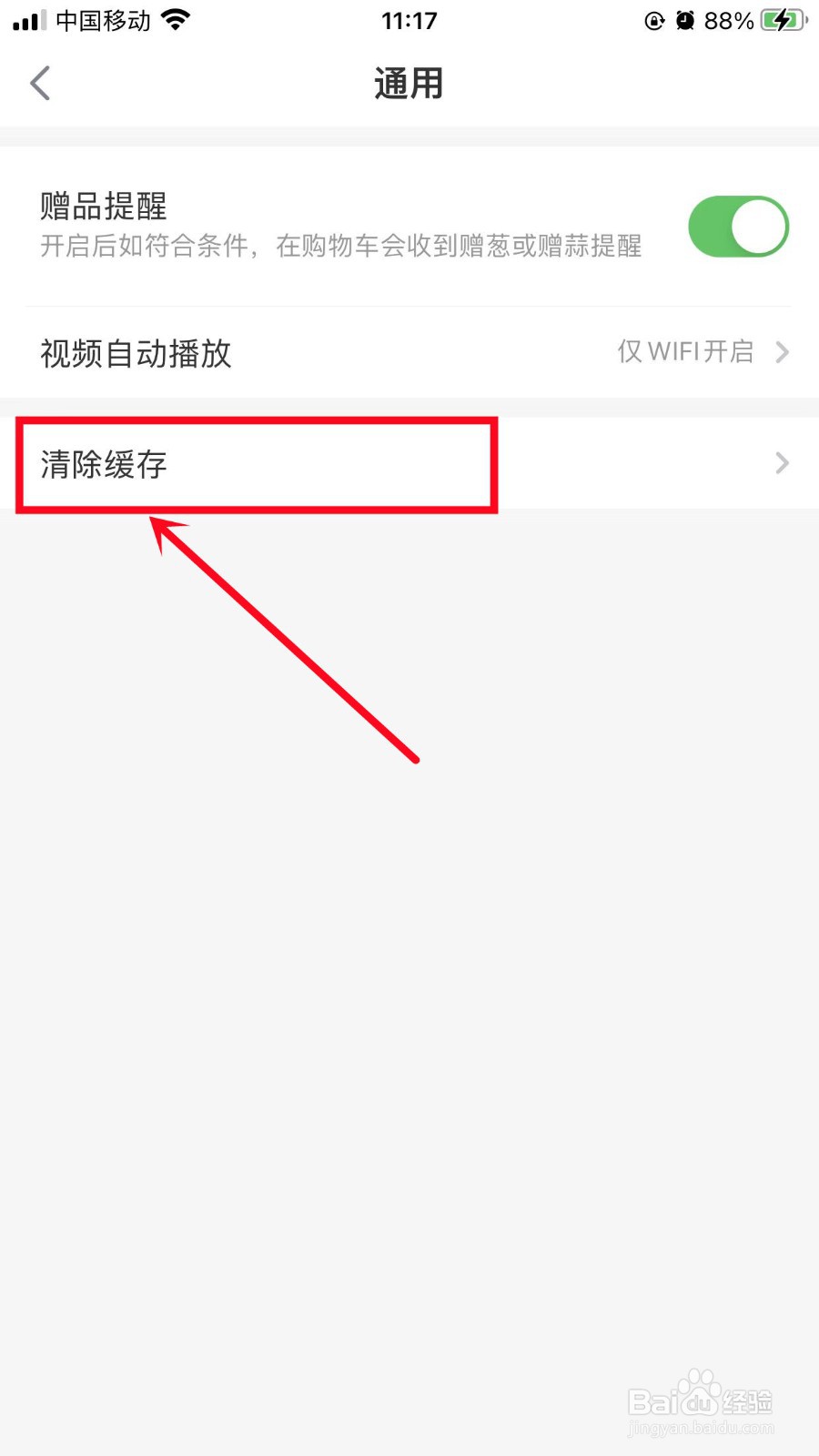
4、点击清除缓存
在通用页面,点击清除缓存。
5、完成设置
最后点击确认,这样便可以清除叮咚买菜的缓存。

时间:2026-05-02 22:46:22
1、点击我的
打开叮咚买菜App,点击右下方我的。
2、点击设置
在我的页面,点击右下方的设置。
3、点击通用
在设置页面,点击通用。
4、点击清除缓存
在通用页面,点击清除缓存。
5、完成设置
最后点击确认,这样便可以清除叮咚买菜的缓存。
