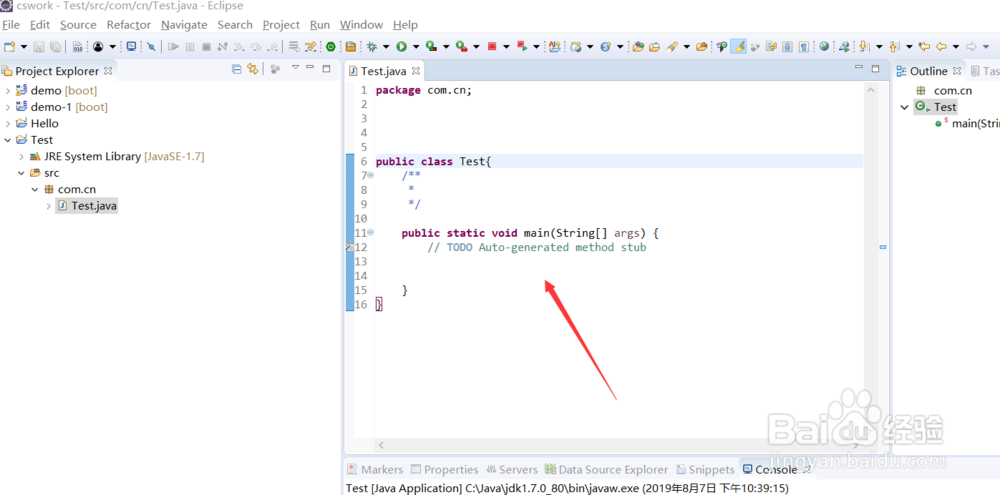
1、使用eclipse创建一个项目名字为Test,并创建com.cn.Test 类。

2、编写main方法:
public class Test{
public static void main(String[] args) {
// TODO Auto-generated method stub
}
}
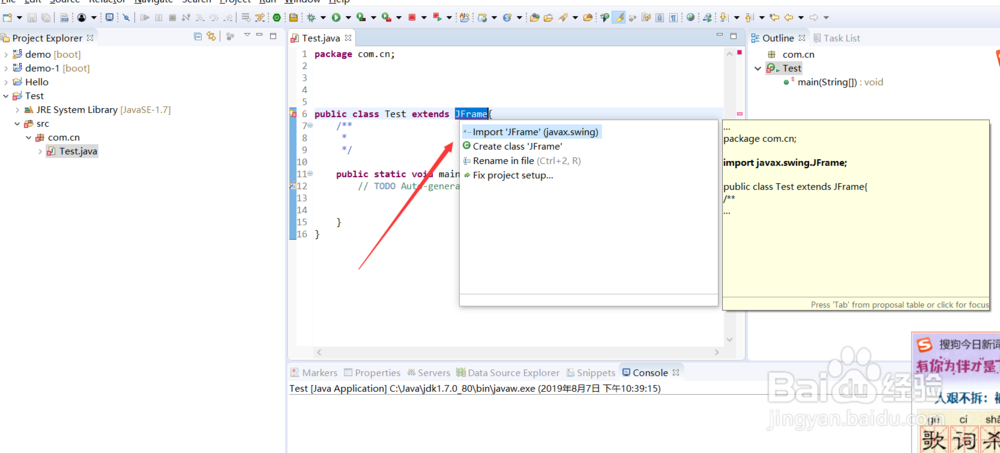
3、继承JFrame。public class Test extends JFrame
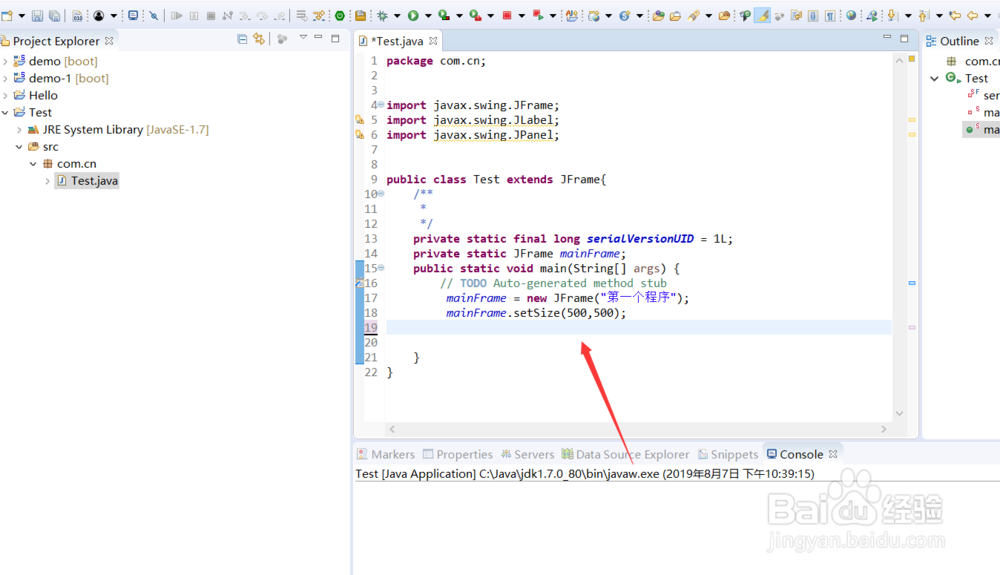
4、创建一个窗口,代码: mainFrame = new JFrame("第一个程序");
mainFrame.setSize(500,500);
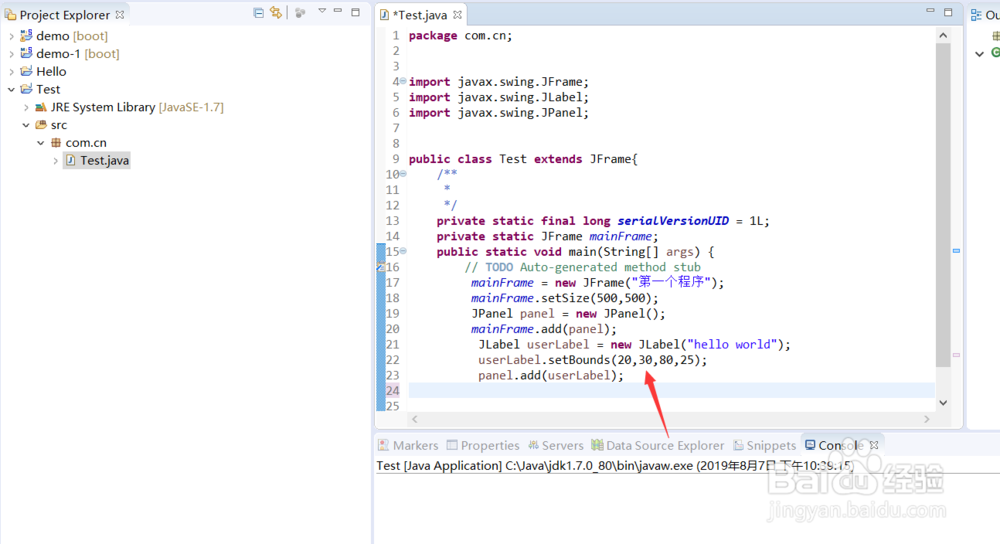
5、向窗口中增加面板,增加lable:
JPanel panel = new JPanel();
mainFrame.add(panel);
JLabel userLabel = new JLabel("hello world");
userLabel.setBounds(20,30,80,25);
panel.add(userLabel);
6、 设置窗口可见。mainFrame.setVisible(true);
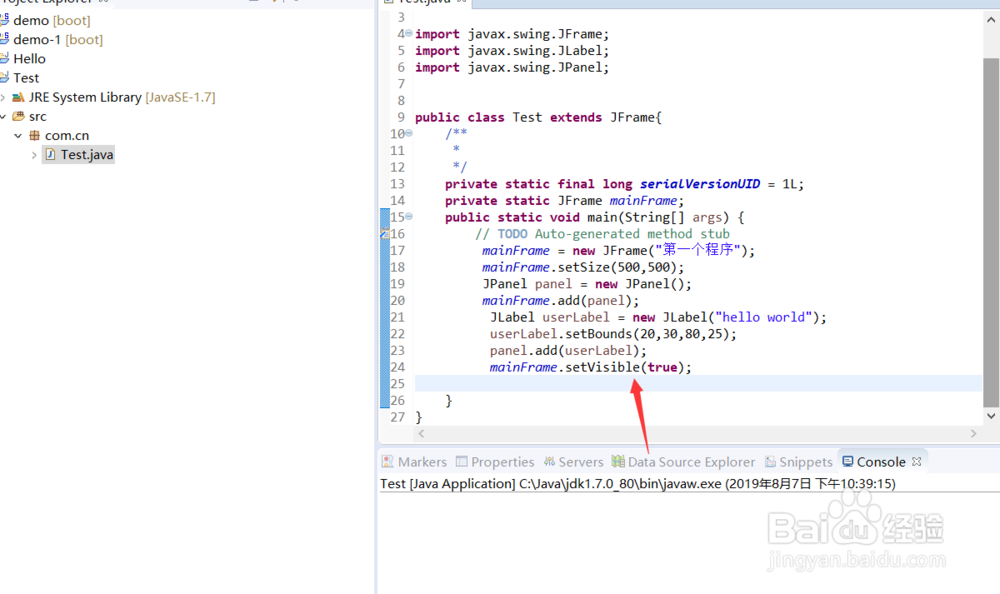
7、运行程序,弹出窗口 hello world。完成第一个java swing程序。

