1、进入 "完美解码" 官网
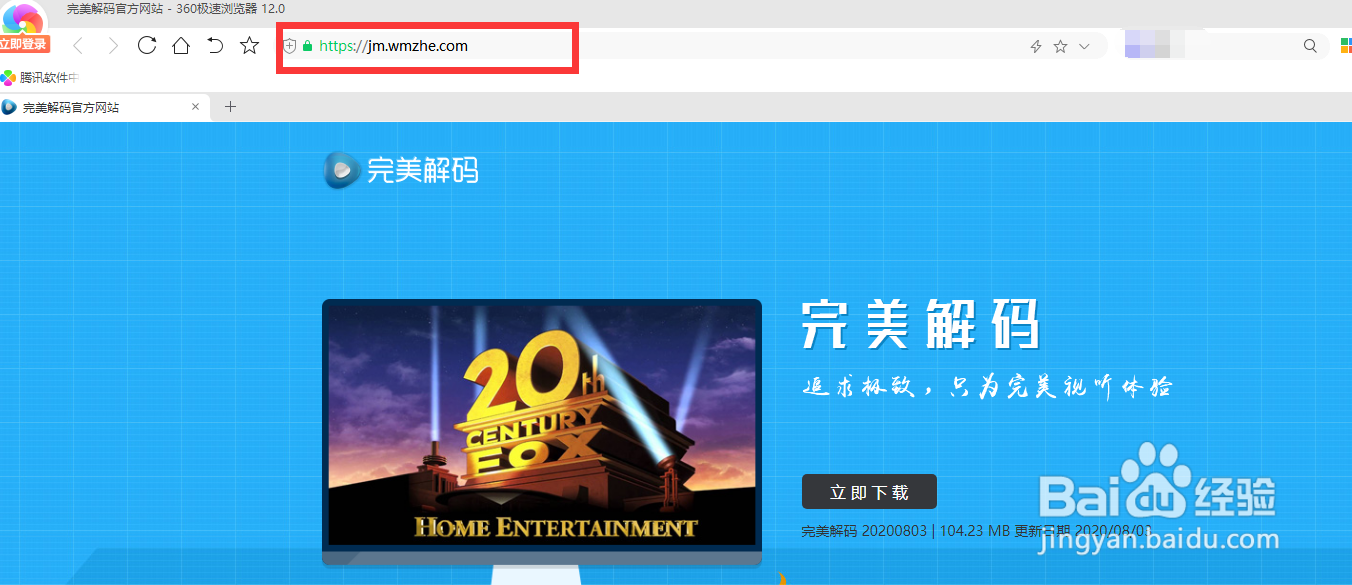
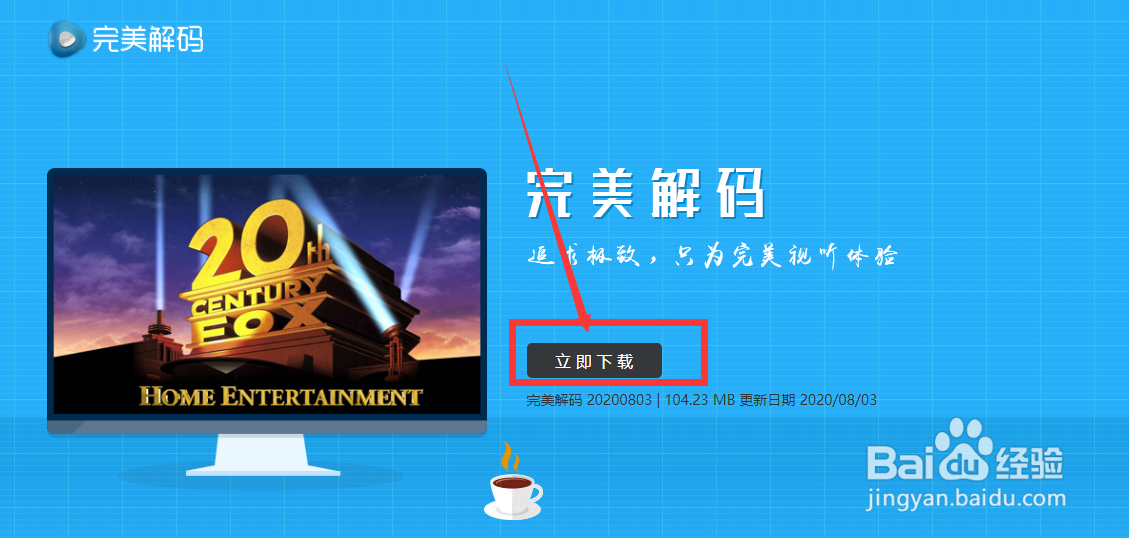
2、点击 "立即下载"
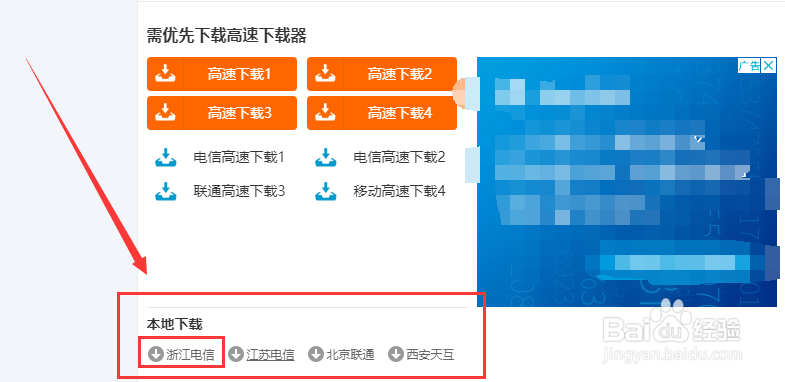
点击 "本地下载"

3、在方框内选择一个节点下载
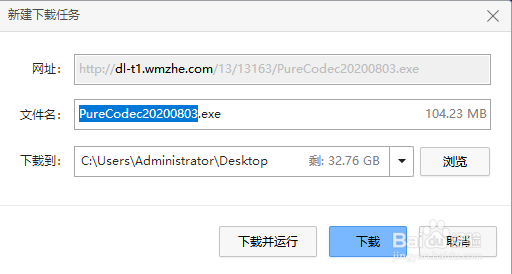
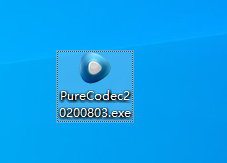
4、双击启动,
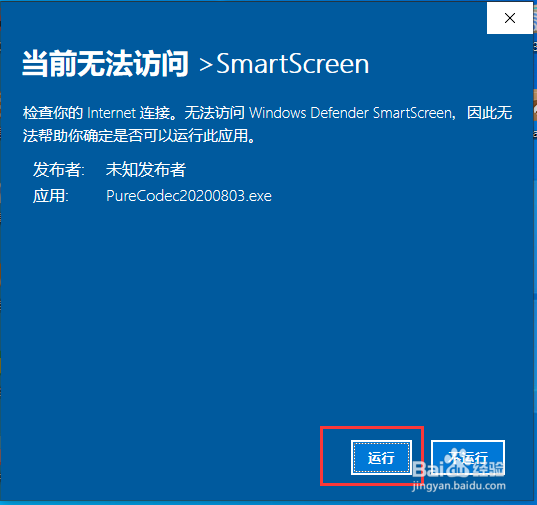
点击 "运行"
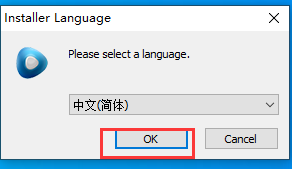
5、点击 "OK"
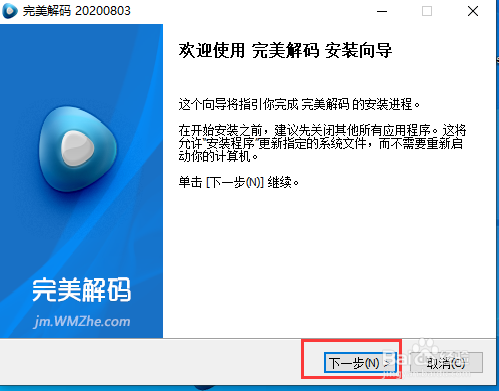
点击 "下一步"
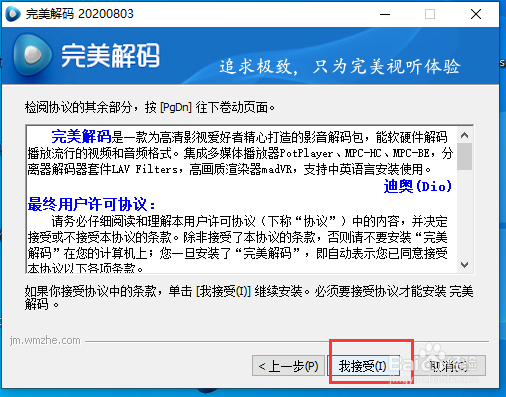
6、点击 "我接受"
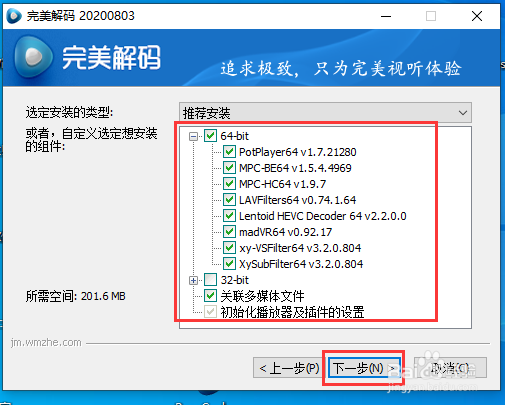
7、勾选需要选项, 然后点击下一步
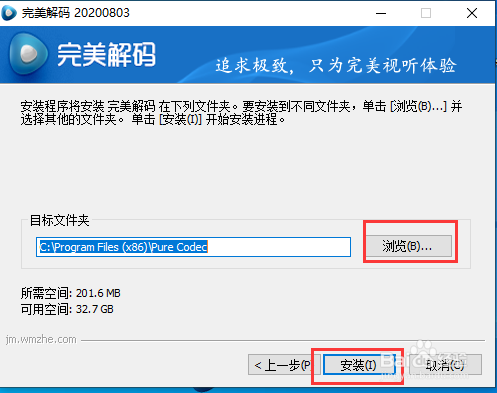
8、点击 "浏览" 即可自定义安装路径
然后, 点击 "安装" 开始安装
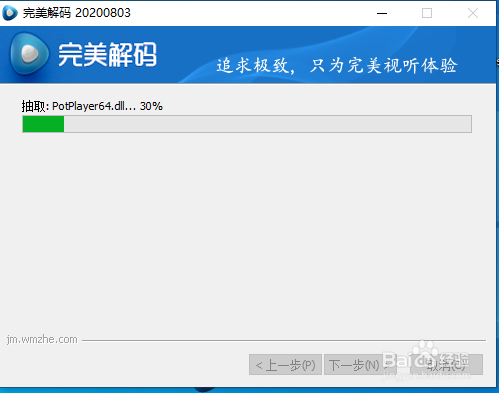
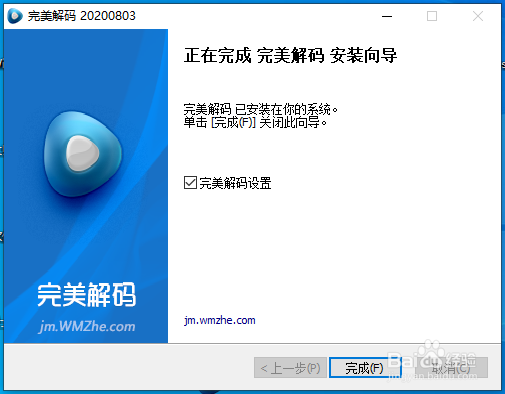
9、至此, 安装完毕
时间:2026-04-24 18:25:03
1、进入 "完美解码" 官网
2、点击 "立即下载"
点击 "本地下载"
3、在方框内选择一个节点下载
4、双击启动,
点击 "运行"
5、点击 "OK"
点击 "下一步"
6、点击 "我接受"
7、勾选需要选项, 然后点击下一步
8、点击 "浏览" 即可自定义安装路径
然后, 点击 "安装" 开始安装
9、至此, 安装完毕
