1、这里要使用winPython软件,且要安装有相关的工具包;
这里首先打开IDLE界面,也就是shell;
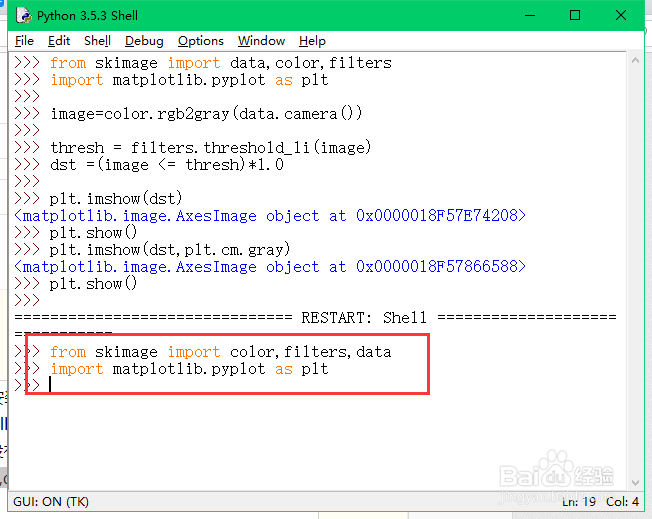
导入时的代码(若是报错,则可能没有安装相关的包)
from skimage import color,filters,data
import matplotlib.pyplot as plt
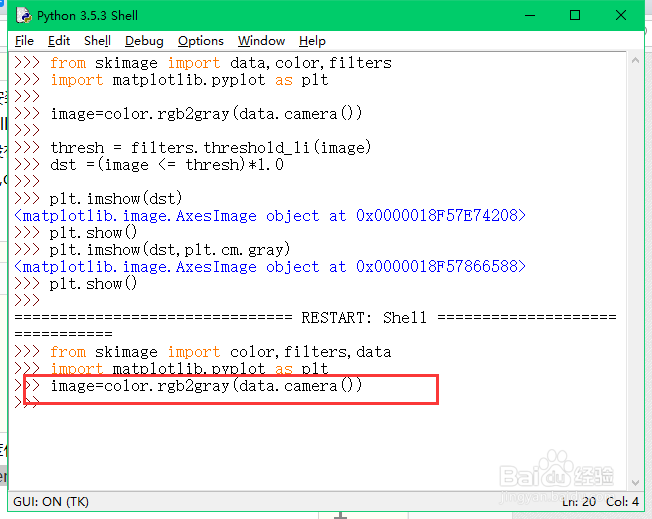
2、采用以下代码读取一张图片,并灰度化处理,这里用到了包内自带的图片:
image=color.rgb2gray(data.camera())
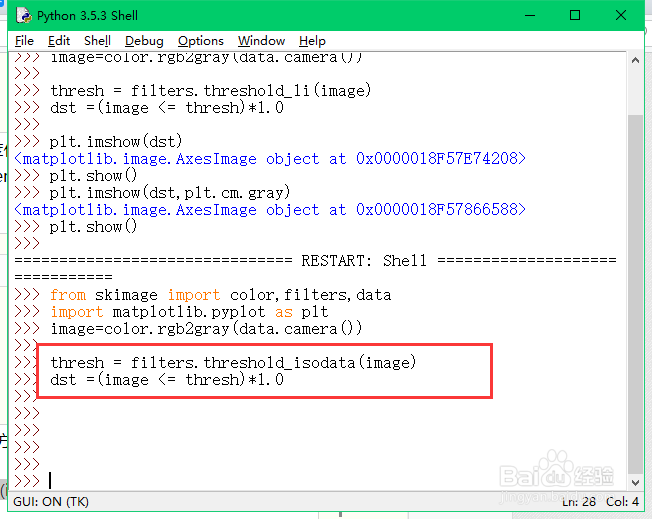
3、isodata是具体的算法是比较复杂的方法,这里不介绍理论了,采用以下指令就可以进行灰度化处理:
thresh = filters.threshold_isodata(image)
dst =(image <= thresh)*1.0
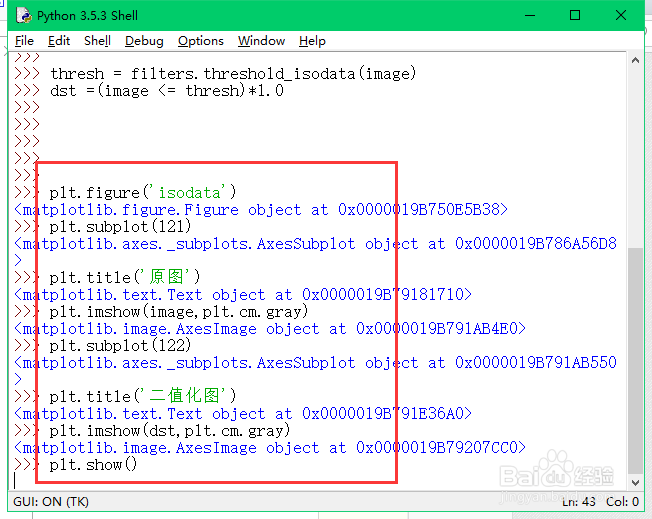
4、采用以下代码查看我著块们的二值化后的图片:
plt.figure('畜罪伐isodata')
plt.subplot(121)
plt.title('原图')
plt.imshow(image,plt.cm.gray)
plt.subplot(122)
plt.title('二值化图')
plt.imshow(dst,plt.cm.gray)
plt.show()
5、查愁联看二值化后的结果如下。

