1、首先,打开word空白文档。

2、然后,点击“插入”菜单栏,选择“3D模型”。

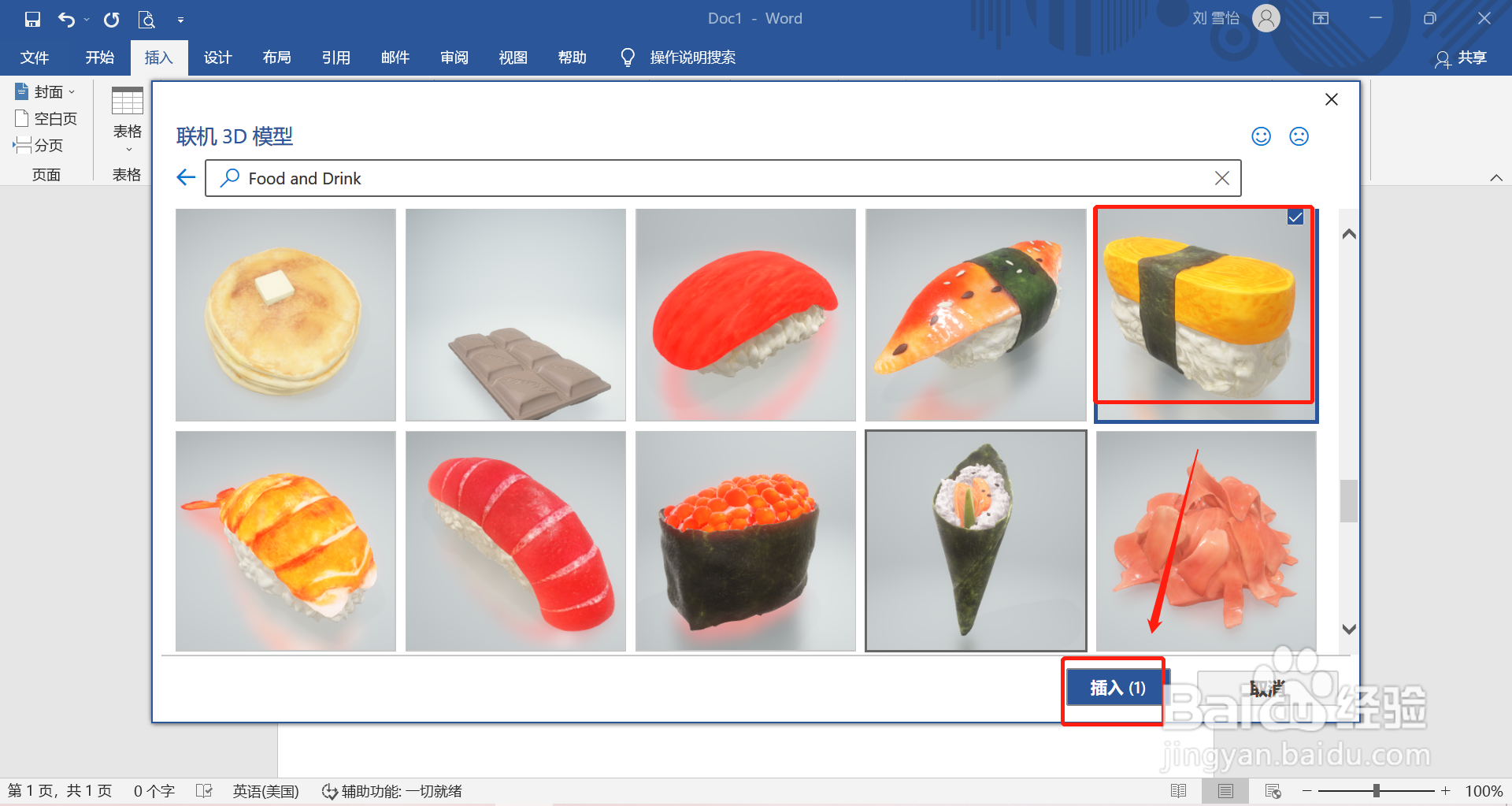
3、接着,选择“Food and Drink”。

4、然后,选择“玉子烧寿司”,点击“插入”即可。
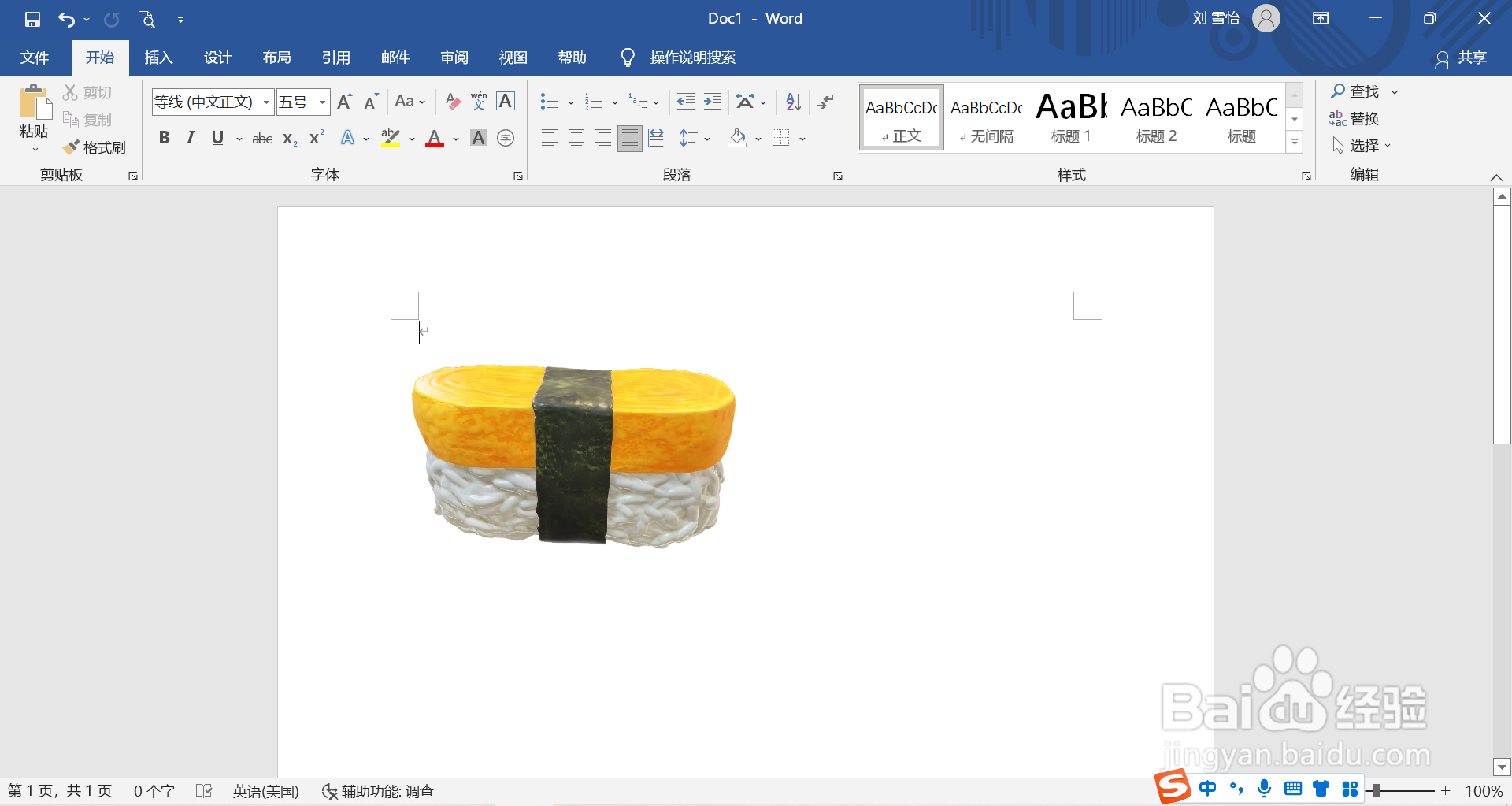
5、最后,在word中插入玉子烧寿司的3D模型就完成啦。
时间:2026-04-22 02:01:50
1、首先,打开word空白文档。
2、然后,点击“插入”菜单栏,选择“3D模型”。
3、接着,选择“Food and Drink”。
4、然后,选择“玉子烧寿司”,点击“插入”即可。
5、最后,在word中插入玉子烧寿司的3D模型就完成啦。
