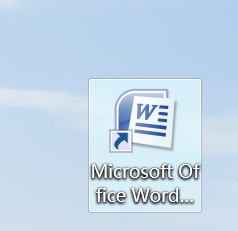
1、打开Word软件
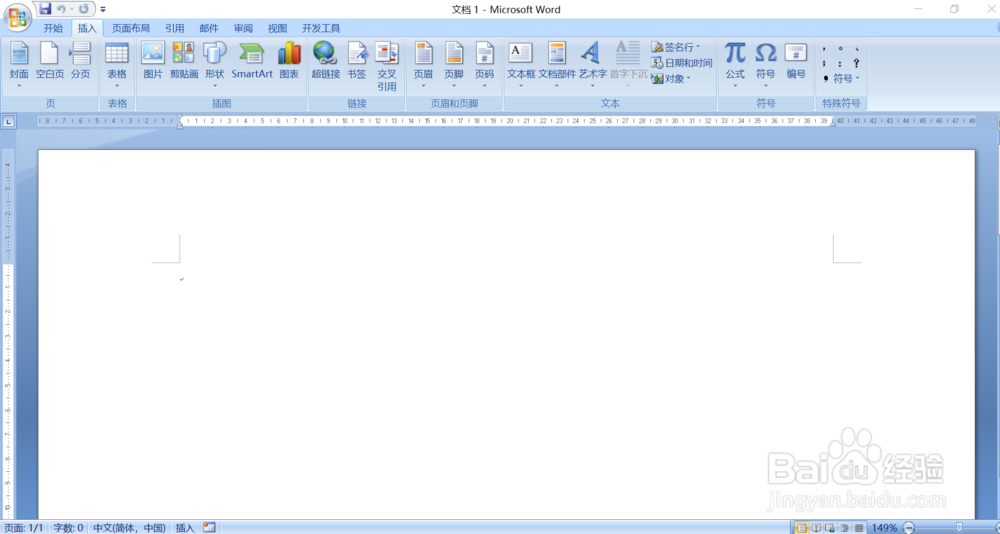
2、点击“插入”
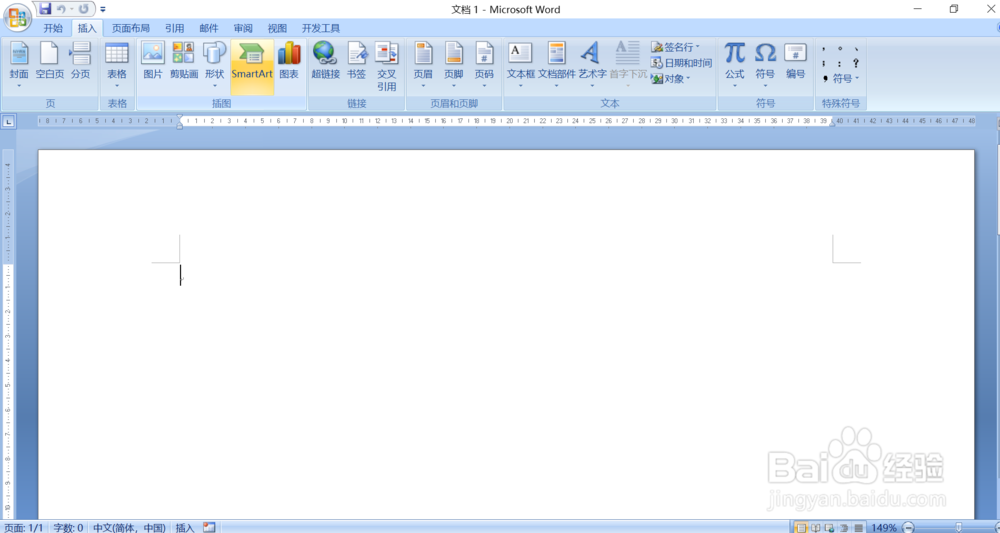
3、点击“SmartArt”图标
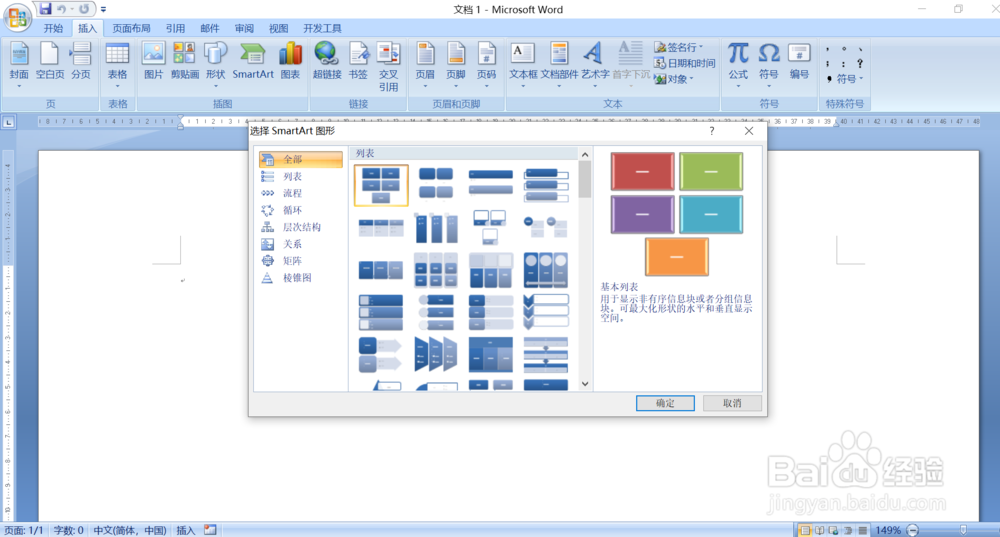
4、在弹出来的方框中选择自己需要的SmartArt图形
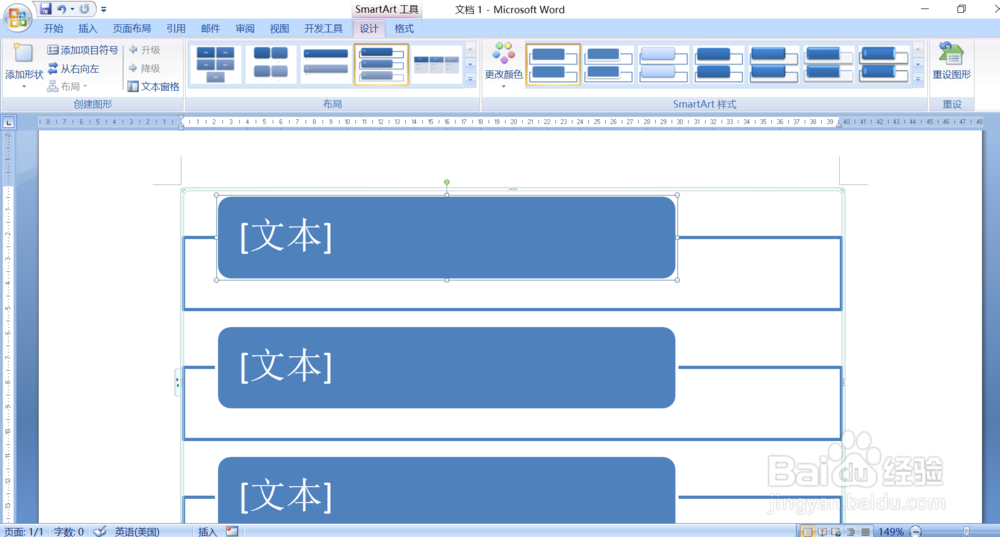
5、如图所示,SmartArt图形插入成功
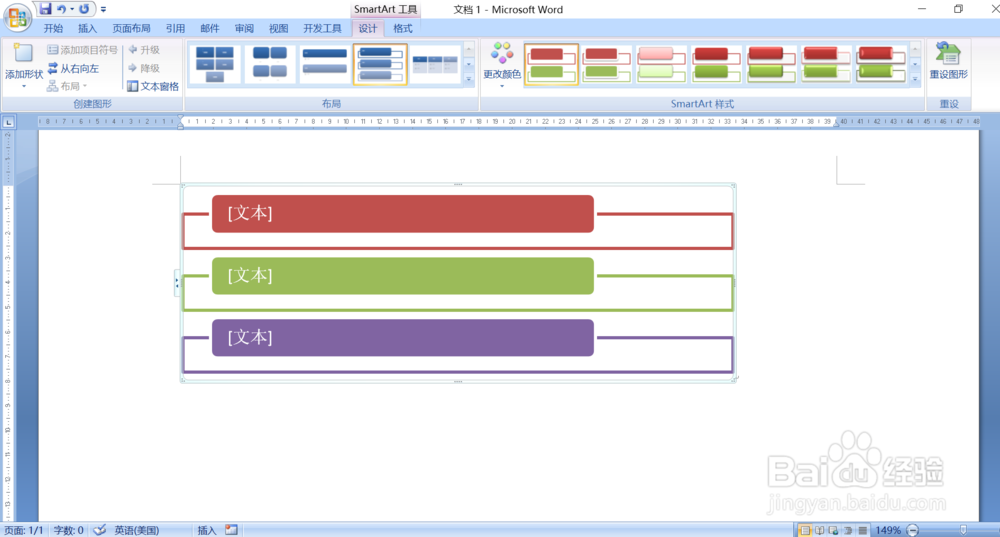
6、根据自己需要改变SmartArt图形大小和颜色
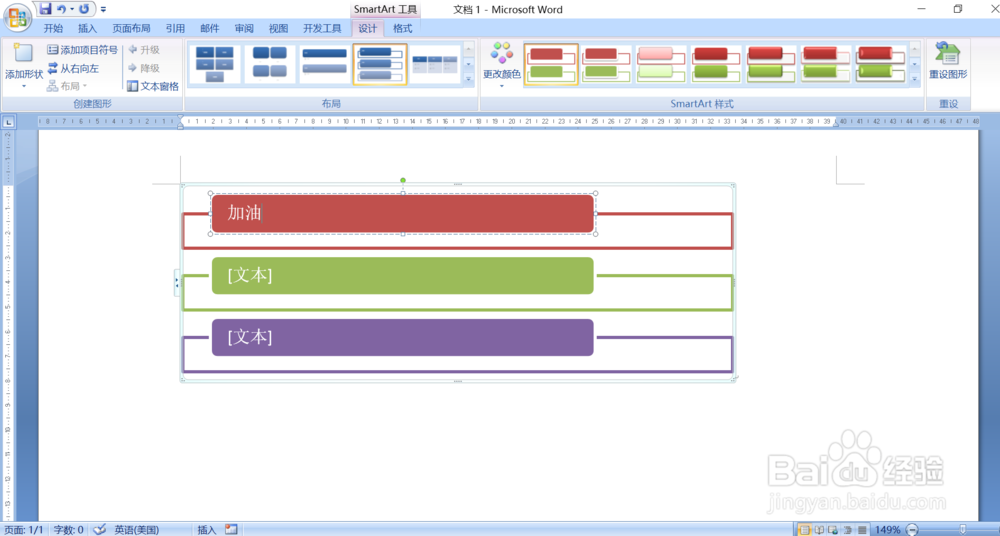
7、最后可以点击文本,加入文字。
时间:2026-04-26 23:19:09
1、打开Word软件
2、点击“插入”
3、点击“SmartArt”图标
4、在弹出来的方框中选择自己需要的SmartArt图形
5、如图所示,SmartArt图形插入成功
6、根据自己需要改变SmartArt图形大小和颜色
7、最后可以点击文本,加入文字。
