1、在左下角搜索栏输入command prompt
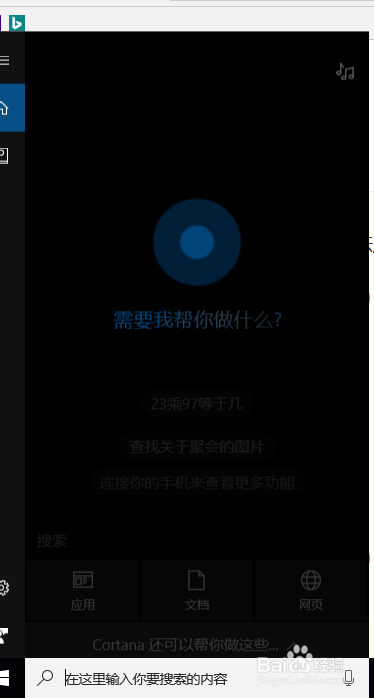
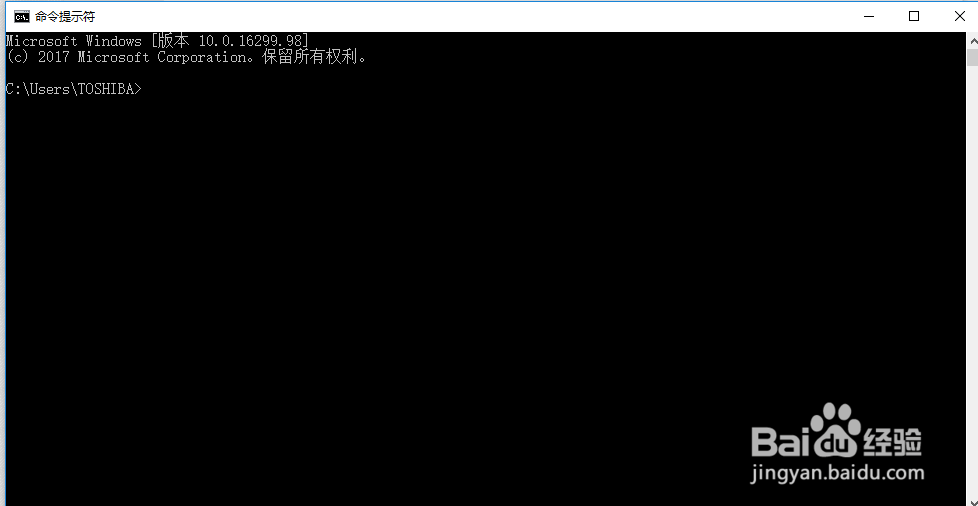
2、点击跳出来的命令提示符,出现如下界面
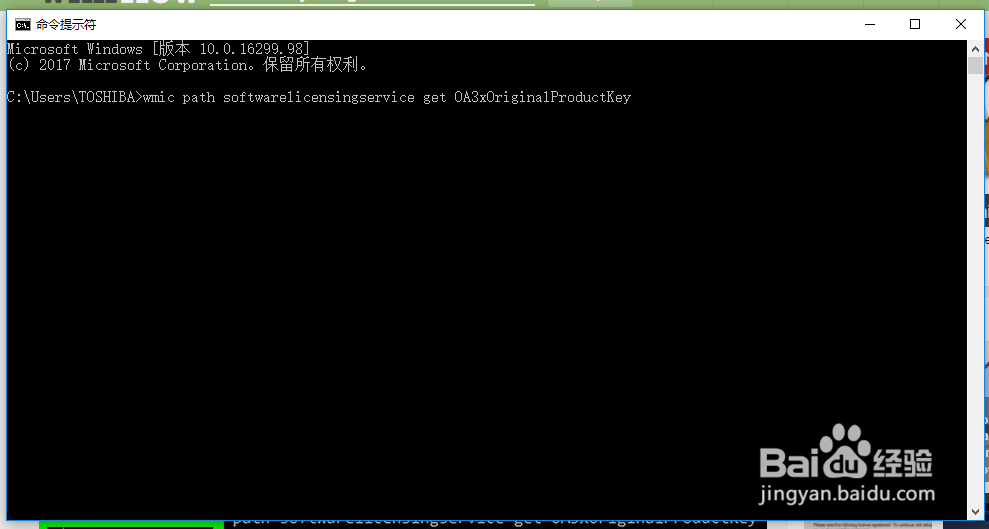
3、在这个新界面中输入
wmic path softwarelicensingservice get OA3xOriginalProductKey
然后回车
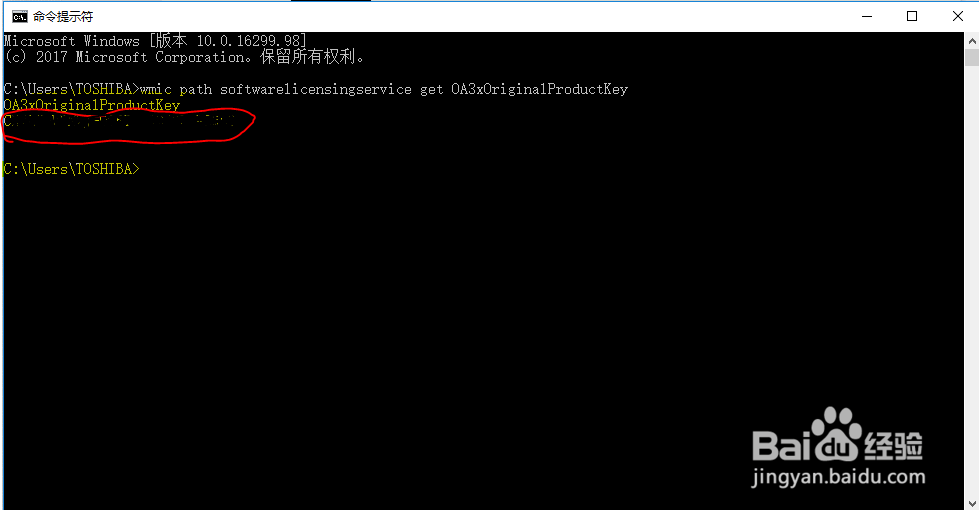
4、回车后出现以下信息,其中如图红色框中的内容(OA3xOriginalProductKey后面的内容)就是要找的内容,一共25个码位。
时间:2026-04-28 17:03:51
1、在左下角搜索栏输入command prompt
2、点击跳出来的命令提示符,出现如下界面
3、在这个新界面中输入
wmic path softwarelicensingservice get OA3xOriginalProductKey
然后回车
4、回车后出现以下信息,其中如图红色框中的内容(OA3xOriginalProductKey后面的内容)就是要找的内容,一共25个码位。
