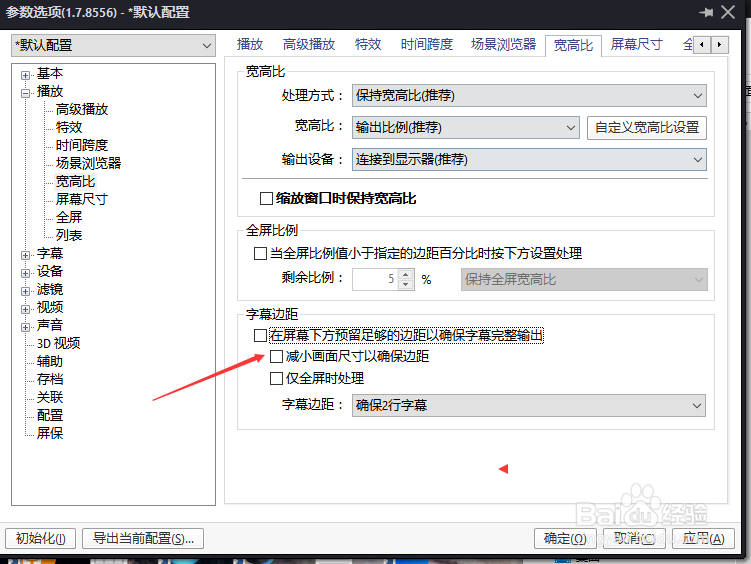
PotPlayer怎么设置减小画面尺寸以确保边距

 时间:2026-04-24 20:40:11

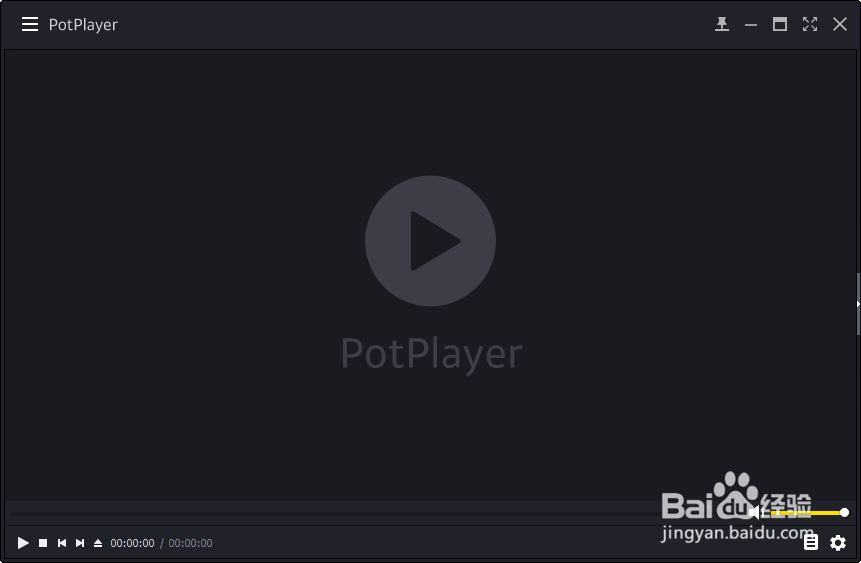
1、打开一个PotPlayer的界面中

PotPlayer怎么设置减小画面尺寸以确保边距

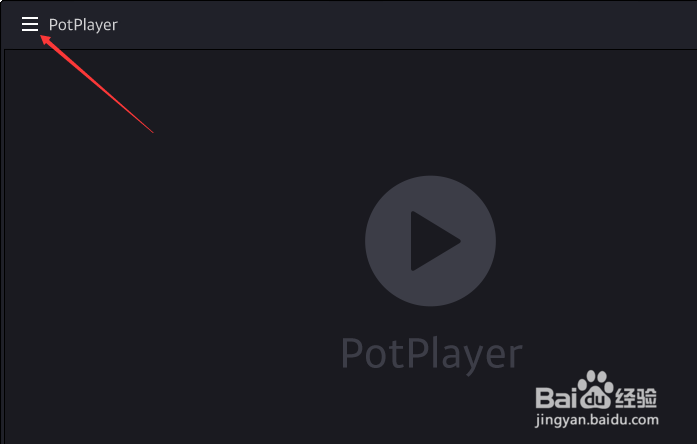
2、点击左上角中更多选项

PotPlayer怎么设置减小画面尺寸以确保边距

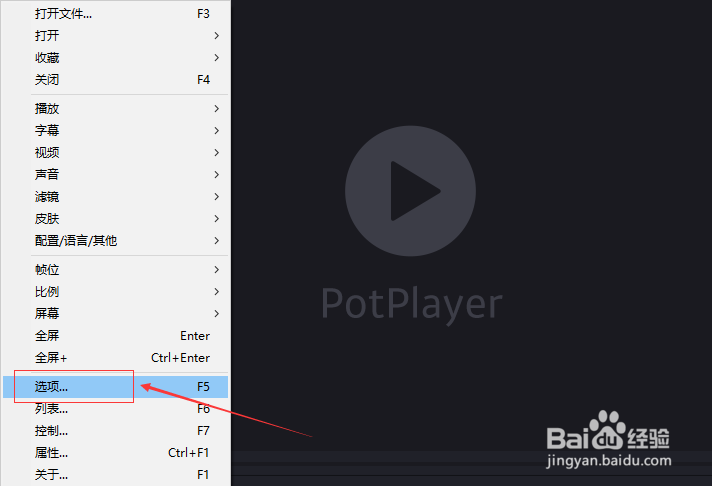
3、弹出了下拉菜单选择选项

PotPlayer怎么设置减小画面尺寸以确保边距

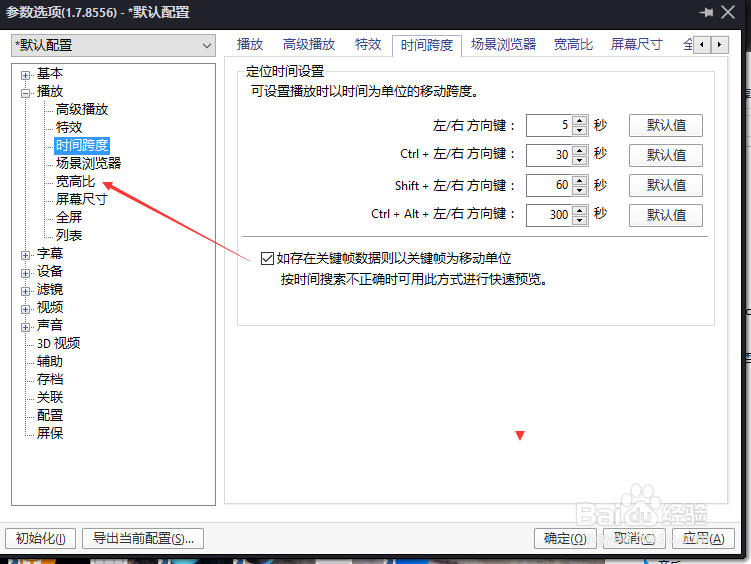
4、点击左侧中宽度比选项

PotPlayer怎么设置减小画面尺寸以确保边距

5、勾选减小画面尺寸以确保边距选项

PotPlayer怎么设置减小画面尺寸以确保边距

6、勾选减小画面尺寸以确保边距选项之后,点击确定

PotPlayer怎么设置减小画面尺寸以确保边距

  • PotPlayer怎么开启缩放窗口时保持宽高比
  • VLC media下的DVD光盘如何配置音频轨道
  • PotPlayer怎么最大分辨率设置为屏幕分辨率
  • PotPlayer如何自动调整消息上下左右边距位置?
  • 双屏电脑主屏副屏设置
  • 热门搜索
    怎么查看显卡 眼球出血怎么办 海马s5怎么样 beef怎么读 宝宝睡眠不好怎么办 浪琴手表怎么调日期 怎么做动态图 精子成活率低怎么办 事业单位怎么样 海带排骨汤怎么做