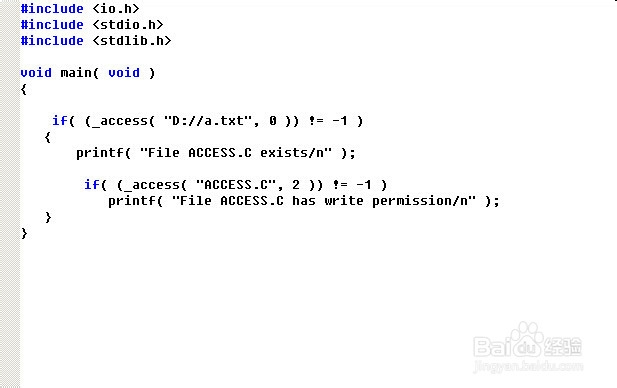
1、使用_access函数,函数原型为 int _access( const char *path, int mode );
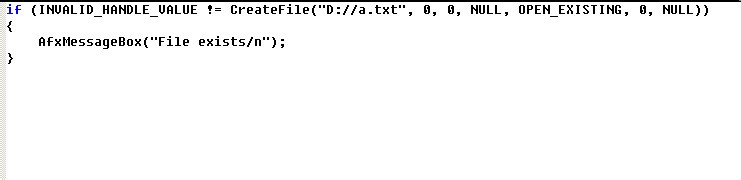
2、使用CreateFile函数,函数原型为:
HANDLE CreateFile( LPCTSTR lpFileName, // pointer to name of the file
DWORD dwDesiredAccess, // access (read-write) mode
DWORD dwShareMode, // share mode
LPSECURITY_ATTRIBUTES lpSecurityAttributes, // pointer to security attributes
DWORD dwCreationDisposition, // how to create
DWORD dwFlagsAndAttributes, // file attributes
HANDLE hTemplateFile // handle to file with attributes to // copy
);

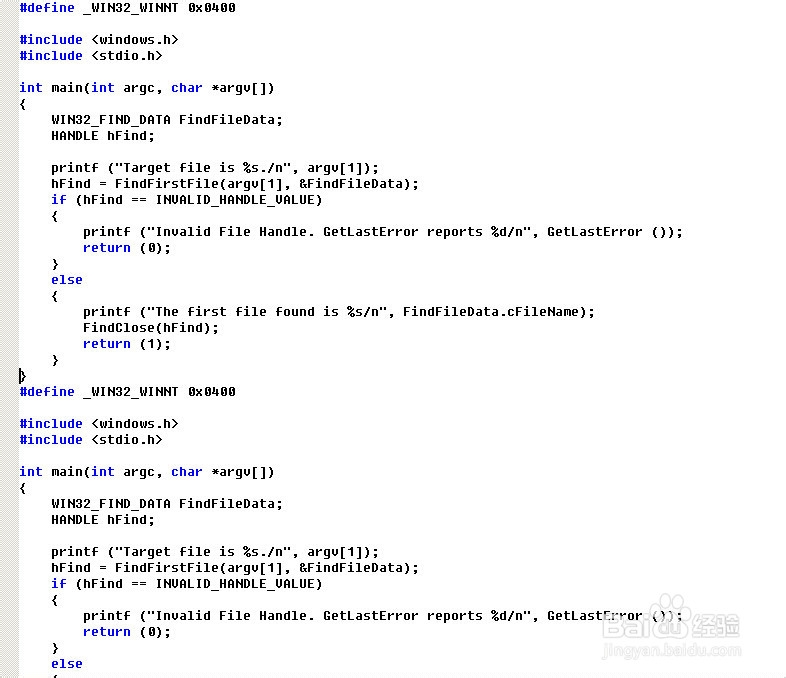
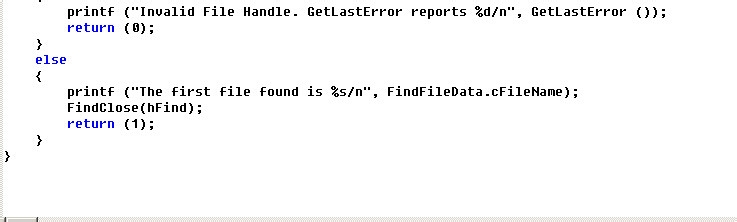
3、使用FindFirstFile函数,函数原型为:
HANDLE FindFirstFile( LPCTSTR lpFileName, // pointer to name of file to search for
LPWIN32_FIND_DATA lpFindFileData // pointer to returned information
);
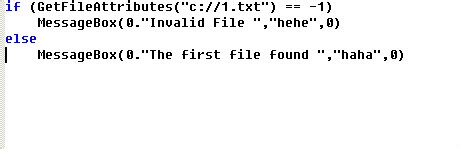
4、使用GetFileAttributes函数,函数原型如下:
DWORD GetFileAttributes( LPCTSTR lpFileName // pointer to the name of a file or directory ); 5. 使用Shell Lightweight Utility APIs函数 PathFileExists()专门判断文件和目录时否存在的函数文件名可读性比较强还可以判断目录是否存在 Header: Declared in Shlwapi.h Import Library: Shlwapi.lib 以上的各种方法供参考,函数具体用法需参见MSDN。