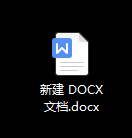
1、双击打开Word
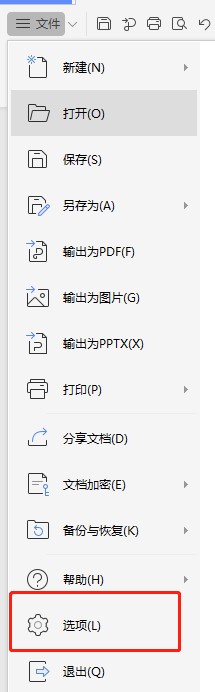
2、点击左上角的【文件】

3、点击文件菜单里面的【选项】
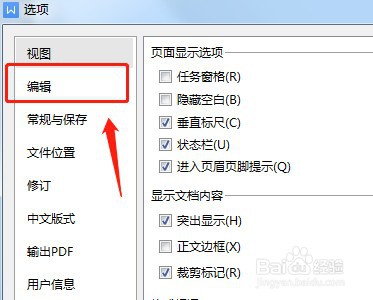
4、点击左侧栏的【视图】
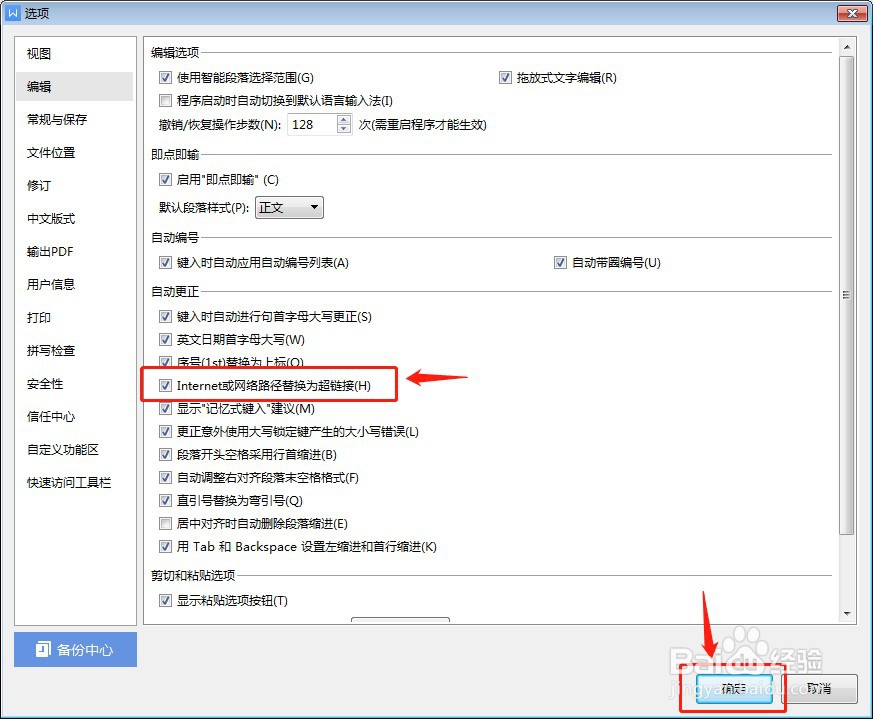
5、在页面选项里面有一个【Intelnet或网络路径替换为超链接】的勾选项,默认是不勾选的
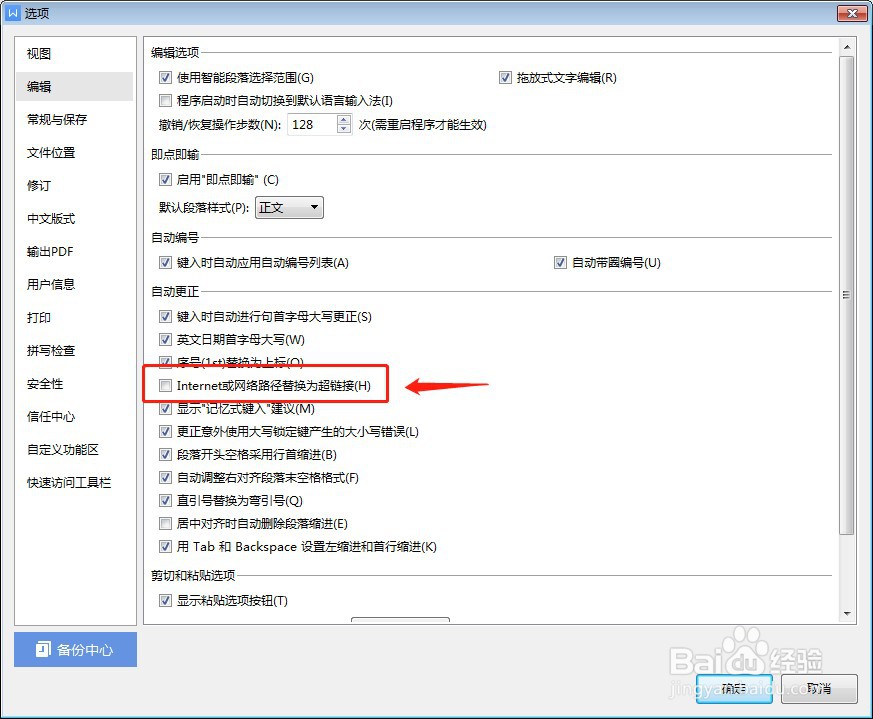
6、勾选【Intelnet或网络路径替换为超链接】勾选项,最后点击下面的【确定】
时间:2026-05-09 16:44:31
1、双击打开Word
2、点击左上角的【文件】
3、点击文件菜单里面的【选项】
4、点击左侧栏的【视图】
5、在页面选项里面有一个【Intelnet或网络路径替换为超链接】的勾选项,默认是不勾选的
6、勾选【Intelnet或网络路径替换为超链接】勾选项,最后点击下面的【确定】
