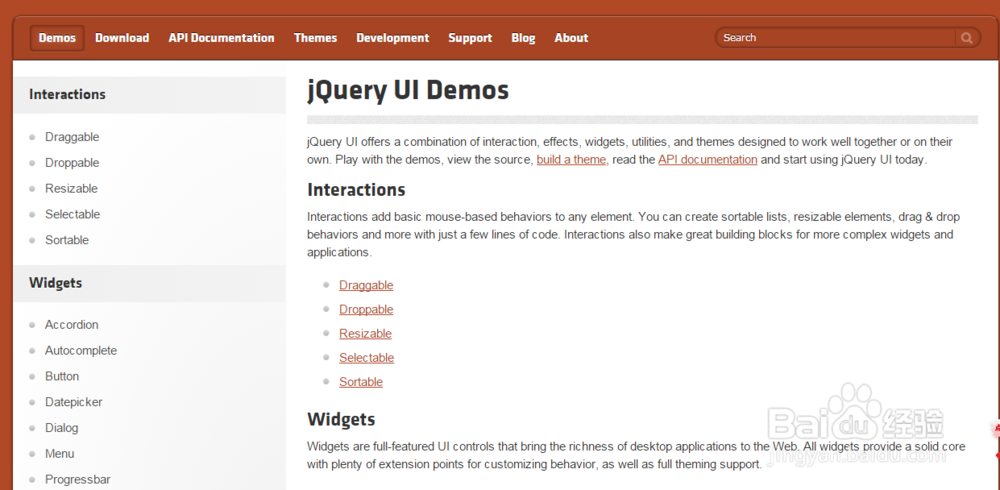
1、访问jQuery UI官方网站Demo页面,如下图所示。
2、 本经验学习Widgets(窗口小部件),Widgets are full-featured UI controls that bring the richness of desktop applications to the Web. All widgets provide a solid core with plenty of extension points for customizing behavior, as well as full theming support.(Widgets是全特性UI控件,它们给wWeb应用程序带来了桌面应用程序的丰富性。)
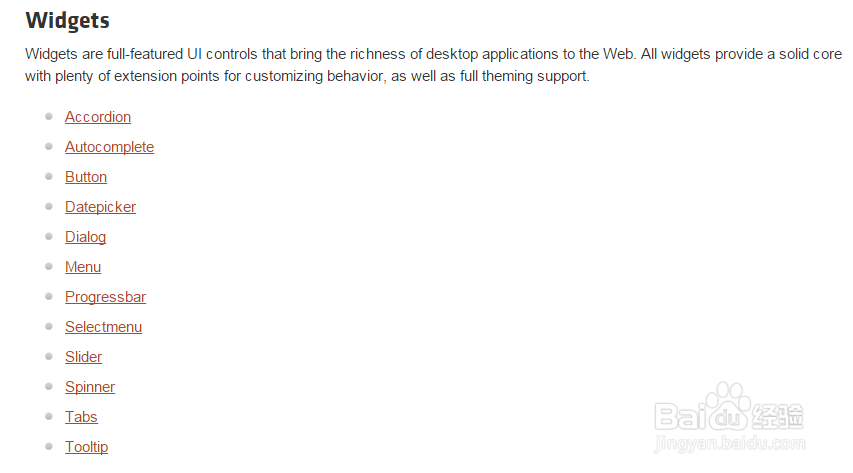
jQuery UI 窗口小部件由以下部分组成,分别为Accordion、Autocomplete、Button、Datepicker、Dialog、Menu、Progressbar、Selectmenu、Slider、Spinner、Tabs、Tooltip等,如下图所示。
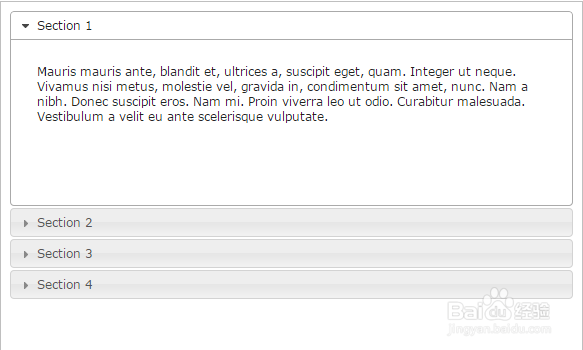
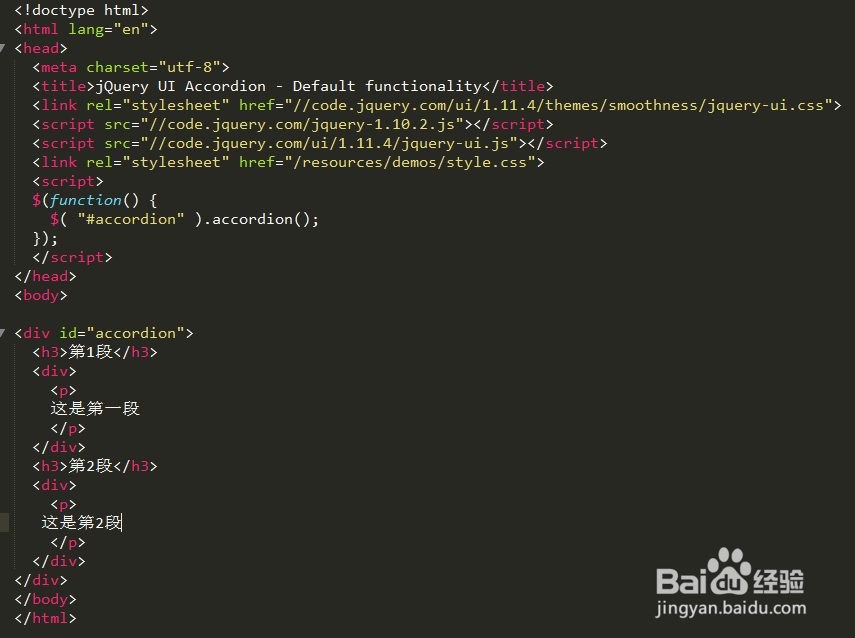
3、Widgets第1个为Accordion(手风琴)。Click headers to expand/collapse content that is broken into logical sections, much like tabs. Optionally, toggle sections open/closed on mouseover。如下图所示。
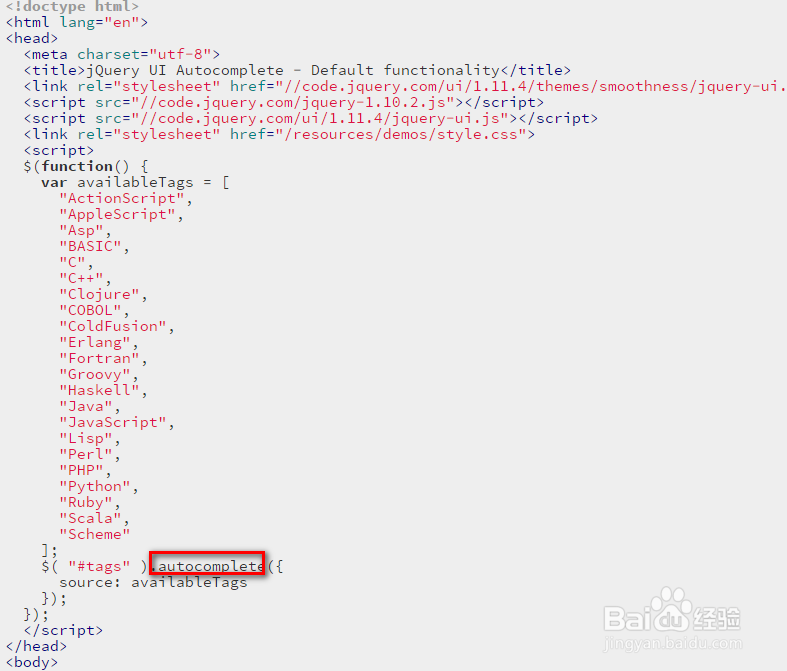
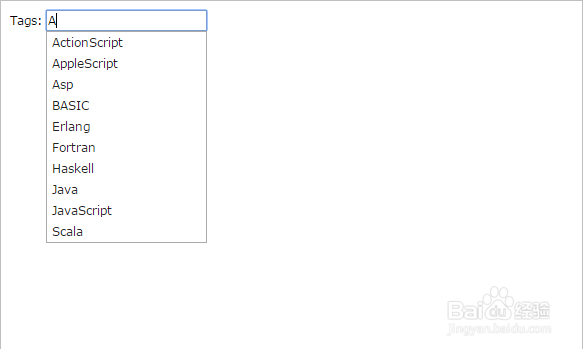
4、Widgets第2个为Autocomplete(自动完成)。The Autocomplete widgets provides suggestions while you type into the field. Here the suggestions are tags for programming languages, give "ja" (for Java or JavaScript) a try.
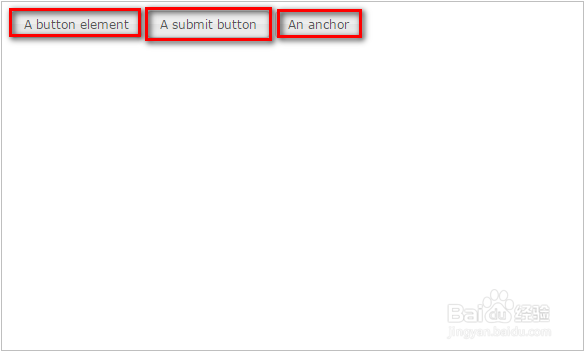
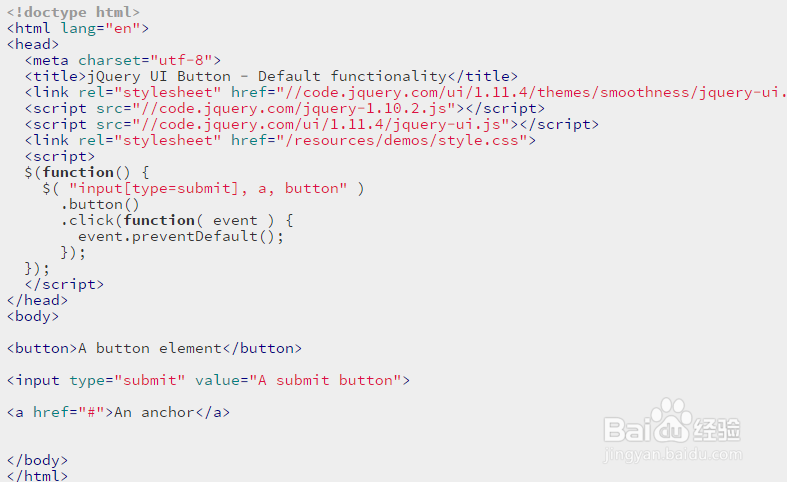
5、Widgets第3个为Button(按钮)。Enhances standard form elements like buttons, inputs and anchors to themeable buttons with appropriate hover and active styles.
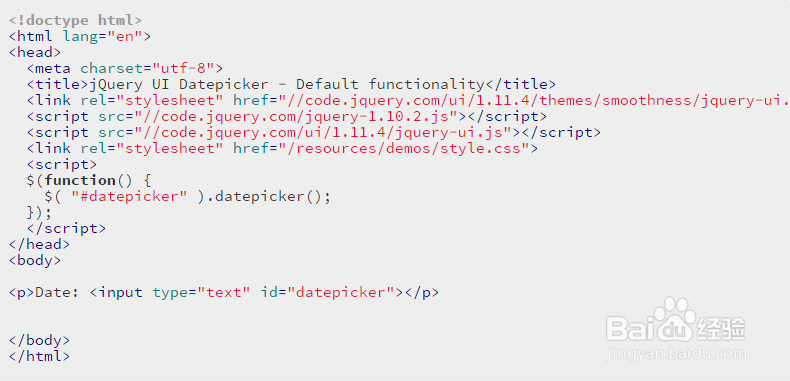
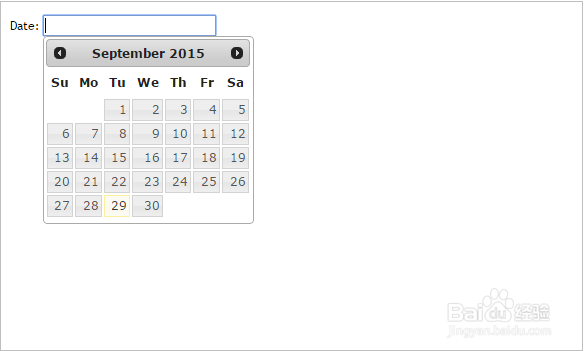
6、Widgets第4个为Datepicker(日期控件)。The datepicker is tied to a standard form input field. Focus on the input (click, or use the tab key) to open an interactive calendar in a small overlay. Choose a date, click elsewhere on the page (blur the input), or hit the Esc key to close. If a date is chosen, feedback is shown as the input's value.