1、Prepare SQL DATABASE, in this scenarios, we use SQL server 2008 R2
Enable SQL server security and create a user “sa” with password.

2、Create a database and named as “test1”, create two column as below

3、create ODBC, if you use 64bit system, please open below EXE
“C:\Windows\SysWOW64\odbcad32.exe”
The creation procedure as below
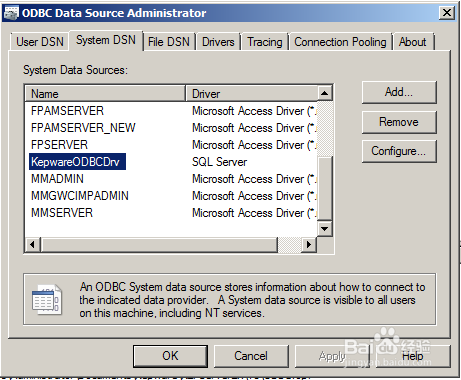

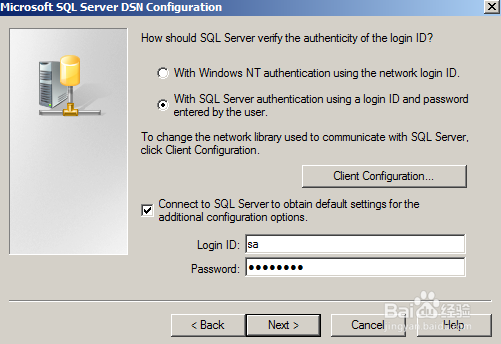


4、configure Kepware EX, we need configure “Channel/device”,” Advanced tag”

5、4.1 configure Channel/device
Create a simulator device to simulate PLC signal.
“Batch ID” is a tag can get data from SQL table

6、I create an ODBC client channel and device to communication with SQL server.


7、I create a device using “Fixed table”
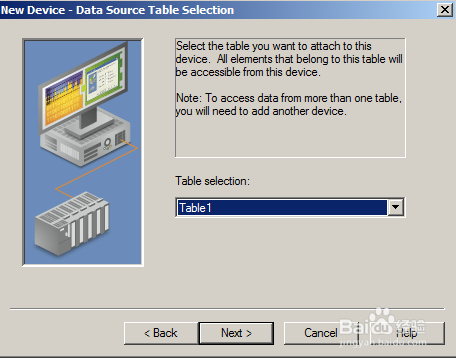

8、4.2 configure Advanced Tag.

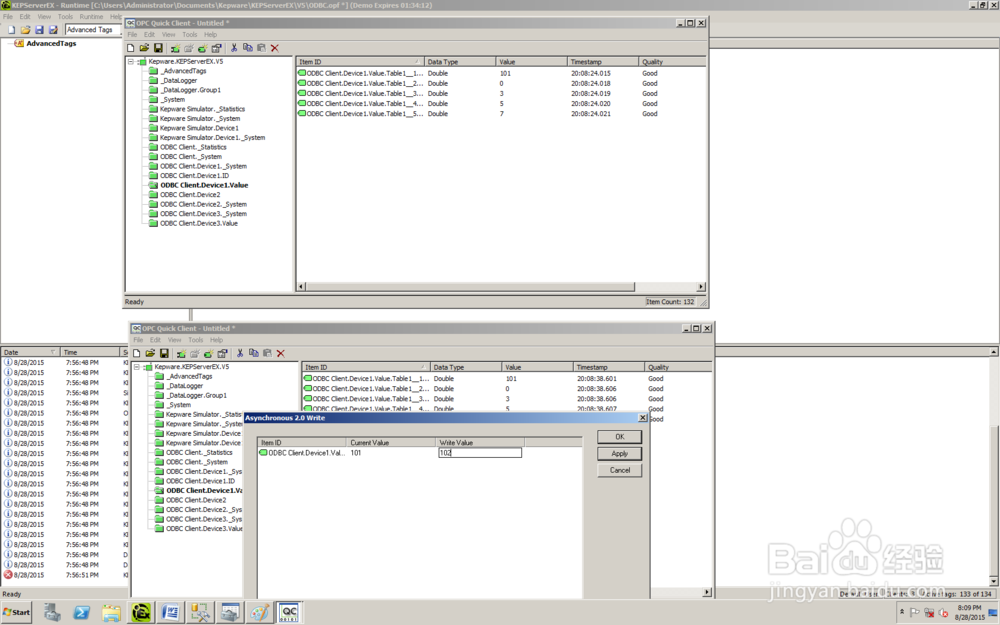
9、SQL to process device communication Testing result: