1、点击设置,点击第一行的帐户选项。
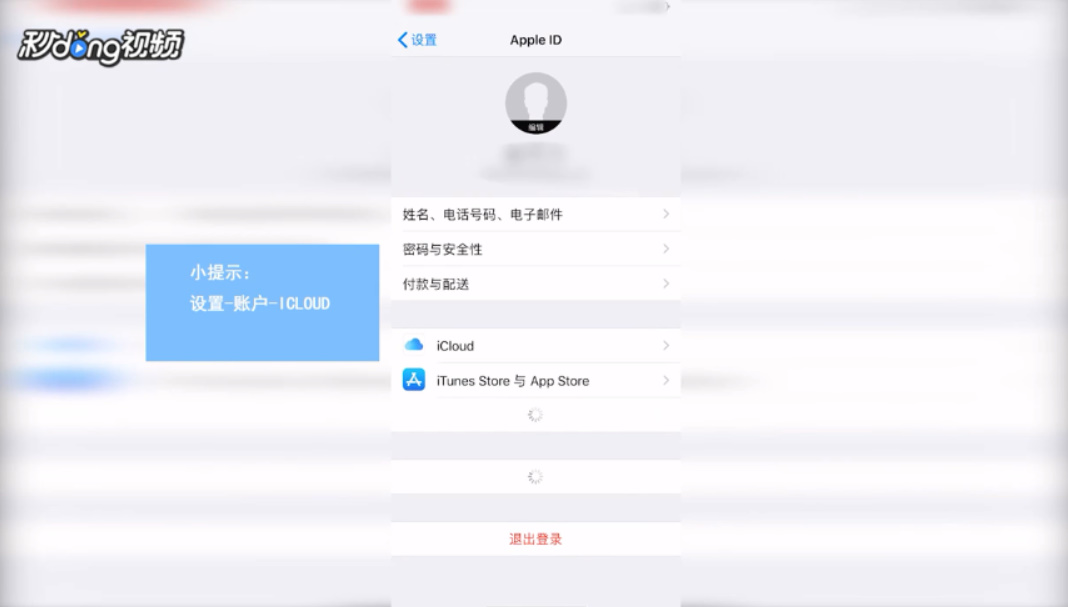
2、点击iCloud,找到并点击查找我的iPhone。
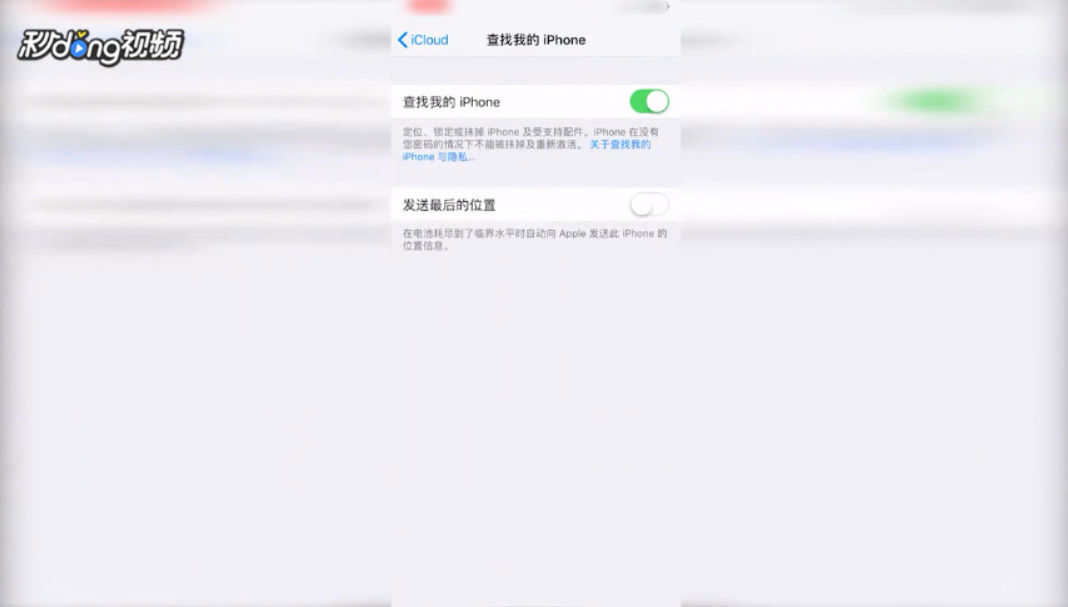
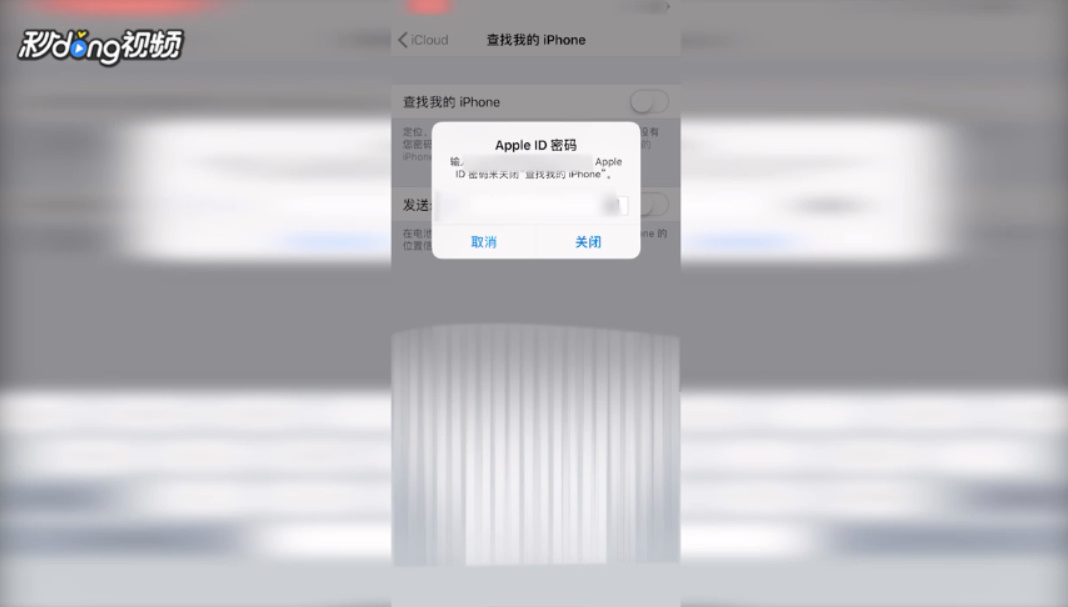
3、点击开关关闭功能,输入密码。等待关闭,关闭时间较长。
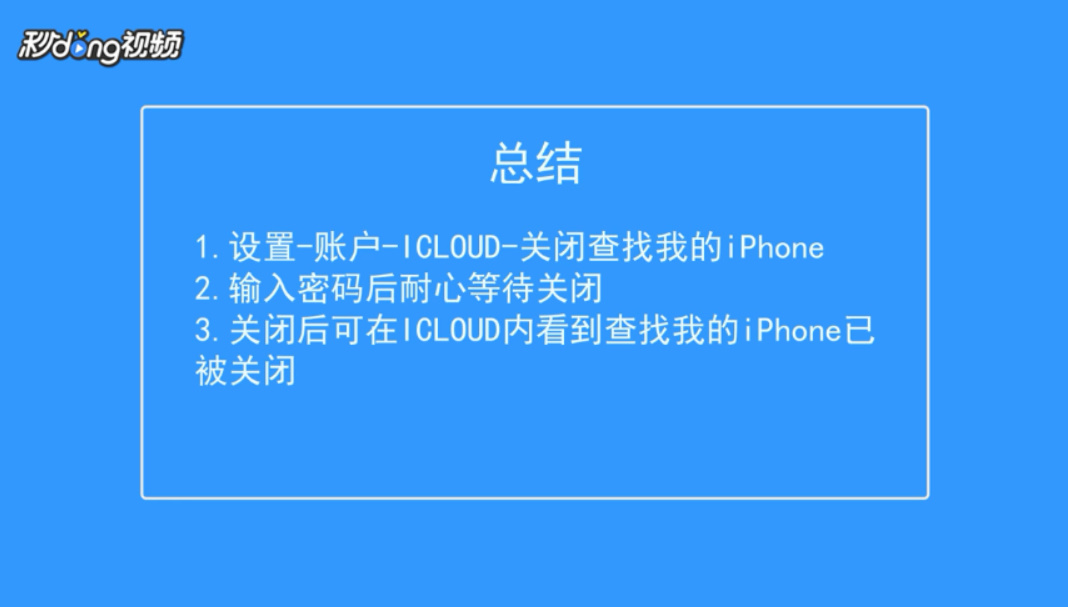
4、关闭后可在iCloud内看到查找我的iPhone已被关闭。

5、这就是关闭查找我的iPhone的方法。
时间:2026-04-25 19:23:40
1、点击设置,点击第一行的帐户选项。
2、点击iCloud,找到并点击查找我的iPhone。
3、点击开关关闭功能,输入密码。等待关闭,关闭时间较长。
4、关闭后可在iCloud内看到查找我的iPhone已被关闭。
5、这就是关闭查找我的iPhone的方法。
