1、我们应该首先连接防火墙开启WEB命令:
ys
security-zone name Trust
import interface GigabitEthernet1/0/0
import interface GigabitEthernet1/0/1
interface GigabitEthernet1/0/0
port link-mode route
ip address 100.0.0.1 255.255.255.0
acl advanced 3333
rule 0 permit ip
zone-pair security source Trust destination local
packet-filter 3333
zone-pair security source local destination Trust
packet-filter 3333
local-user admin class manage
password hash admin
service-type telnet terminal http https
authorization-attribute user-role level-3
authorization-attribute user-role network-admin
ip http enable
ip https enable
2、接着进入WEB将接口改为二层模式,


3、在将二层模式的接口划到Trust安全域中。

4、打开管理口在管理域;
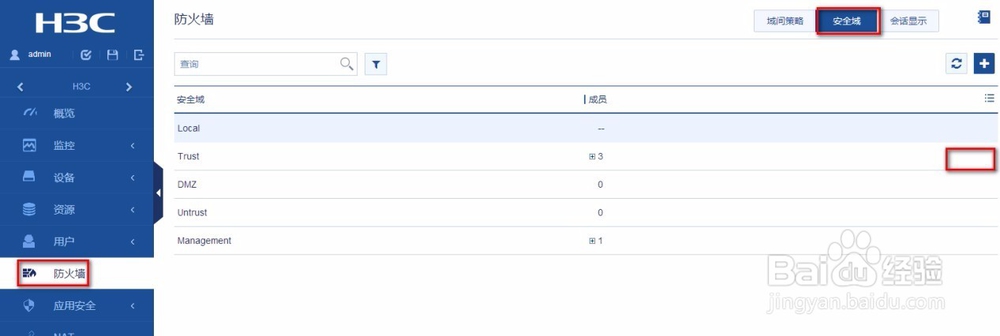
5、进行配置安全策略;安全策略配置完如图;

6、具体的操作为:将接口划入到域中,例如将G1/0/2、G1/0/3口变成二层口,并加入到trust域中;
域间策略控制:


7、配置其他网段只能访问其中的服务器:


8、DHCP 要启用 DHCP中继dhcp-relay;这样配置完成就可以了 。

