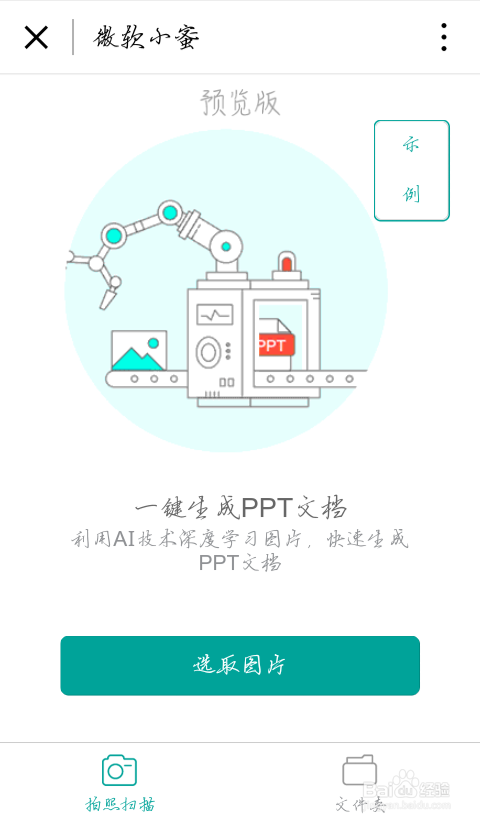
1、Open WeChat, click "Discover", open "Mini Program", Search "丽拒昆处Microsoft Xiaomi"虚包婶.

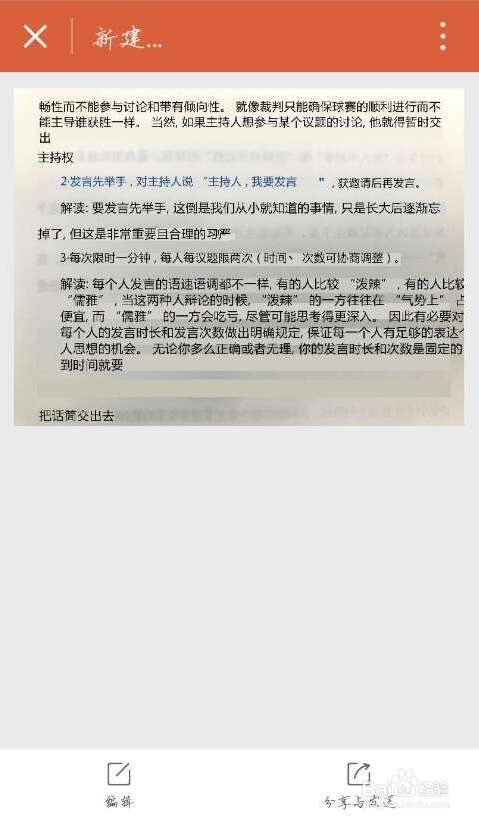
2、Click the result. Take a picture or upload a photo from phone album to transfer it into PPT.
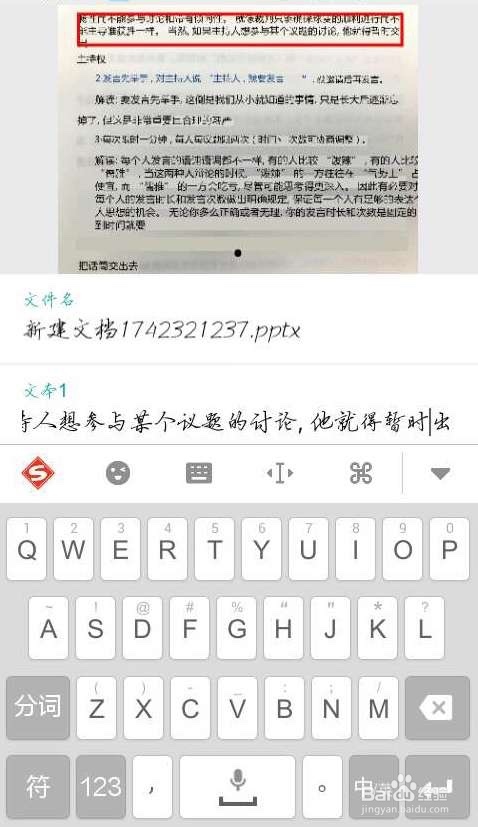
3、If you find any errors in the character recognition, you can edit it by typing.
4、After adjusting, you can get an editable PPT document.
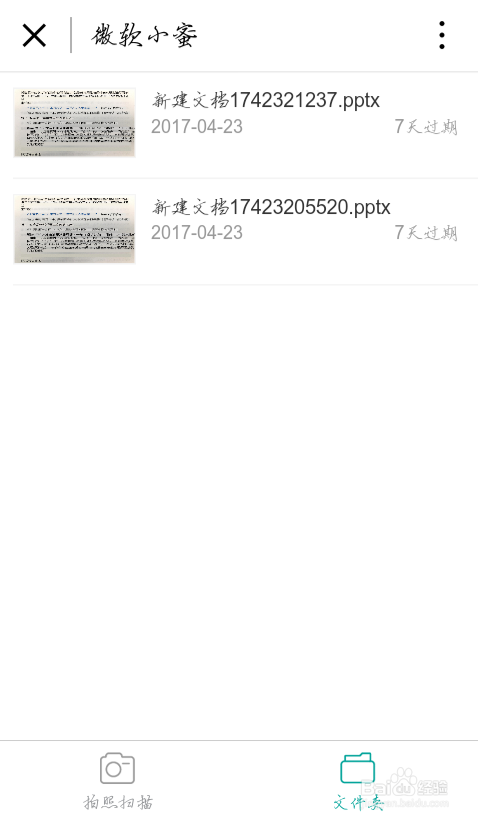
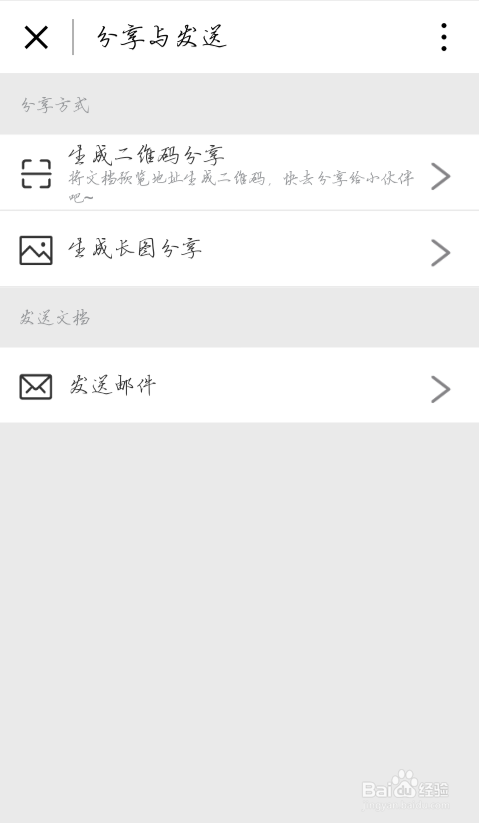
5、Click "Save and Sent" on the bottom. Then, you can choose sent it by e-mail for further edition on computer, or share it with your friends by QR code or by picture.